Product & E-commerce
AI Mockup Generator
Place your design onto a realistic product mockup for listings, pitches, and portfolios.
Available on Pixredi
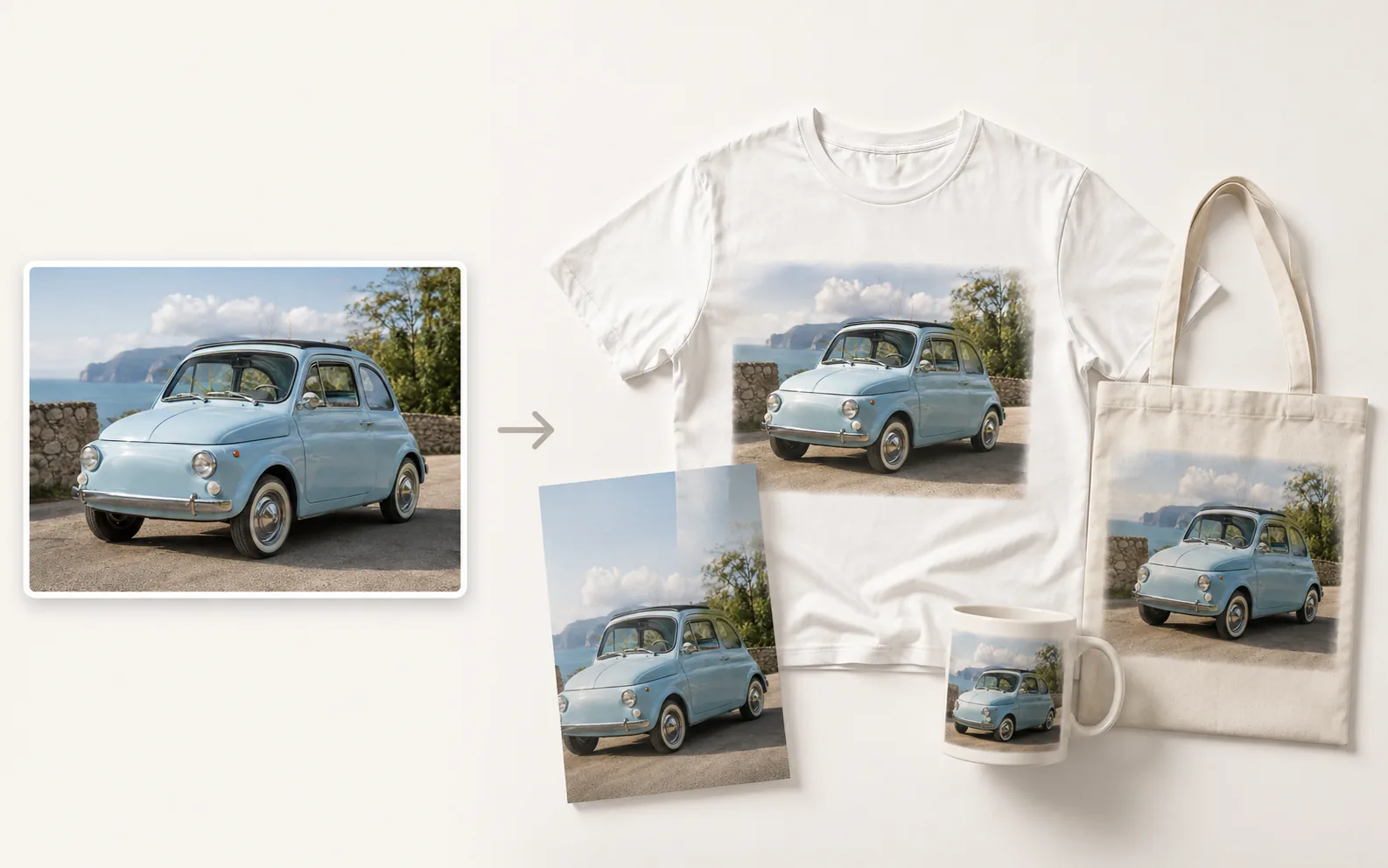
Examples
A few looks to show what this tool can do.
What you can do
AI Mockup Generator turns a logo, artwork, or design into a realistic product mockup on products, packaging, devices, signs, and more.
Upload your design, choose from 24 mockup scenes, and generate a polished preview for presentations, stores, and marketing.
How it works
- 1
Upload your design
Choose the artwork or brand visual you want to showcase.
- 2
Choose a mockup scene
Pick from apparel, packaging, drinkware, print, devices, or advertising.
- 3
Generate and download
Create the mockup and save the image for your project.
Tips before you start
- Use a clean, high-resolution design file
- Choose a mockup style that matches your product
- Keep the main artwork clearly visible
- Check how the design reads at a small size
Ideas for AI Mockup
- Presenting packaging or label concepts
- Showing a logo on merchandise
- Building a portfolio of product visuals
- Creating mockups for client pitches
FAQ
It places a design or brand visual into a realistic product mockup image.
A clean design, logo, or artwork works well as the starting image.
It is a visual mockup for presenting your work; follow Pixredi terms for your use case.
It is available on Pixredi.
Related AI tools
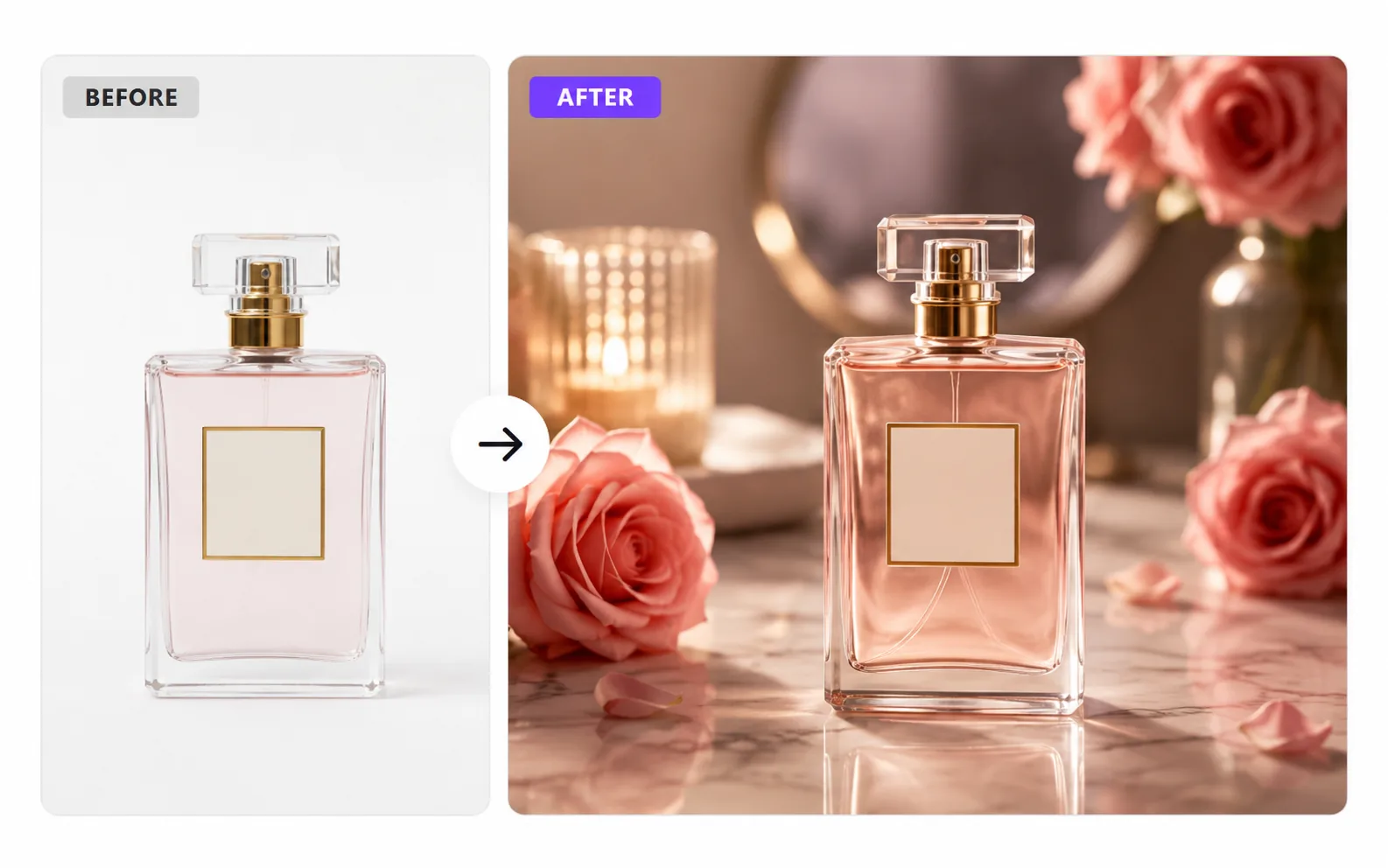
Product & E-commerce
AI Product Photo Generator
Turn a simple product photo into polished, sell-ready product visuals.
Explore tool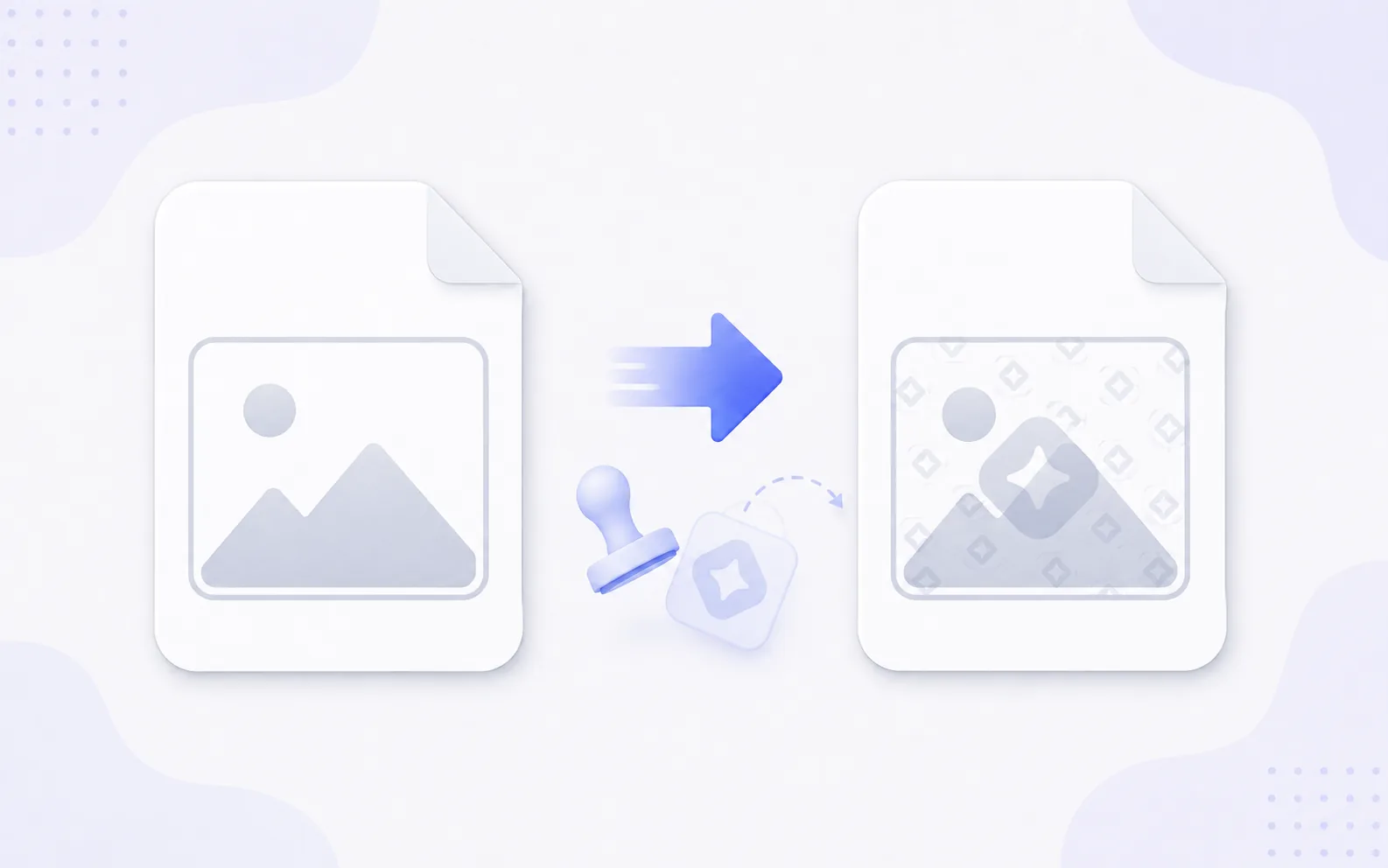
Privacy & Branding
Add Watermark
Add text or logo watermarks to one image or a whole batch.
Explore tool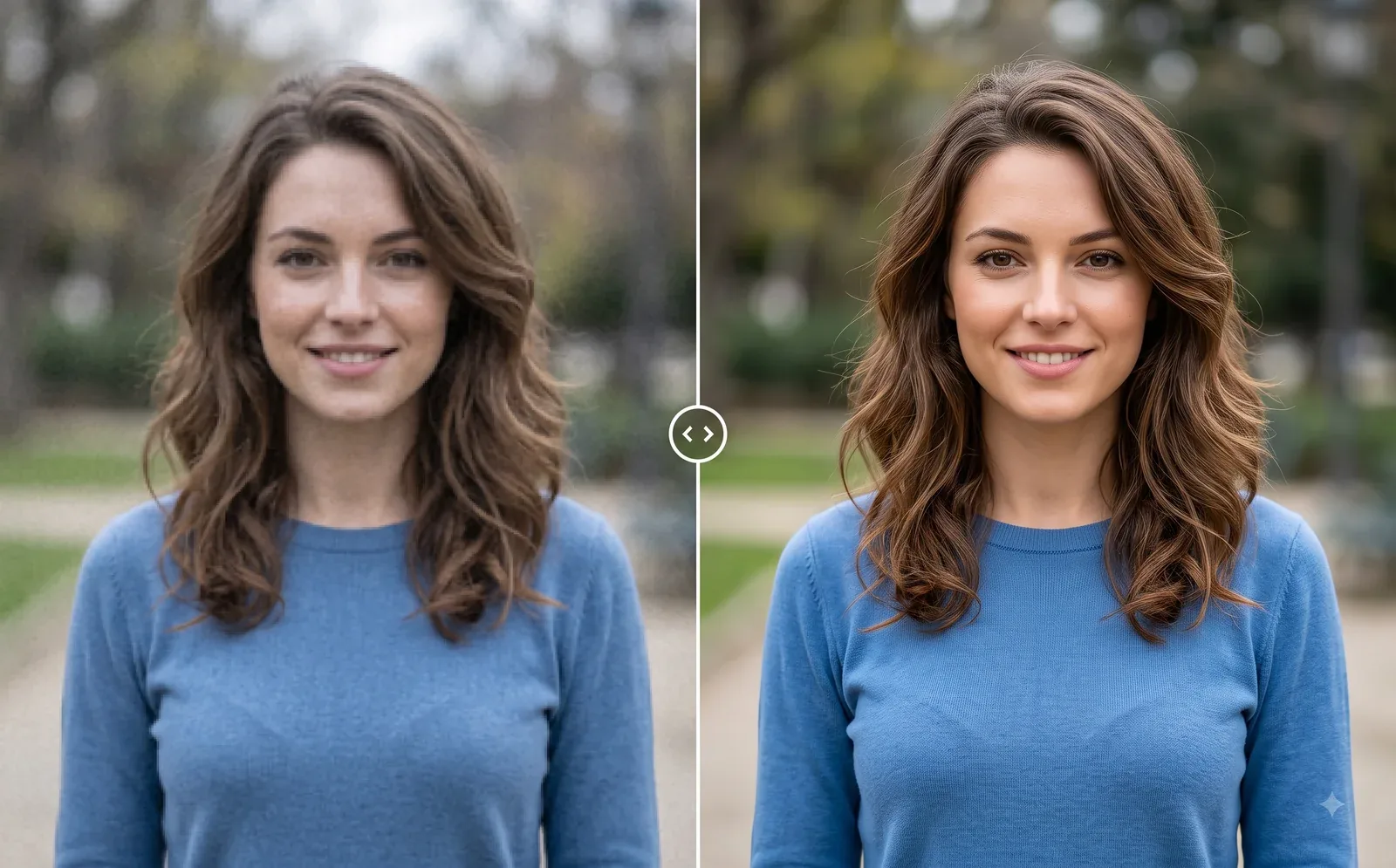
Photo Editing
Image Enhancer
Sharpen blurry or low-quality photos while preserving the original scene.
Explore tool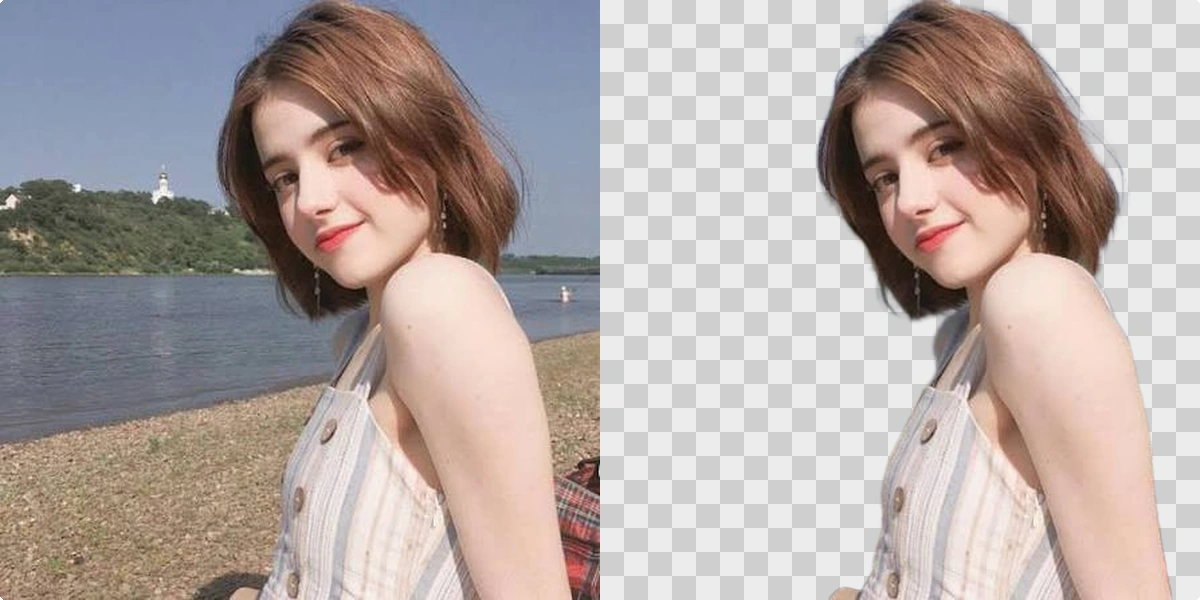
Photo Editing
Remove Background
Cut out a subject and create a clean transparent result.
Explore tool