Photo Editing
Image Enhancer
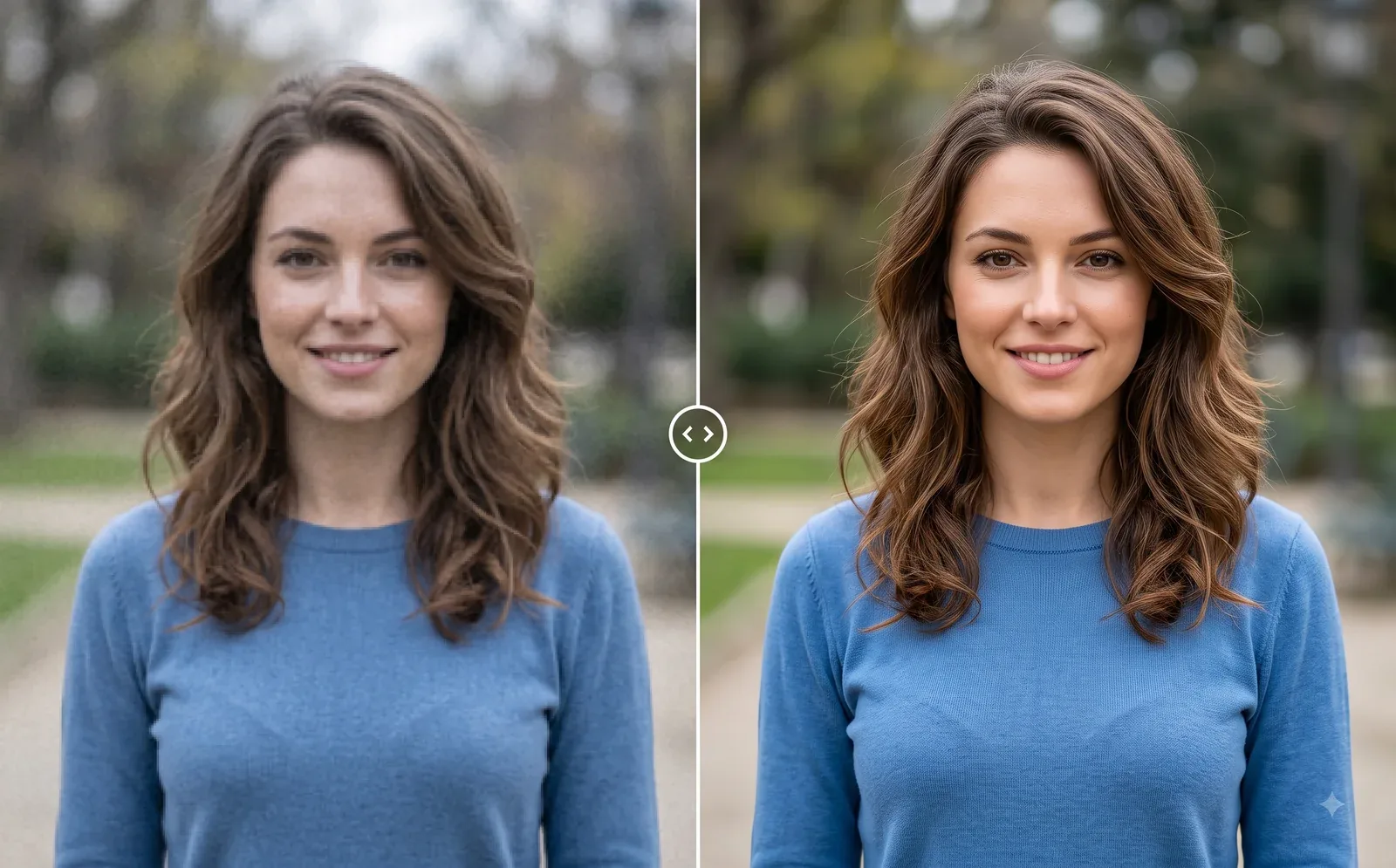
Make blurry, low-quality, or old photos clearer with AI. Improve sharpness, details, colors, and overall image quality while preserving the original photo.
Available on Pixredi
Examples
A few looks to show what this tool can do.
What you can do
Make blurry, low-quality, or old photos clearer with AI. Improve sharpness, details, colors, and overall image quality while preserving the original photo.
Upload a JPG, PNG, or WebP image, enhance it in one click, and download the result at the exact original dimensions.
How it works
- 1
Upload your photo
Choose a JPG, PNG, or WebP image to enhance.
- 2
Enhance with AI
Pixredi improves sharpness, detail, color, and clarity in one step.
- 3
Download the result
Save the enhanced image at the original dimensions.
Tips before you start
- Use a JPG, PNG, or WebP image
- Start with the clearest version you have
- Review skin tones and details before saving
- The output keeps the exact original dimensions
Ideas for Image Enhancer
- Old photos
- Product photos
- Portraits
- Social media posts
FAQ
It improves sharpness, clarity, detail, lighting, contrast, and natural colors while reducing blur, noise, grain, and compression artifacts.
No. The enhancement preserves identity, pose, clothing, background, objects, composition, and framing. It does not add or remove anything.
No. The output keeps the exact original width, height, and aspect ratio.
JPG, PNG, and WebP uploads are supported, and the enhanced result is delivered as a PNG download.
Related AI tools
Photo Editing
Object Remover
Remove unwanted people, objects, and distractions from a photo.
Explore tool
Photo Editing
Remove Background
Cut out a subject and create a clean transparent result.
Explore tool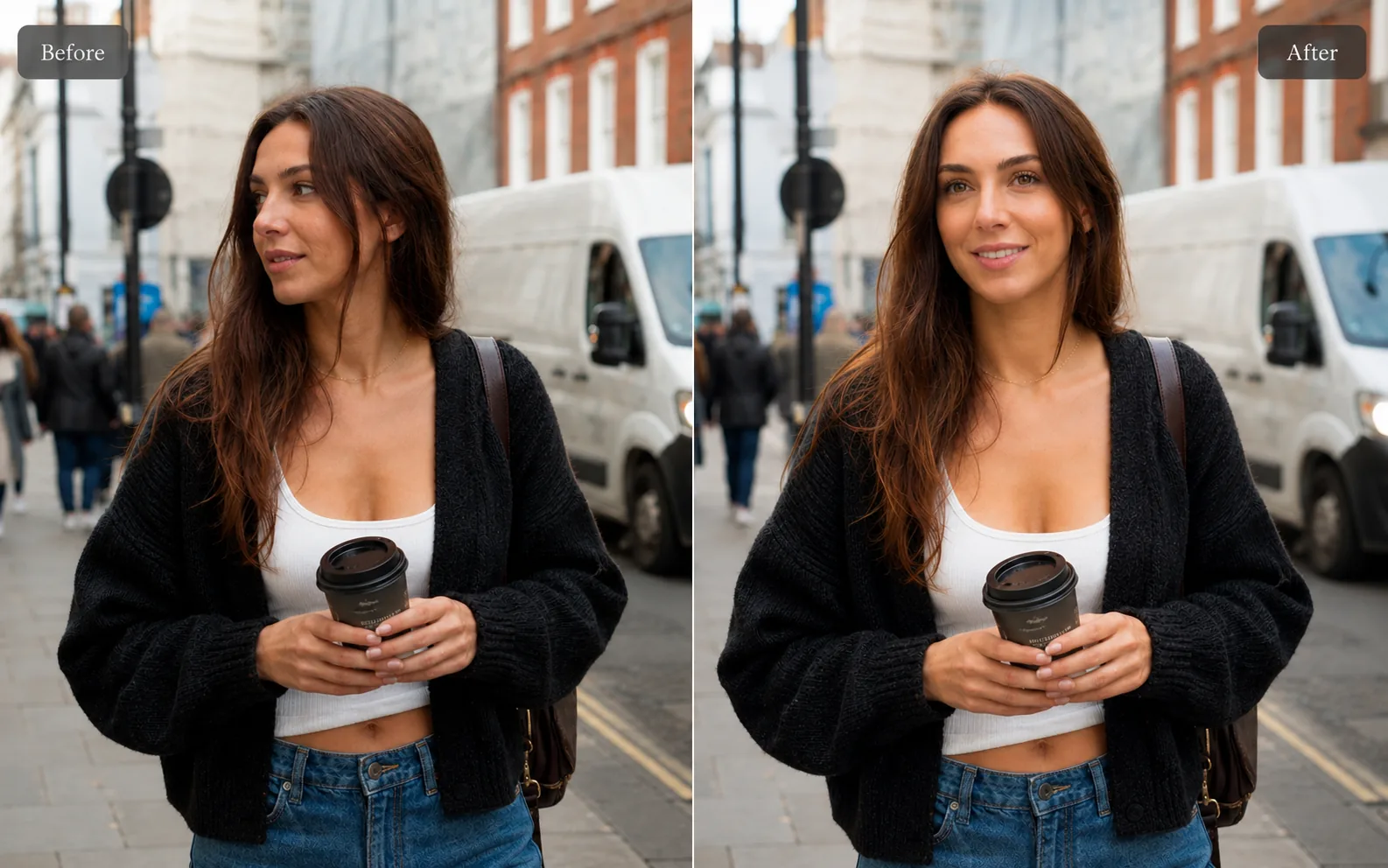
Photo Editing
AI Background Changer
Replace a plain or distracting photo background with a more useful scene.
Explore tool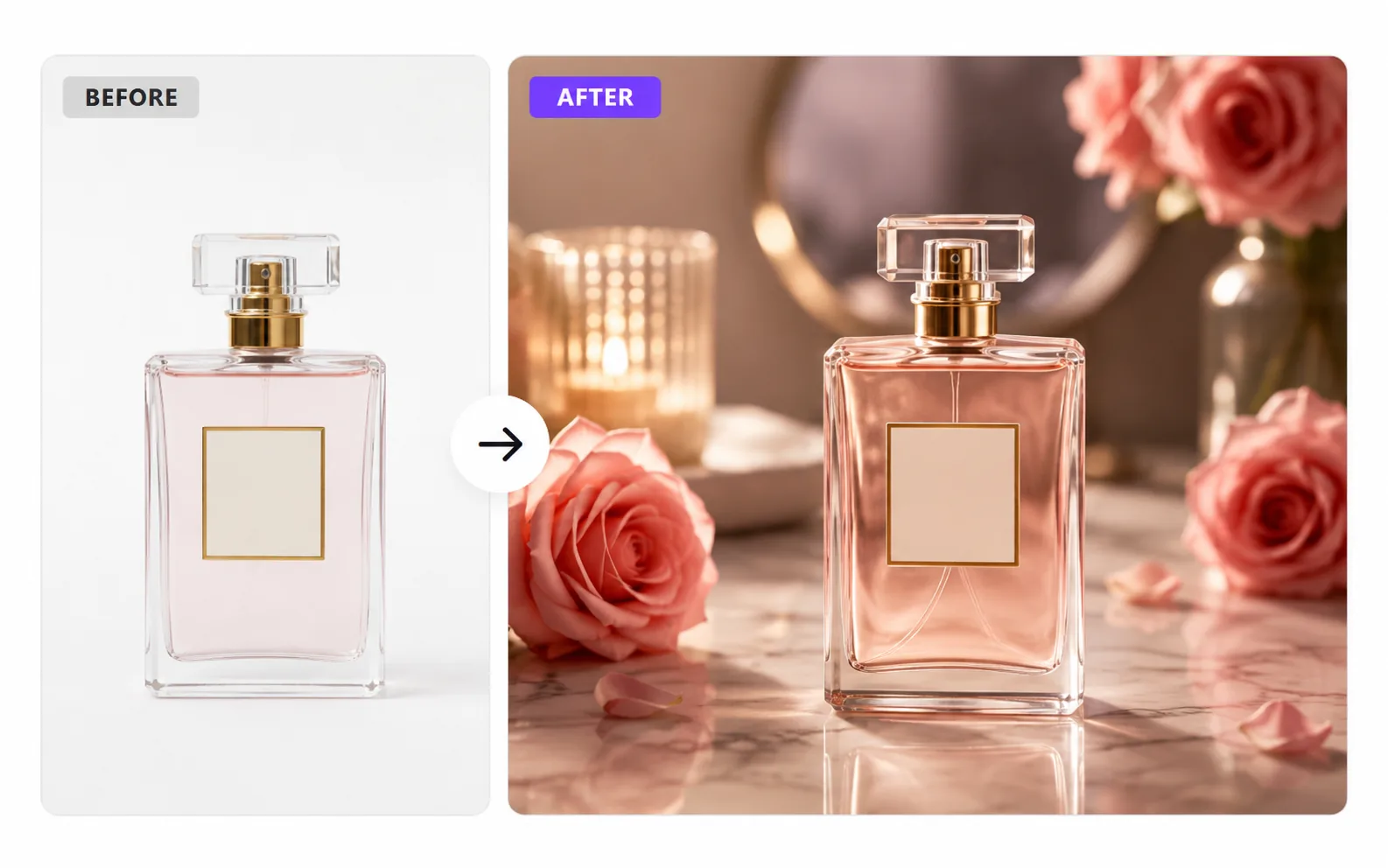
Product & E-commerce
AI Product Photo Generator
Turn a simple product photo into polished, sell-ready product visuals.
Explore tool