AI image tools
Find the right image tool for what you want to make
Discover useful image tools and creative workflows. Learn what each tool does, then continue on Pixredi to create or edit your image.
Browse by what you want to do
Photo Editing
Clean up, improve, and refine your photos.
ExplorePortrait & Style
Create polished portraits, professional headshots, and personal style previews.
ExploreFashion & Try-On
Explore outfits, hairstyles, and new looks using your own photo.
ExploreCreative AI
Turn everyday photos into playful, imaginative visuals.
ExploreImage Utilities
Quick tools for everyday image tasks.
ExploreProduct & E-commerce
Prepare cleaner, sharper images for stores, listings, and the web.
ExplorePrivacy & Branding
Protect photo privacy and keep your brand visible on shared images.
ExploreFeatured tools
Featured AI image tools
A curated look at Pixredi’s current high-value tools, from product visuals and mockups to hairstyles, glasses, cleanup, and try-on.

Photo Editing
Remove Background
Cut out a subject and create a clean transparent result.
Explore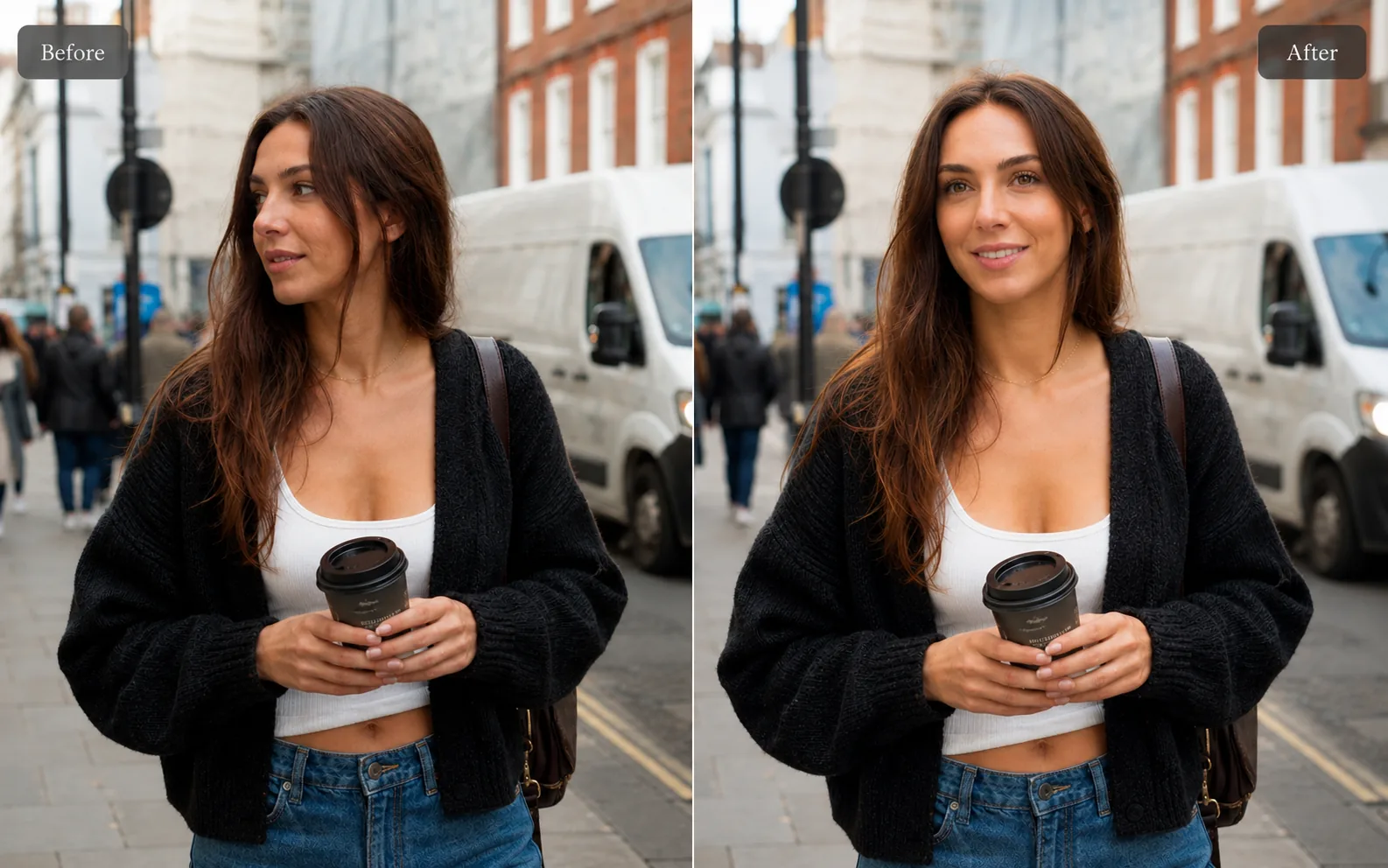
Photo Editing
AI Background Changer
Replace a plain or distracting photo background with a more useful scene.
Explore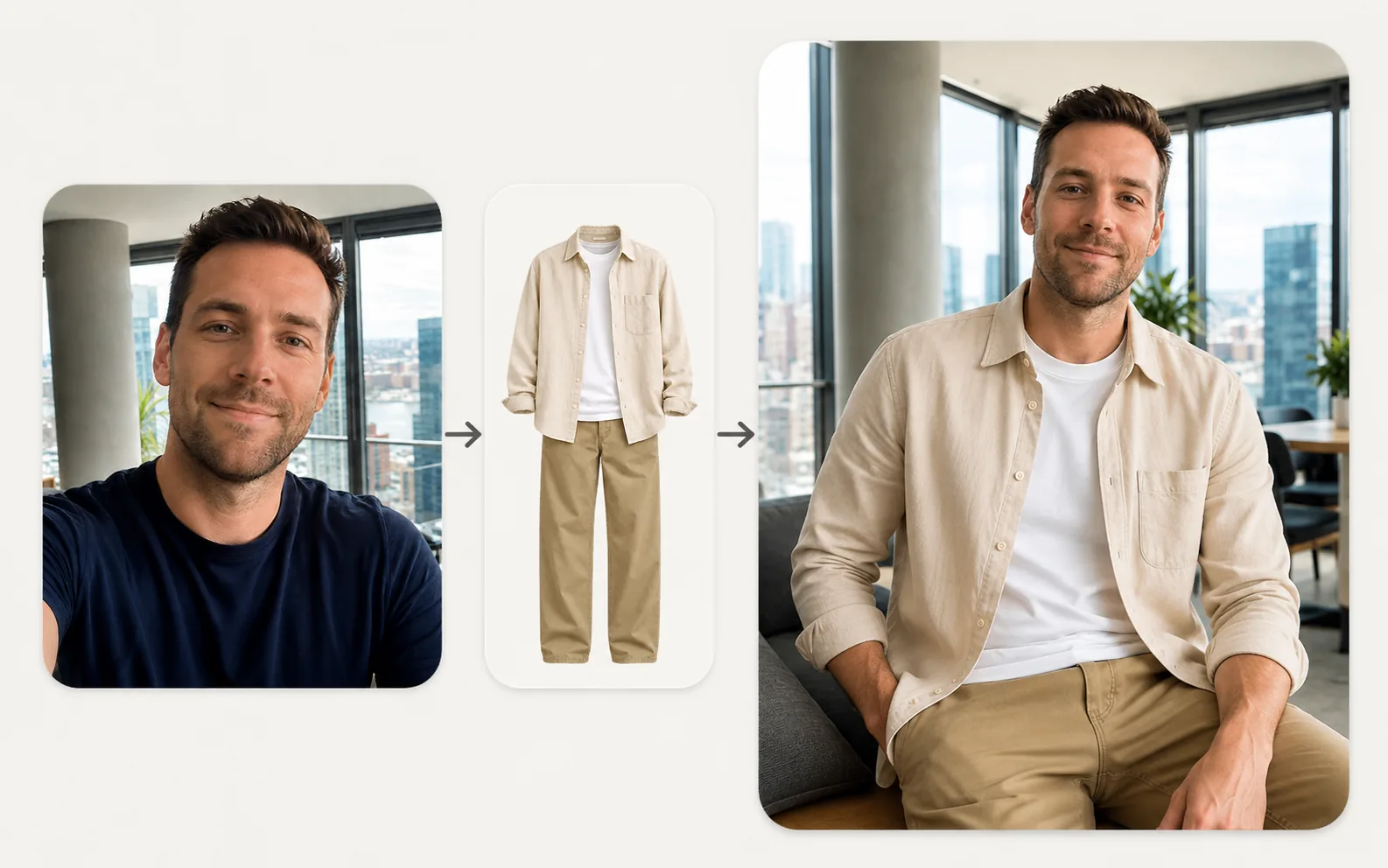
Fashion & Try-On
Virtual Try-On
Upload a person photo and a clothing photo to preview a new look in seconds.
Explore
Product & E-commerce
AI Product Photo Generator
Turn a simple product photo into polished, sell-ready product visuals.
Explore
Portrait & Style
AI Glamour Photoshoot
Turn one photo into a polished editorial-style glamour portrait across 12 premium scenes.
Explore
Creative AI
AI Photo to Cartoon / Anime
Turn any photo into cartoon or anime artwork while keeping the subject recognizable.
Explore
Portrait & Style
Future Career Style
See a polished, professional future career look for kids and teens ages 6–18.
ExplorePortrait & Style
AI Professional Selfie
Upgrade casual pictures into polished, profile-ready portraits that still look like you.
ExploreImage editing tools
Image editing tools for everyday workflows
Use Pixredi for quick image cleanup, background removal, enhancement, resizing, conversion, compression, PDF conversion, watermark tools, and metadata removal.
Remove Background
Cut out a subject and create a clean transparent result.
ExploreObject Remover
Remove unwanted people, objects, and distractions from a photo.
ExploreAI Background Changer
Replace a plain or distracting photo background with a more useful scene.
ExploreImage Enhancer
Sharpen blurry or low-quality photos while preserving the original scene.
ExploreWatermark Remover
Remove watermarks from images you own or have permission to edit.
ExploreImage Converter
Change images between common formats like PNG, JPG, WebP, and AVIF.
ExplorePNG to SVG Converter
Convert simple PNG graphics into scalable SVG files for design reuse.
ExploreImage Compressor
Make image files smaller for faster sharing and uploading.
ExploreImage Cropper
Crop photos to the right size and framing for any use.
ExploreImage Resizer
Resize images to exact dimensions, percentages, or social media presets.
ExploreImage to PDF
Combine JPG, PNG, and WebP images into a single PDF.
ExplorePDF to Image
Convert PDF pages into JPG, PNG, or WebP images.
ExploreAdd Watermark
Add text or logo watermarks to one image or a whole batch.
ExploreRemove Image Metadata
Clear hidden location, camera, and other photo information before sharing.
ExploreExtract Sketch
Turn sketches and line art into clean transparent PNG assets.
ExploreWhy use AITool58?
Understand the right tool
Learn what each Pixredi tool is useful for before you upload or create an image.
Get practical image tips
See what kinds of photos, products, or prompts work best for each workflow.
Continue on Pixredi
When you are ready to edit or generate, open the matching Pixredi tool in one click.
Create with Pixredi
Create and edit images on Pixredi
Pixredi brings these tools to life. Remove backgrounds, clean up objects, enhance photos, create product visuals, generate mockups, preview hairstyles, try on glasses, and turn portraits into creative AI images.
Visit Pixredi