Portrait & Style
AI Hairstyle Try-On
Upload a portrait, try different hairstyles and hair colors, and preview a natural new look online.
Available on Pixredi
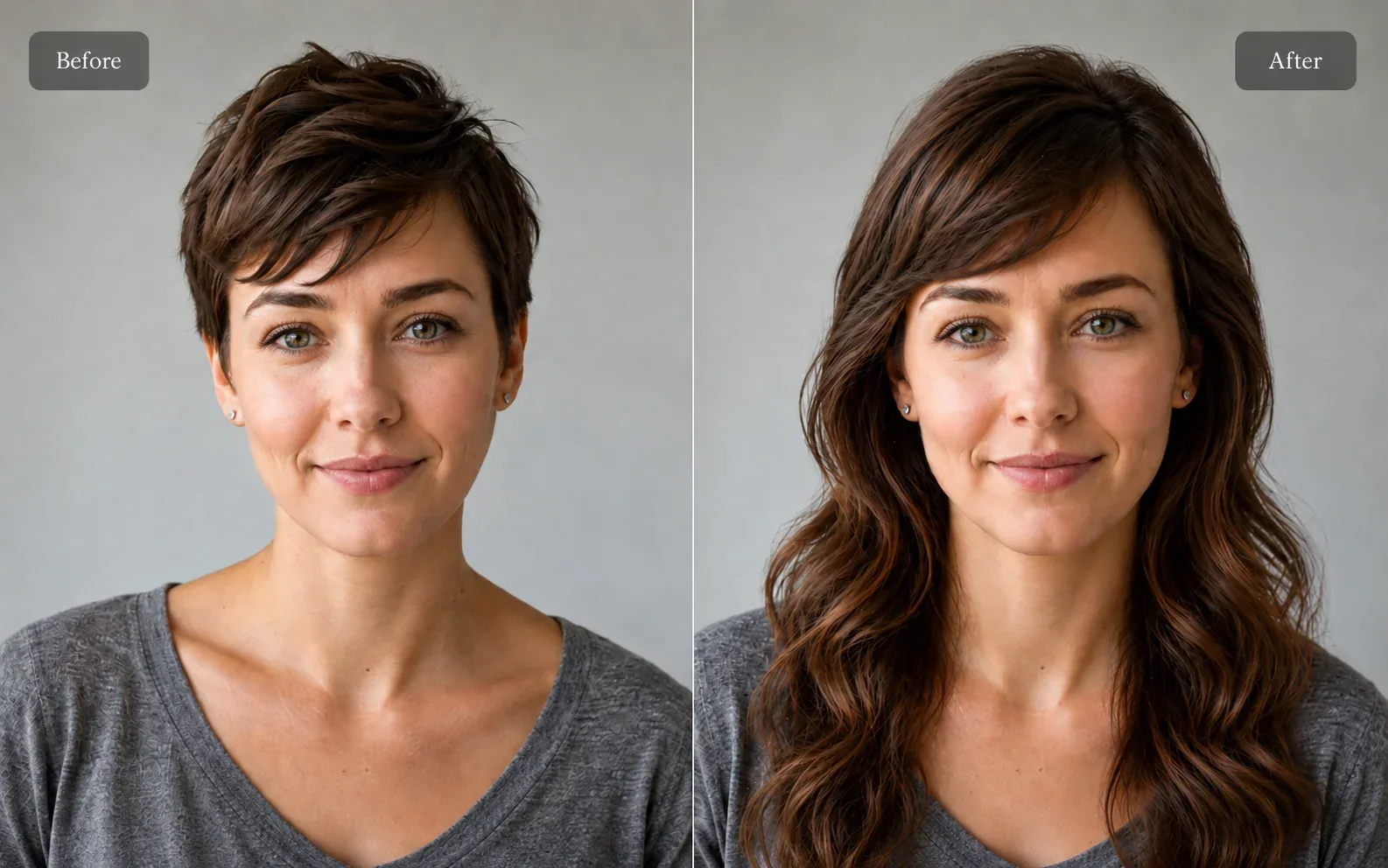
Examples
A few looks to show what this tool can do.
What you can do
AI Hairstyle Try-On lets you try different cuts, styles, and hair colors on your own photo. Instead of guessing how a look will suit you, you can compare a few options first.
Pixredi includes 30 curated styles across Women, Men, and Unisex categories plus 7 hair colors, so you can preview a full new look.
How it works
- 1
Upload a portrait
Choose a clear photo with exactly one face.
- 2
Choose a hairstyle and hair color
Pick from Women, Men, or Unisex styles, then choose a hair color.
- 3
Generate and download
Create a natural new hairstyle and save the result.
Tips before you start
- Use a clear portrait with exactly one face
- Keep the hairline visible
- Avoid hats
- Choose a well-lit photo
Styles & ideas
Bob
A classic chin-length style.
Pixie
A short, low-maintenance cut.
Long Waves
Soft, flowing waves with movement.
Curly
Bouncy curls with volume.
Layered
Face-framing layers with texture.
Ideas for AI Hairstyle
- New look previews
- Portraits
- Creative projects
- Profile photos
FAQ
A clear portrait with exactly one face works best. The workspace checks for a single face before generation.
No. The AI preserves your identity, facial features, face shape, expression, pose, and background, and only changes the hairstyle.
Yes. Choose one of the available hair colors together with your selected hairstyle to preview color changes in the result.
The feature includes 30 styles across Women, Men, and Unisex categories, plus 7 hair colors.
The generated hairstyle photo is delivered as a PNG download.
Related AI tools
Portrait & Style
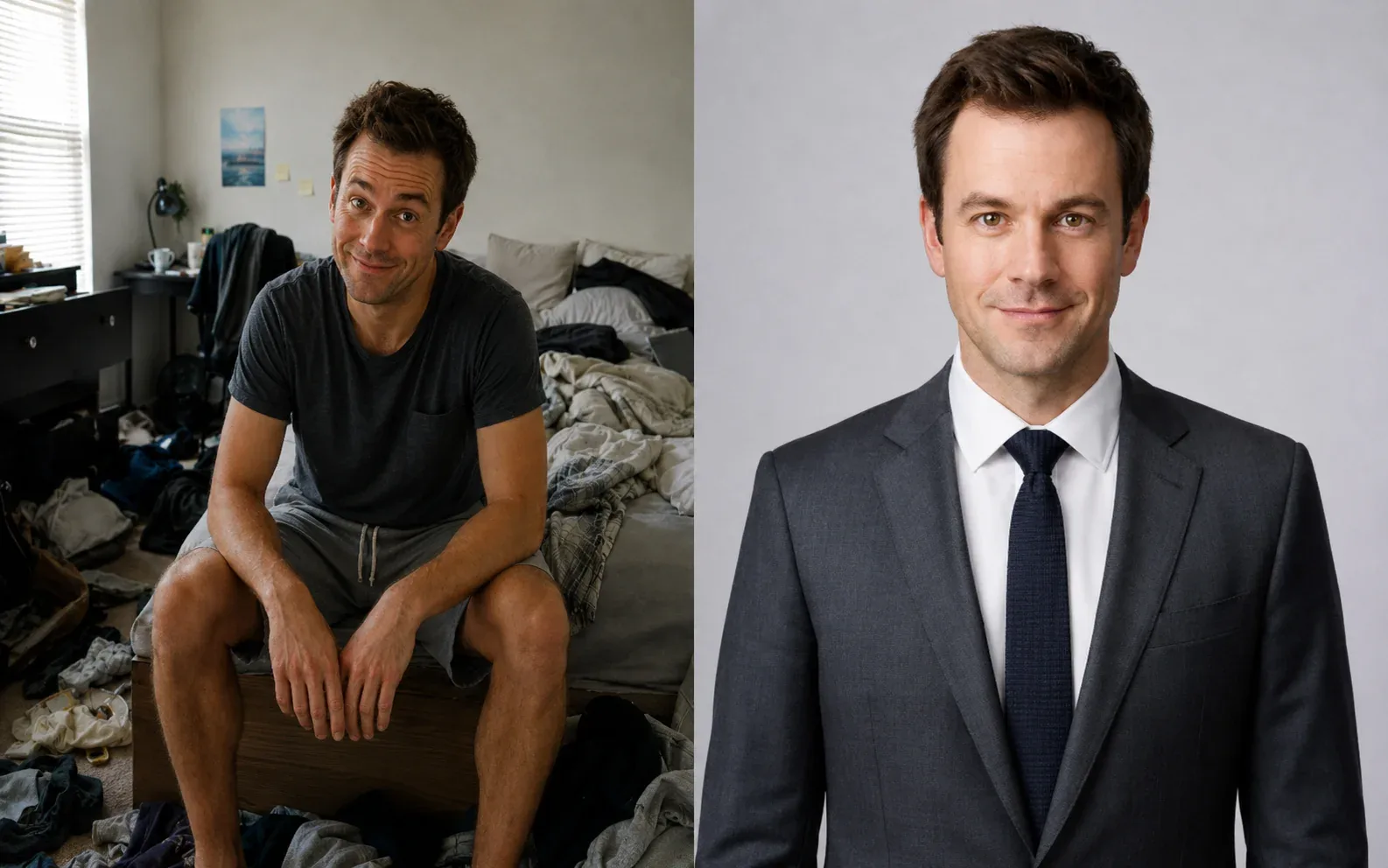
AI Headshot Generator
Create a polished professional headshot from a portrait or selfie.
Explore tool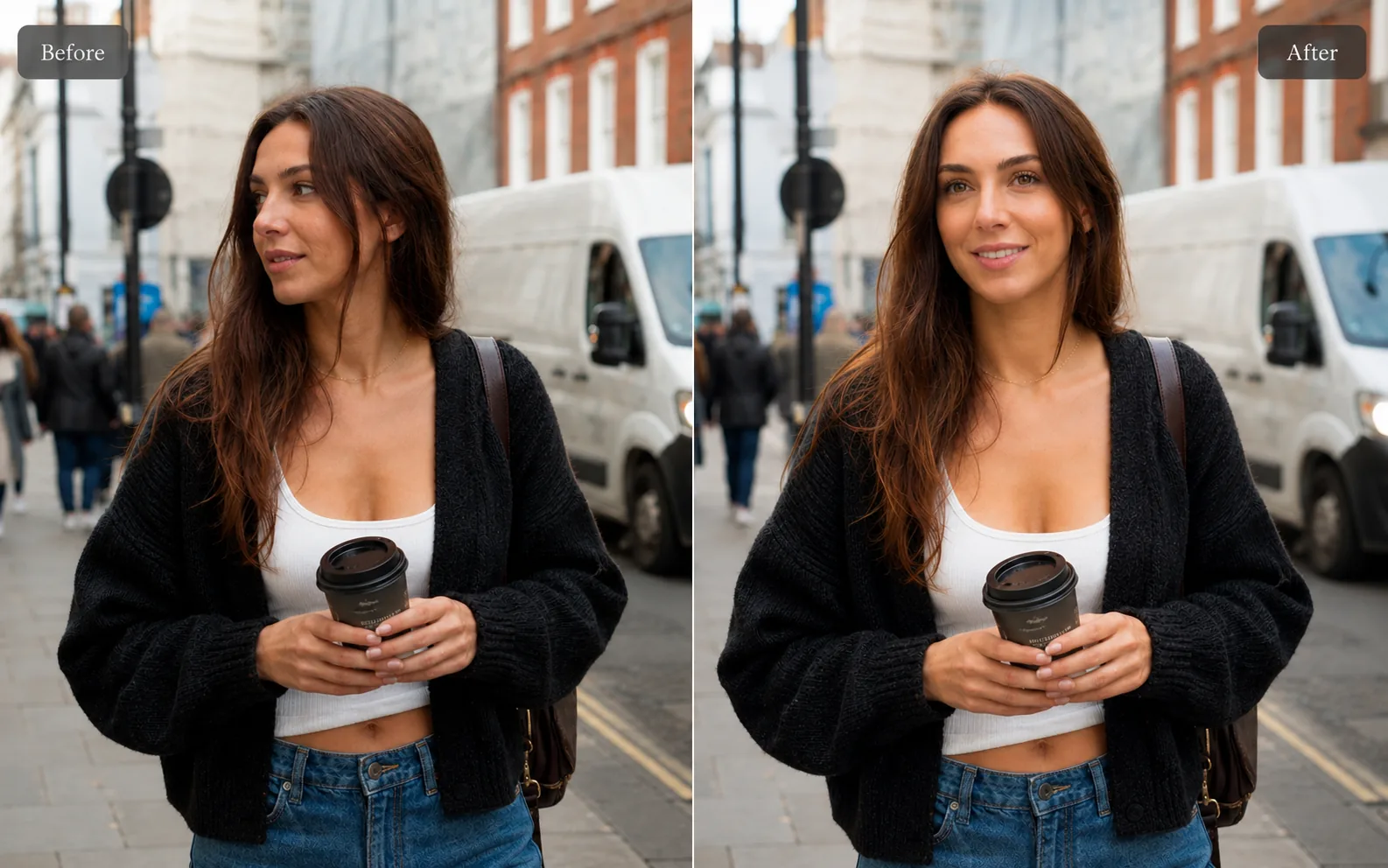
Portrait & Style
AI Professional Selfie
Upgrade casual pictures into polished, profile-ready portraits that still look like you.
Explore tool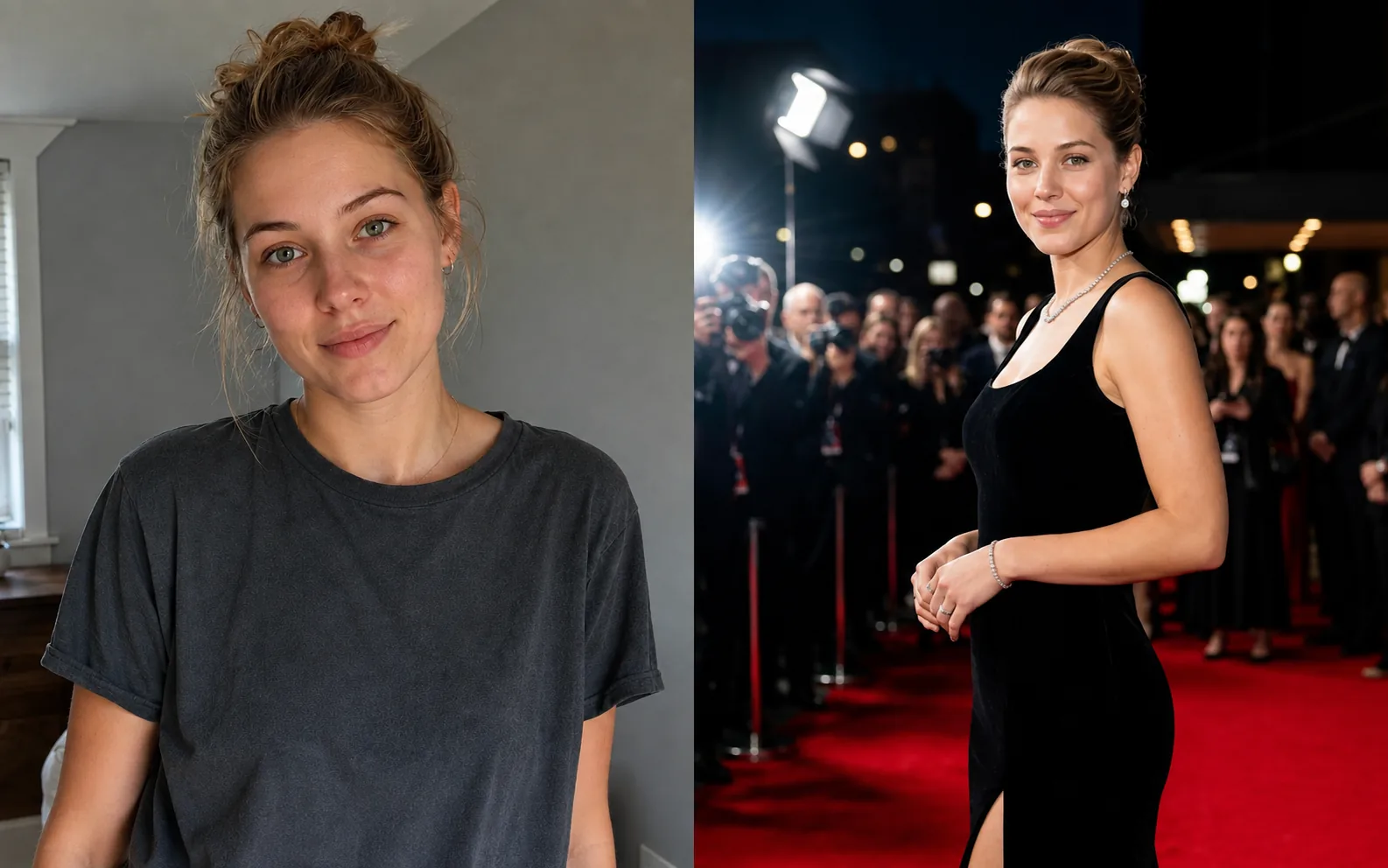
Portrait & Style
AI Glamour Photoshoot
Turn one photo into a polished editorial-style glamour portrait across 12 premium scenes.
Explore tool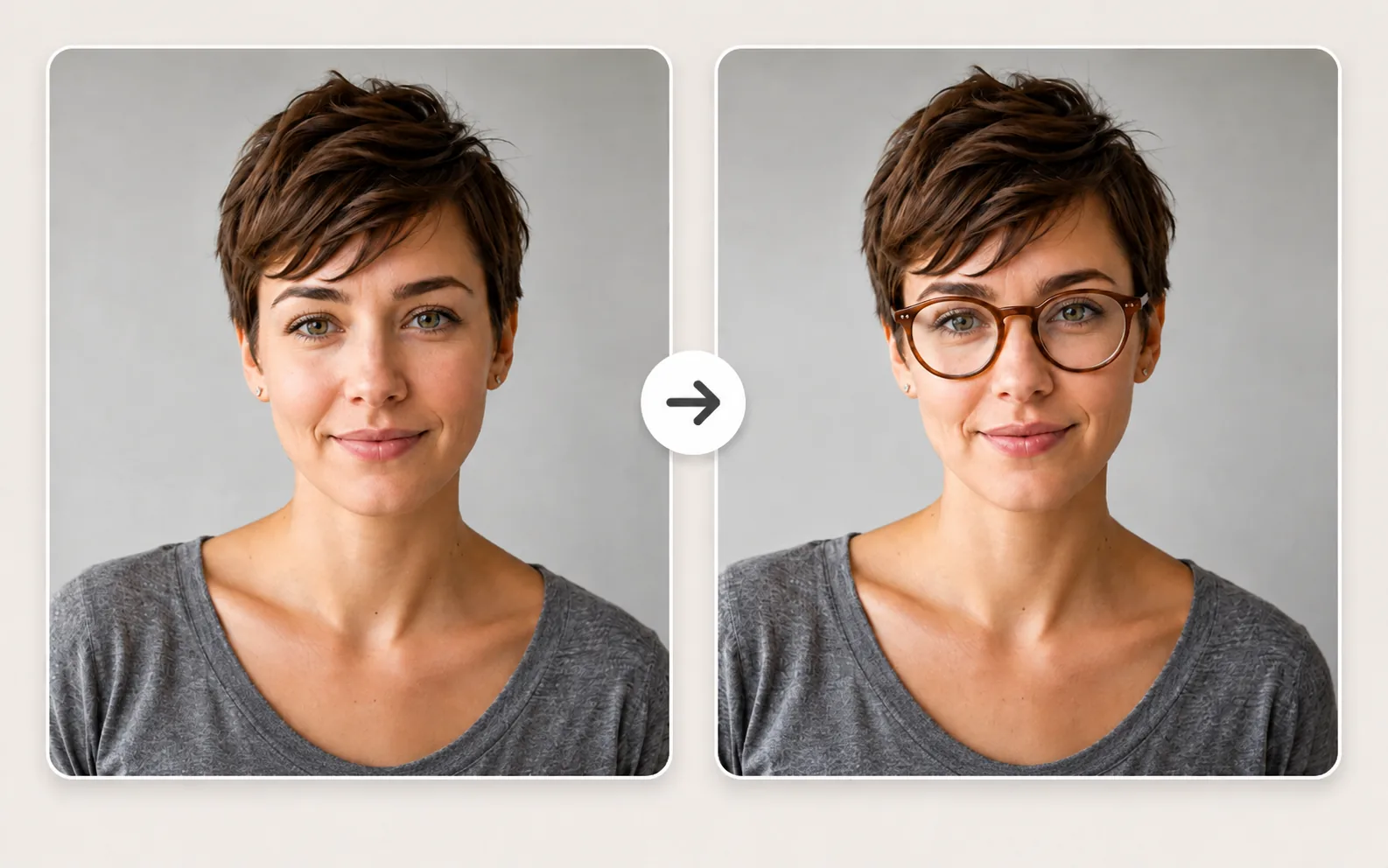
Portrait & Style
Lip Color Changer
Preview lip colors on a portrait before choosing a makeup look.
Explore tool