Photo Editing
Remove Background
Remove the background from a photo and keep a clean subject for profiles, listings, or design work.
Available on Pixredi

Examples
A few looks to show what this tool can do.

What you can do
Background removal helps you separate the main subject from the rest of a photo. The result is a clean image you can place on any background, use in a design, or upload to a store.
It works well for portraits, product shots, and photos where you want the subject to stand alone.
How it works
- 1
Choose a photo with a clear subject
Pick an image where the person or product is easy to see.
- 2
Open Remove Background on Pixredi
Upload the photo to the tool.
- 3
Remove the background
Let the tool create a clean cutout of the subject.
- 4
Download or use the result
Save the transparent image for your project.
Tips before you start
- Use a photo where the subject is clearly separated from the background
- Keep edges visible and avoid busy patterns behind the subject
- Start with a sharp, well-lit image
- Check fine details like hair or product edges in the result
Ideas for Remove Background
- Clean profile photos
- Product images for a store
- Design assets for posters or social posts
- Photos where you want a plain background
FAQ
It separates the main subject from the photo's background and leaves you with a clean cutout.
Images with a clear subject, good lighting, and a background that contrasts with the subject work well.
You can use the transparent image in designs, listings, or wherever you need a subject without its original background.
It's available on Pixredi.
Related AI tools
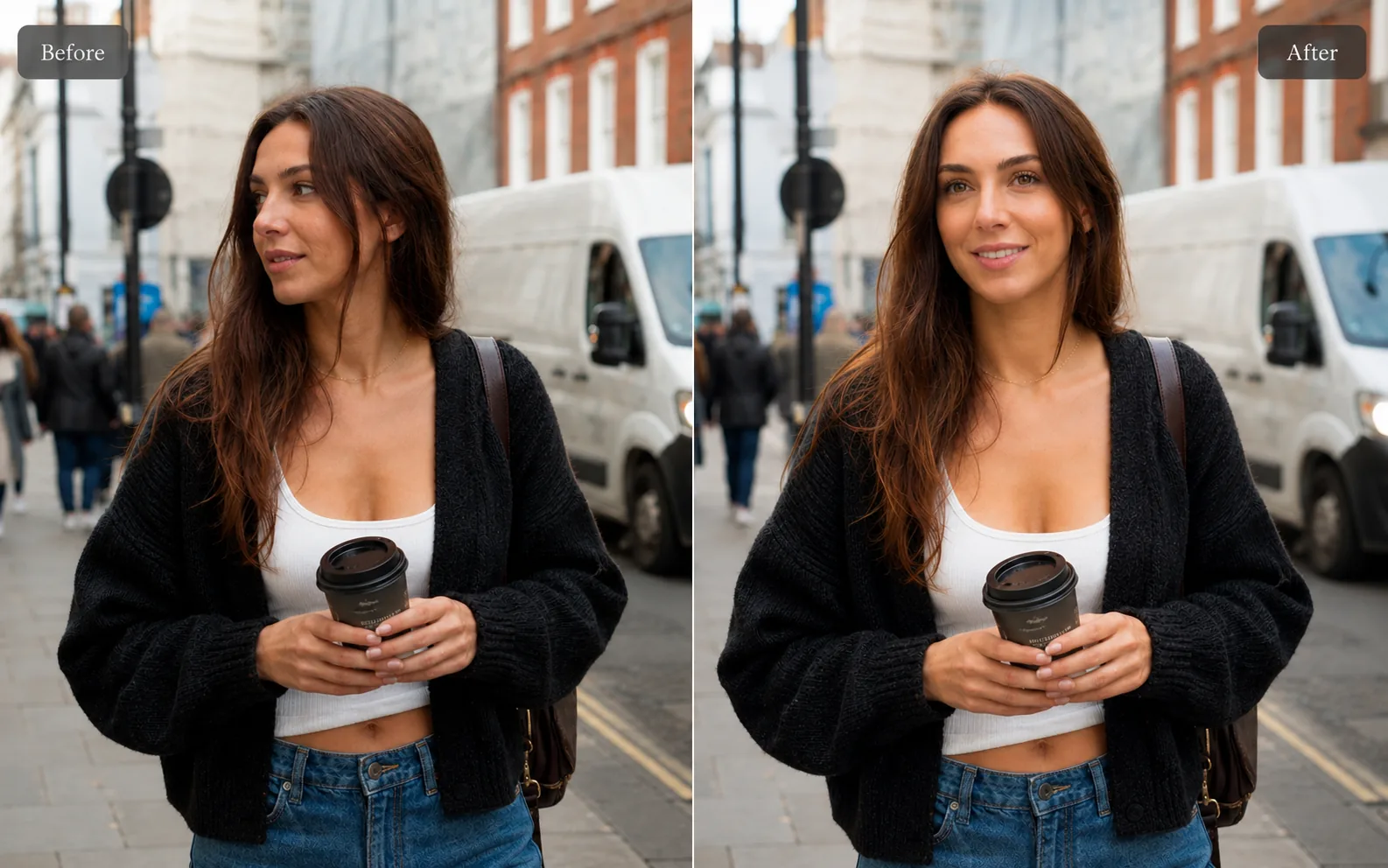
Photo Editing
AI Background Changer
Replace a plain or distracting photo background with a more useful scene.
Explore tool
Photo Editing
Object Remover
Remove unwanted people, objects, and distractions from a photo.
Explore tool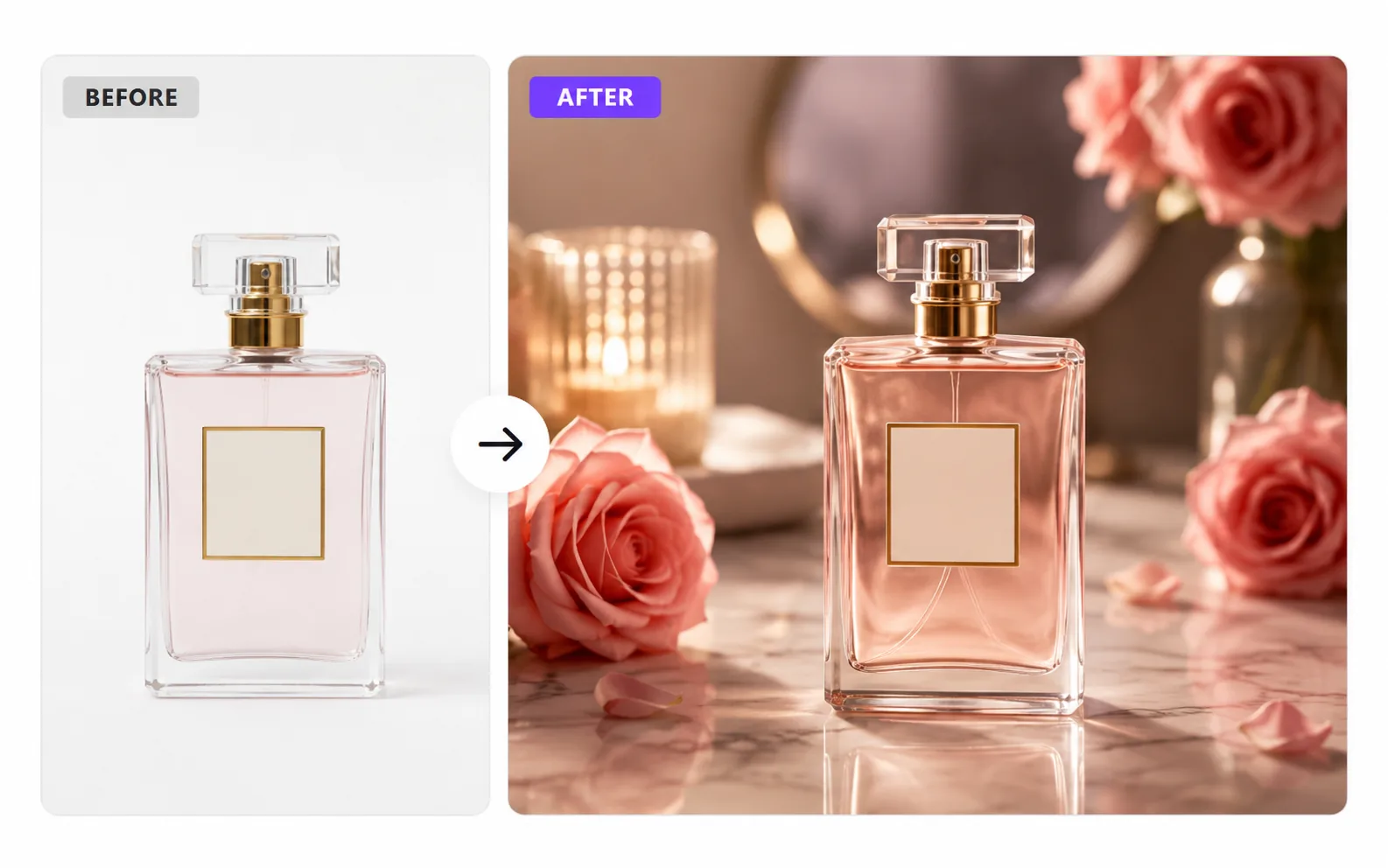
Product & E-commerce
AI Product Photo Generator
Turn a simple product photo into polished, sell-ready product visuals.
Explore tool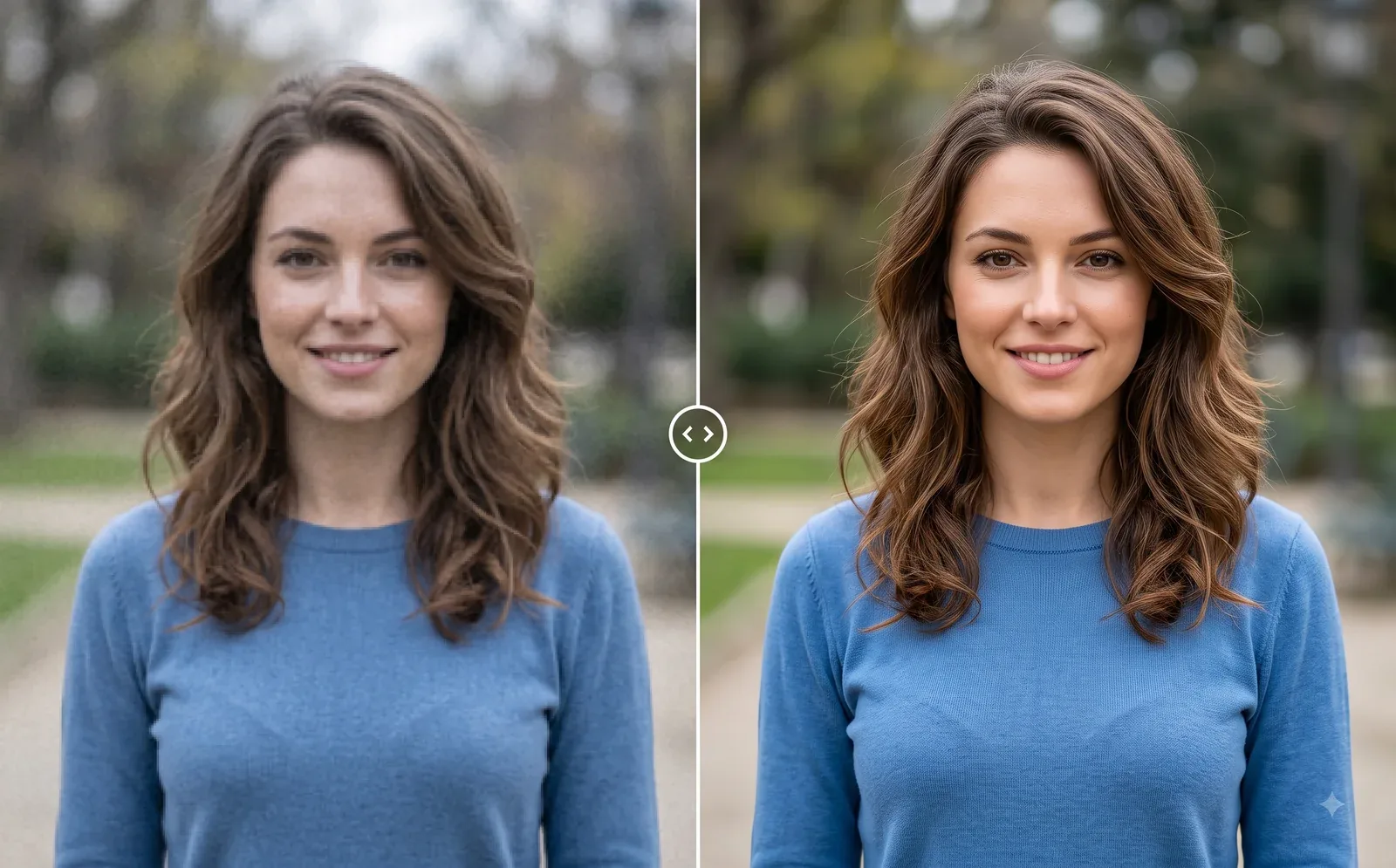
Photo Editing
Image Enhancer
Sharpen blurry or low-quality photos while preserving the original scene.
Explore tool