Photo Editing
AI Background Changer
Change the setting around a person, product, or subject while keeping the main photo recognizable.
Available on Pixredi
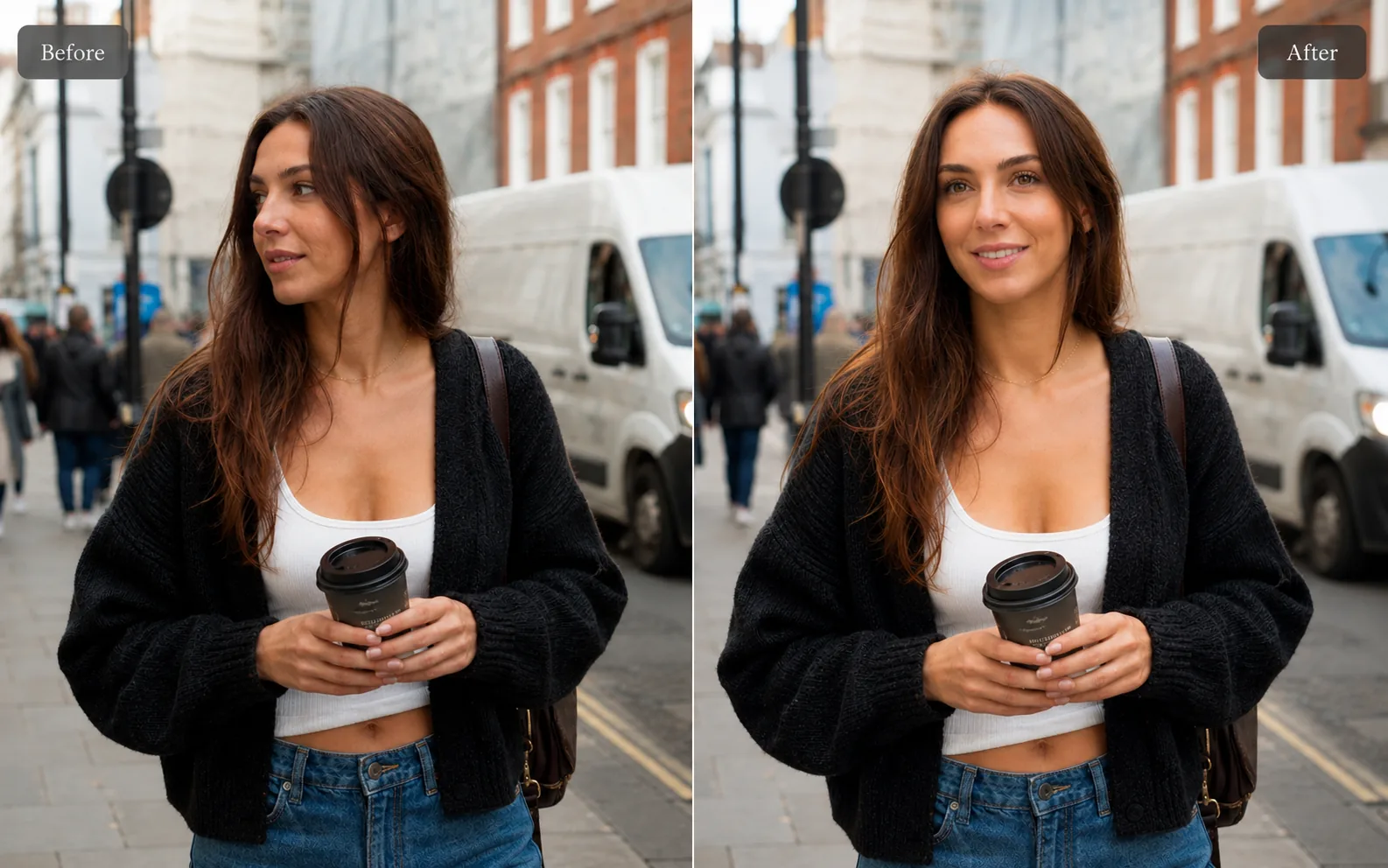
Examples
A few looks to show what this tool can do.
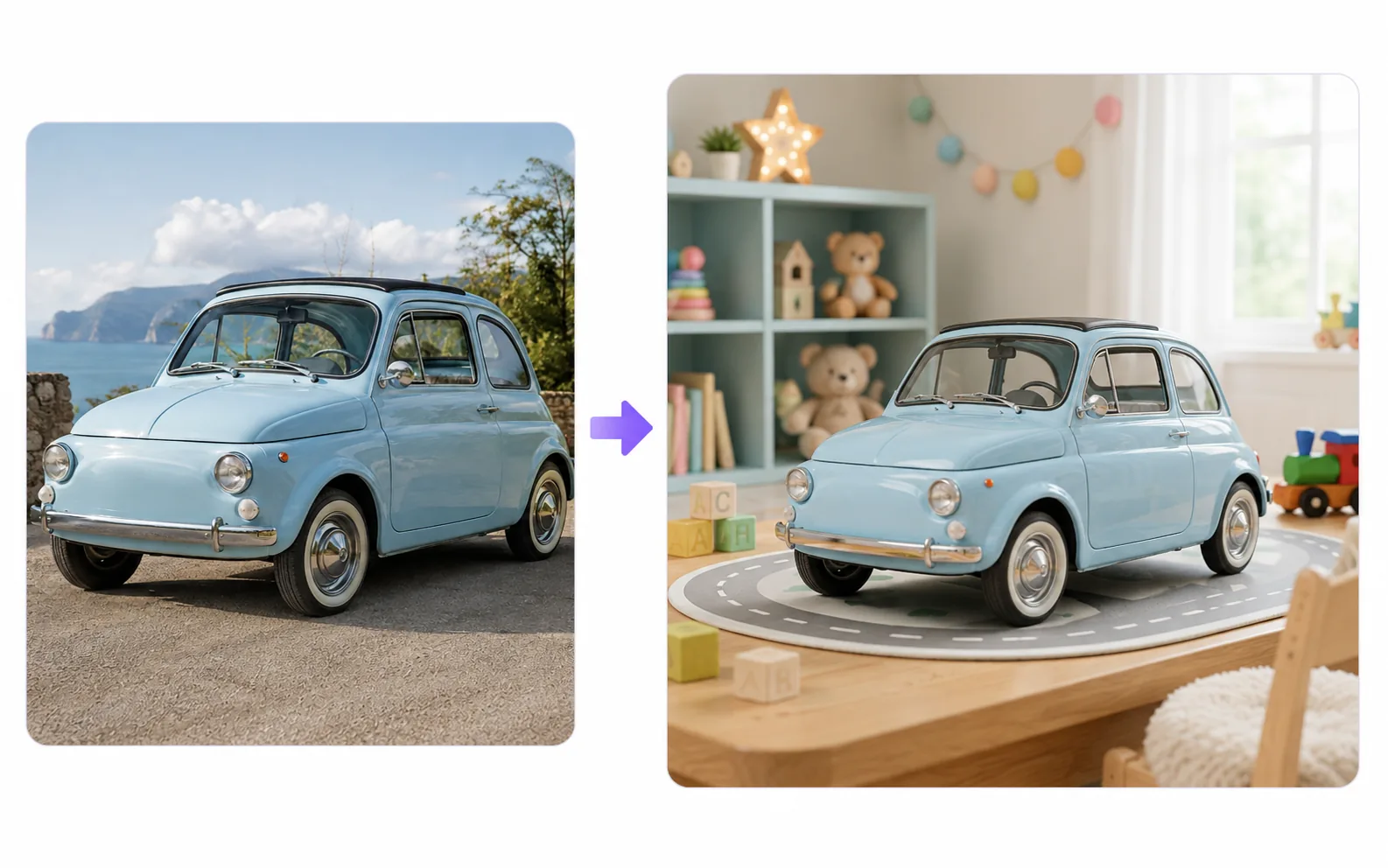
What you can do
A background changer is useful when the subject is good but the setting is not. You can turn a casual portrait, product shot, or social image into something that fits the place you want to publish it.
Use it when you need a cleaner work profile, a more polished product scene, or a different mood without reshooting the photo.
How it works
- 1
Choose a photo with a clear subject
Start with a portrait, product, or object where the main subject is easy to identify.
- 2
Pick the kind of background you need
Choose a professional, lifestyle, travel, studio, or seasonal direction.
- 3
Generate the new setting
Pixredi replaces the surrounding scene while keeping the subject visually consistent.
- 4
Review edges and save
Check the subject edges, lighting, and background fit before downloading.
Tips before you start
- Use a photo where the subject is sharp and not cut off
- Choose a new background that matches the lighting direction
- Avoid source photos with heavy blur or extreme shadows
- For products, keep labels and important details clearly visible
Ideas for Background Changer
- Professional profile photos
- Product photos with a better scene
- Social media posts with a clearer mood
- Event, travel, and seasonal image ideas
FAQ
It replaces the original photo background with a different scene while keeping the main subject in place.
Background removal creates a cutout or transparent result. A background changer puts the subject into a new finished setting.
Clear, well-lit photos with one obvious subject usually create the most natural new background.
Yes, it can help make product images feel more polished when the source product is sharp and fully visible.
Open Pixredi Background Changer when you are ready to create the edited image.
Related AI tools

Photo Editing
Remove Background
Cut out a subject and create a clean transparent result.
Explore tool
Photo Editing
Object Remover
Remove unwanted people, objects, and distractions from a photo.
Explore tool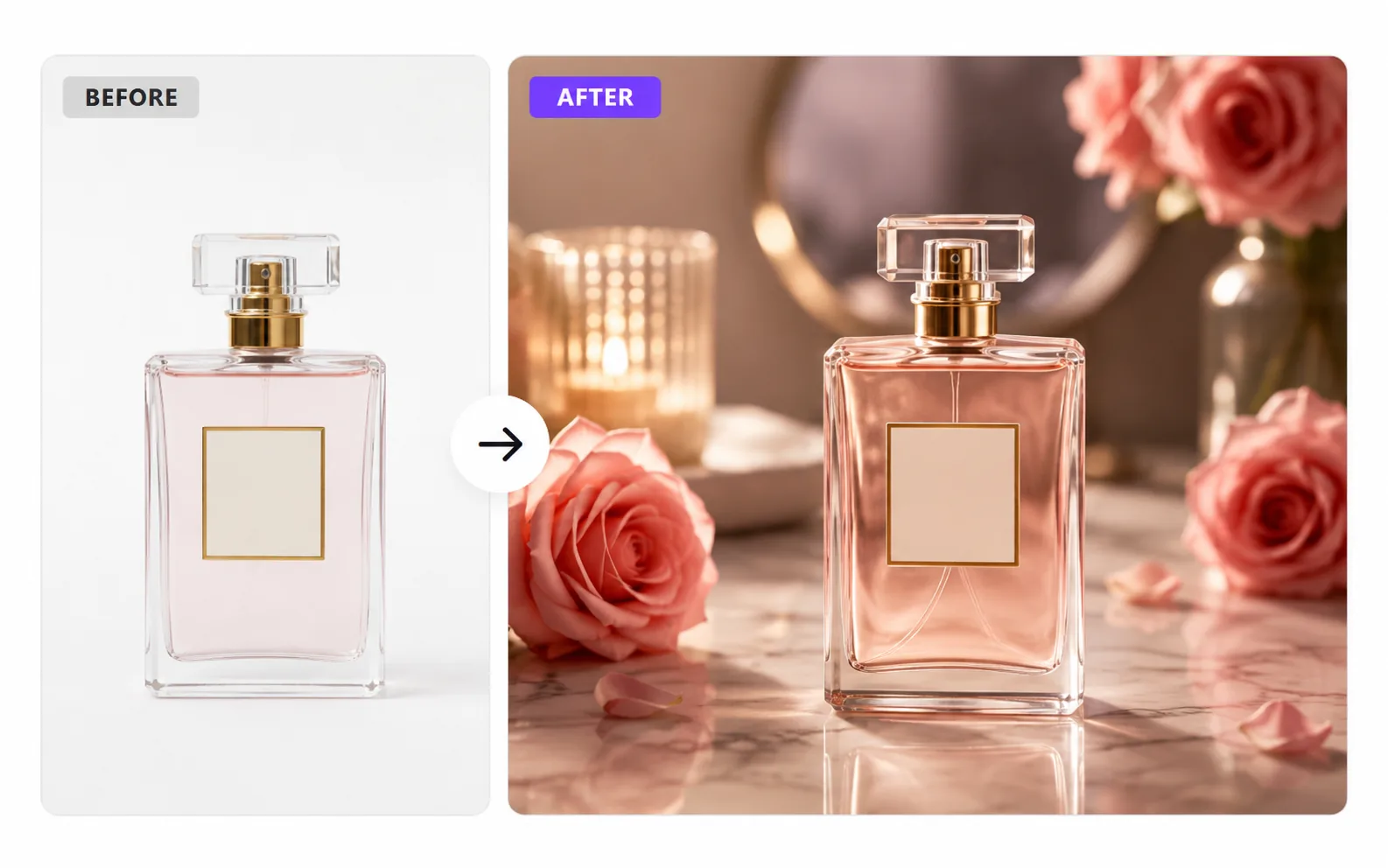
Product & E-commerce
AI Product Photo Generator
Turn a simple product photo into polished, sell-ready product visuals.
Explore tool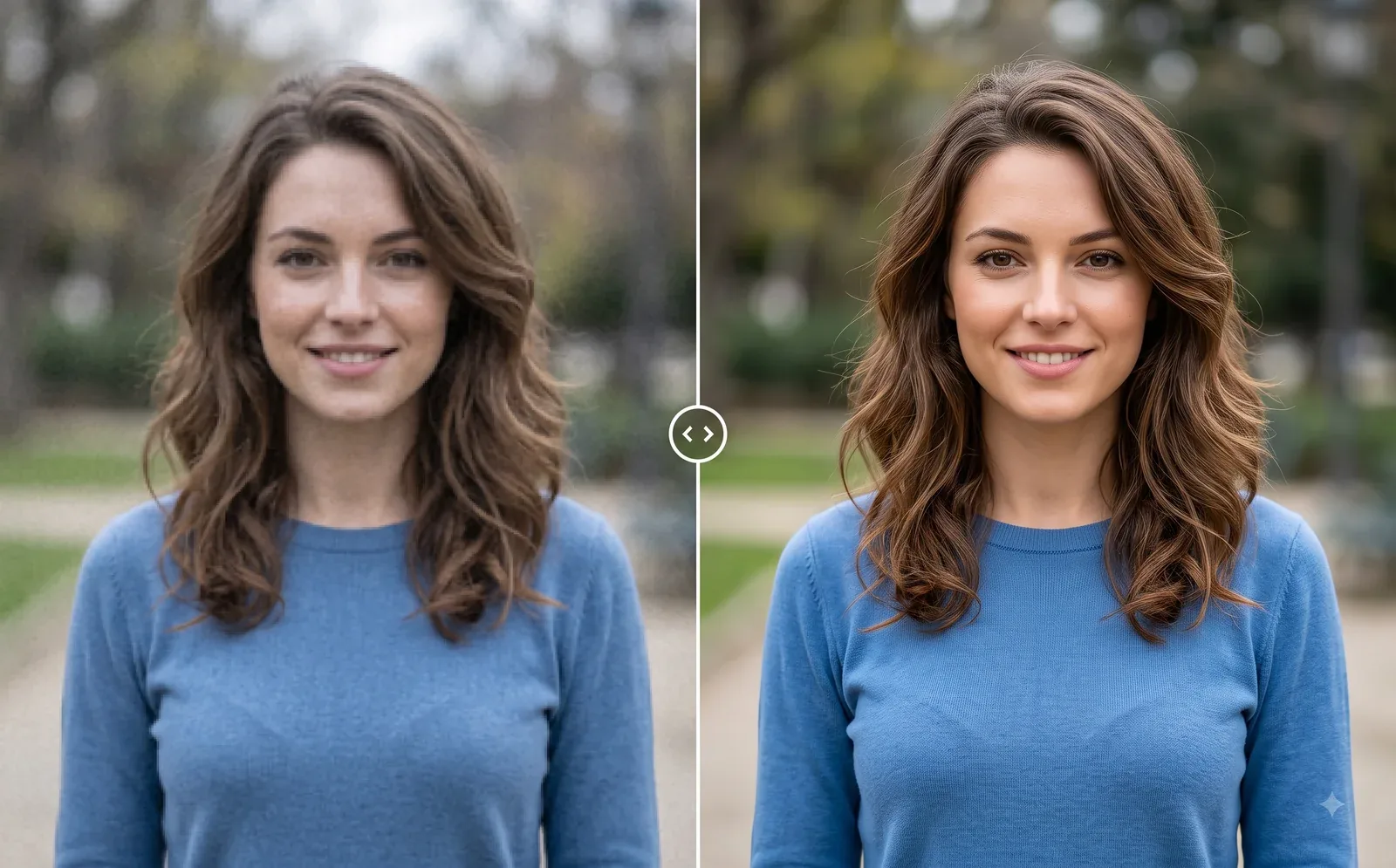
Photo Editing
Image Enhancer
Sharpen blurry or low-quality photos while preserving the original scene.
Explore tool