Image Utilities
Favicon Generator
Generate the common favicon and app icon sizes from one logo and download them together.
Available on Pixredi
Examples
A few looks to show what this tool can do.
What you can do
Favicon Generator turns one logo into the common favicon and app icon sizes used by browsers, bookmarks, and home screens.
Upload a logo, preview every generated size, and download the complete set in one ZIP.
How it works
- 1
Upload your logo
Choose the logo or image you want to use as your site icon.
- 2
Generate favicon sizes
The common favicon and app icon sizes are created automatically.
- 3
Download the set
Download all generated icons together in one ZIP.
Tips before you start
- Use a simple logo that stays clear at small sizes
- Keep enough contrast for browser tabs and bookmarks
- Use a square logo when possible
- Preserve a transparent PNG version of your logo
Ideas for Favicon Generator
- Adding a favicon to a website
- Creating home-screen icons for a web app
- Preparing icons for a side project
- Delivering an icon set for client work
FAQ
Pixredi generates 16, 32, 48, 180, 192, and 512 pixel icons.
A simple, recognizable square logo with good contrast works best.
Yes, transparent PNG logos keep their transparent background.
It is available on Pixredi.
Related AI tools
Privacy & Branding
Add Watermark
Add text or logo watermarks to one image or a whole batch.
Explore tool
Image Utilities
Image Resizer
Resize images to exact dimensions, percentages, or social media presets.
Explore tool
Photo Editing
Remove Background
Cut out a subject and create a clean transparent result.
Explore tool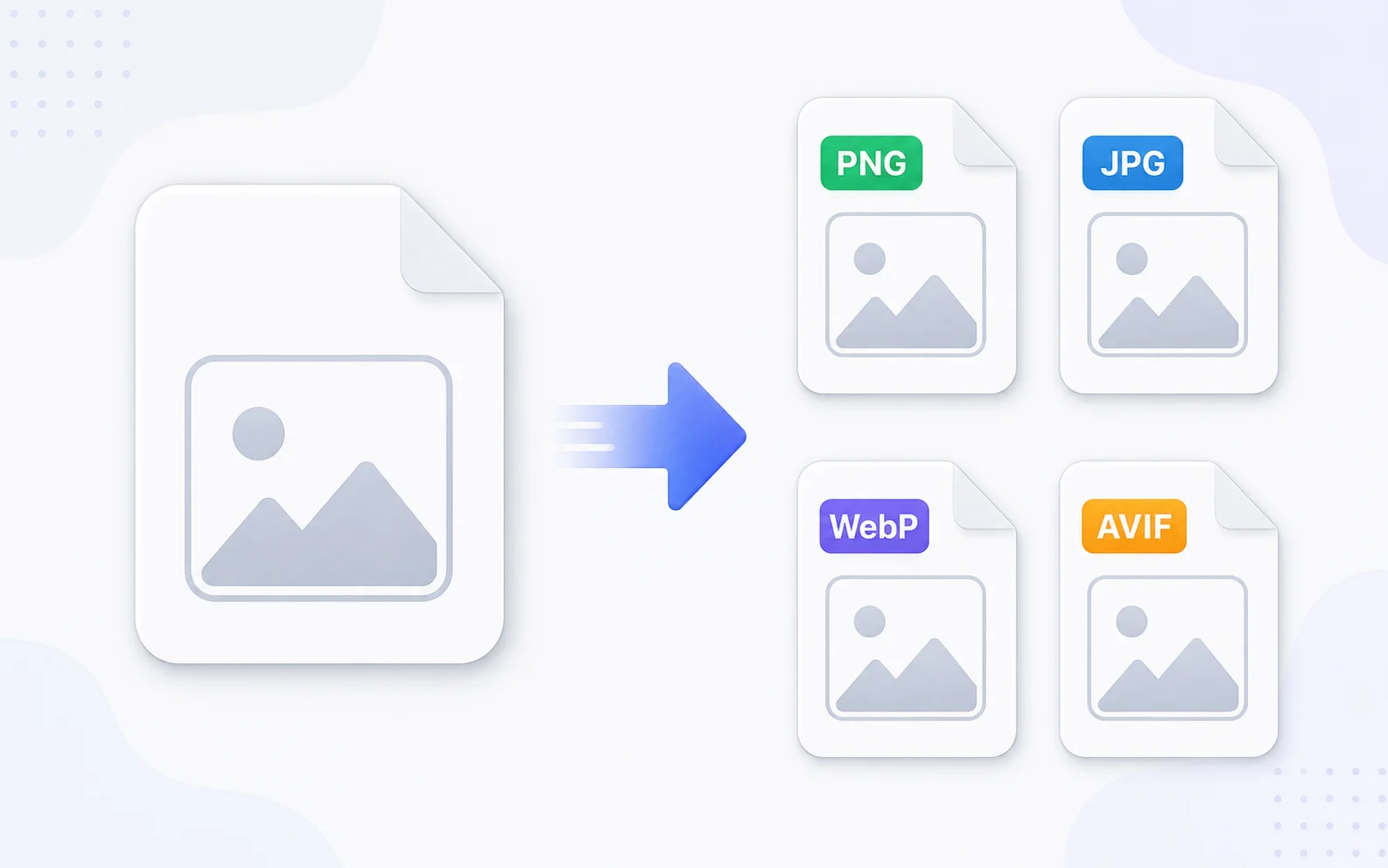
Image Utilities
Image Converter
Change images between common formats like PNG, JPG, WebP, and AVIF.
Explore tool