Photo Editing
Image Combiner
Bring two images together to create a composition that didn't exist before.
Available on Pixredi
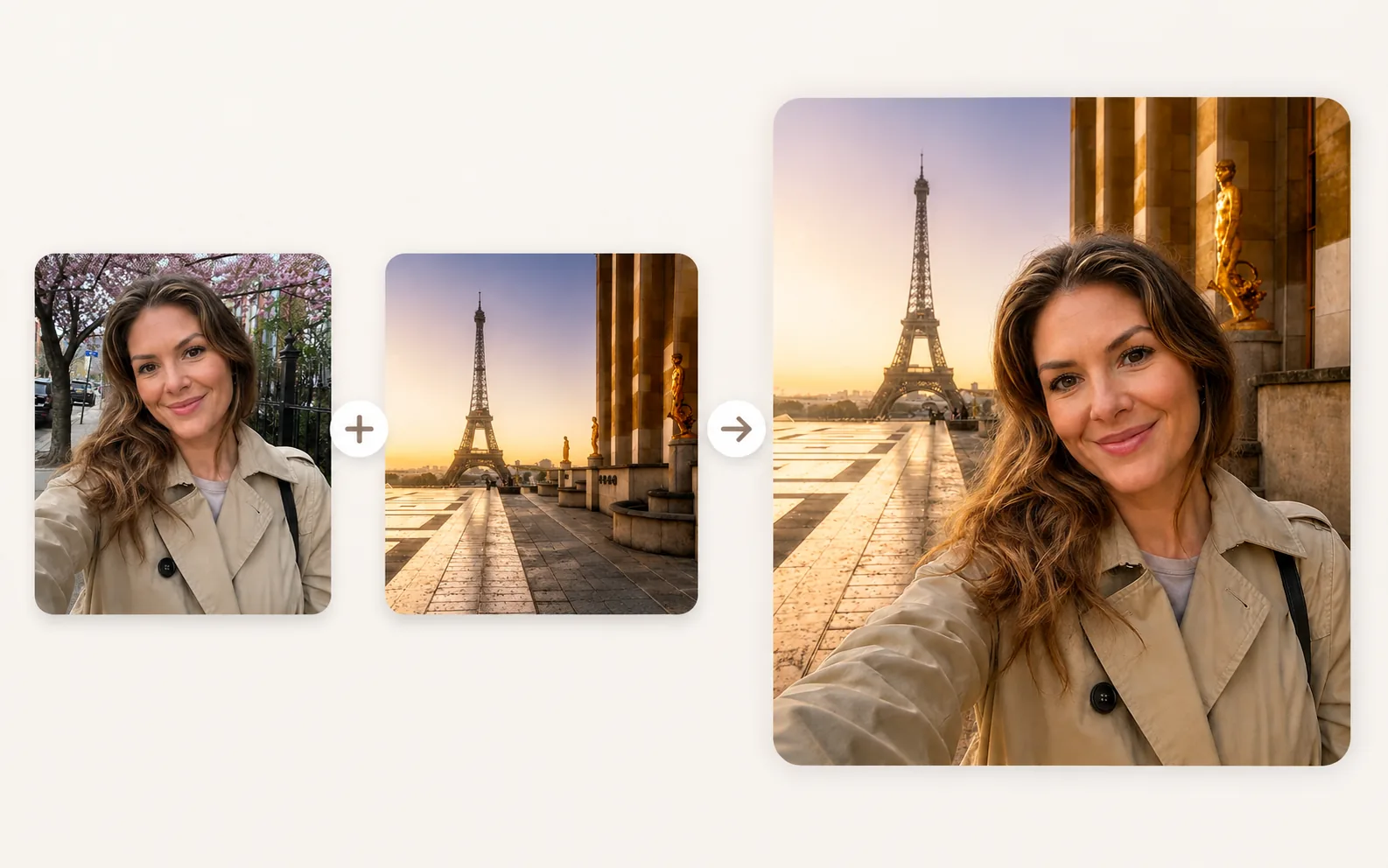
Examples
A few looks to show what this tool can do.
What you can do
An image combiner lets you place a subject from one photo into another scene. It's a practical way to create simple composites for design work, social posts, or creative projects.
The focus is on combining images in a way that feels natural and useful.
How it works
- 1
Choose the photos you want to combine
Pick a subject image and a background or scene.
- 2
Select the subject you want to place
Choose the part of the photo you want to move.
- 3
Position it in the new scene
Place and adjust the subject to fit the composition.
- 4
Preview and download the result
Check the blend and save the final image.
Tips before you start
- Use photos with similar lighting when you can
- Choose a clear subject for the foreground
- Keep the background simple for an easier blend
- Check the edges around the subject
Ideas for Image Combiner
- Placing a person into a new background
- Creating simple scene compositions
- Building visuals for social posts
- Experimenting with creative layouts
FAQ
It combines two images, usually by placing a subject from one photo into another scene.
A clear subject and a background with similar lighting are a good starting point.
Yes, it's useful for simple compositions and design experiments.
It's available on Pixredi.
Related AI tools
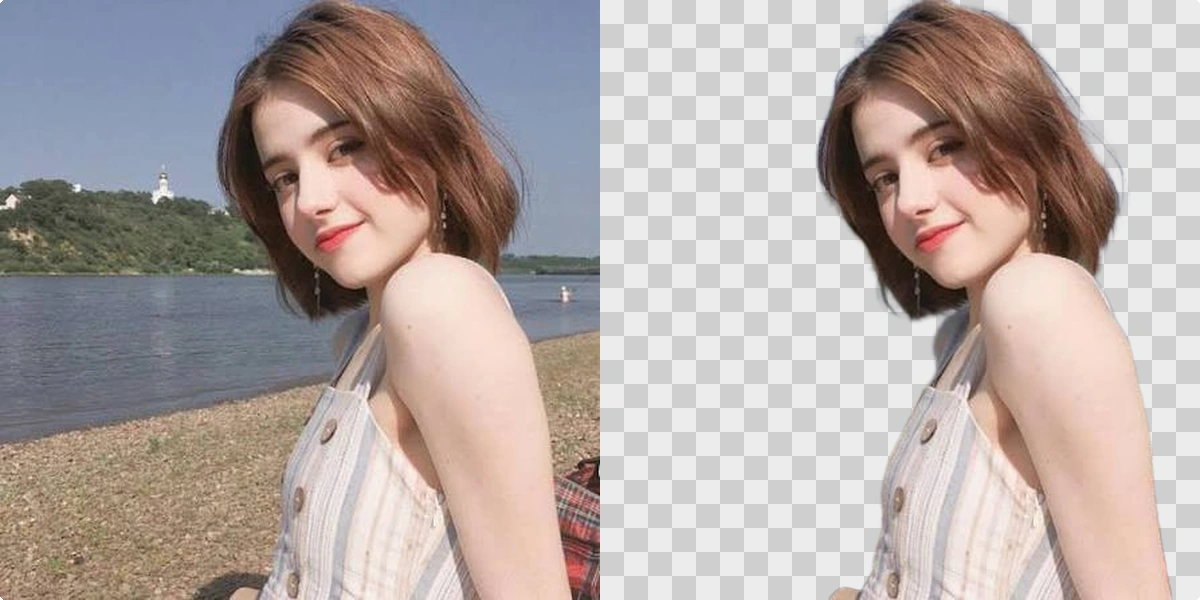
Photo Editing
Remove Background
Cut out a subject and create a clean transparent result.
Explore tool
Photo Editing
Object Remover
Remove unwanted people, objects, and distractions from a photo.
Explore tool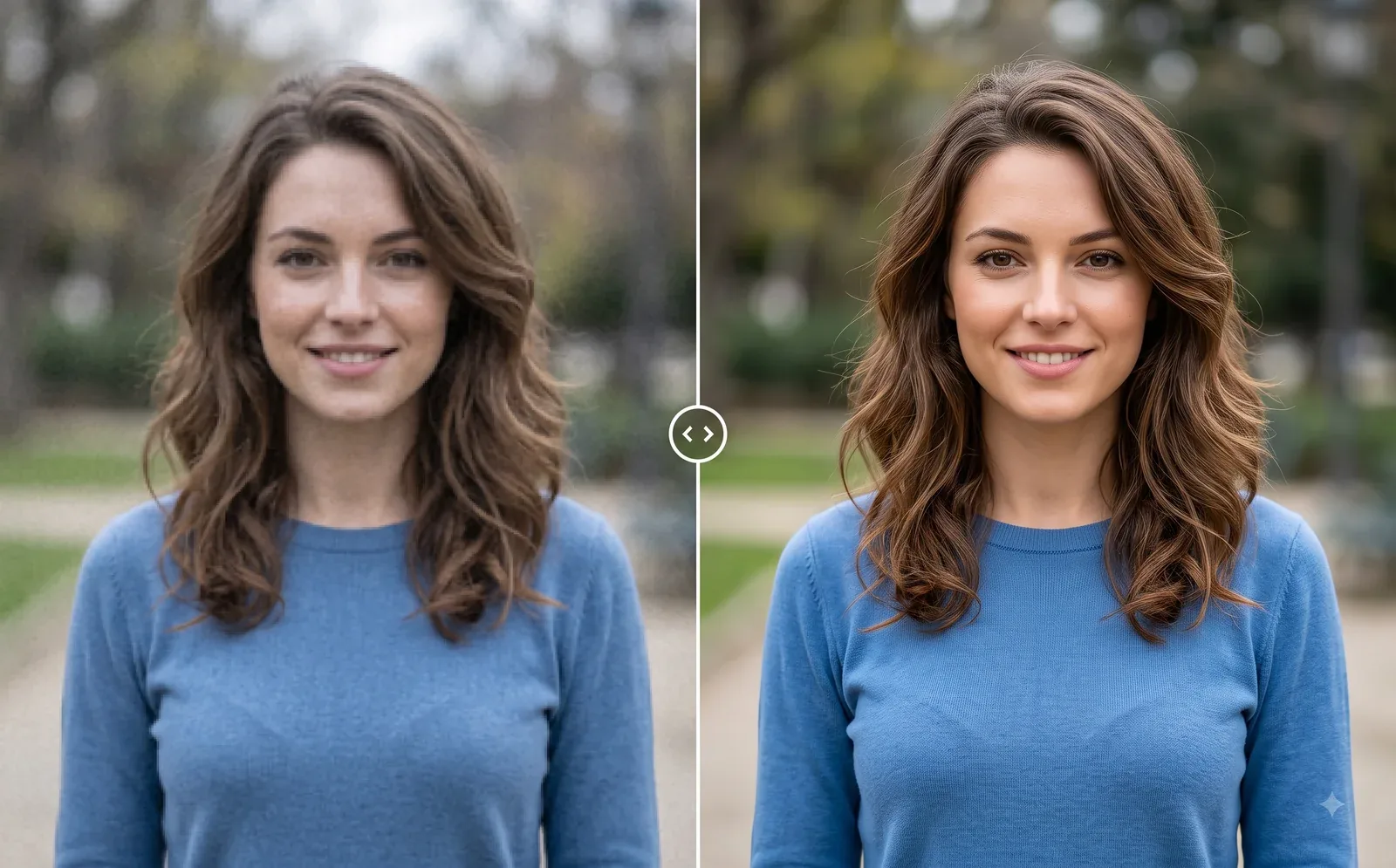
Photo Editing
Image Enhancer
Sharpen blurry or low-quality photos while preserving the original scene.
Explore tool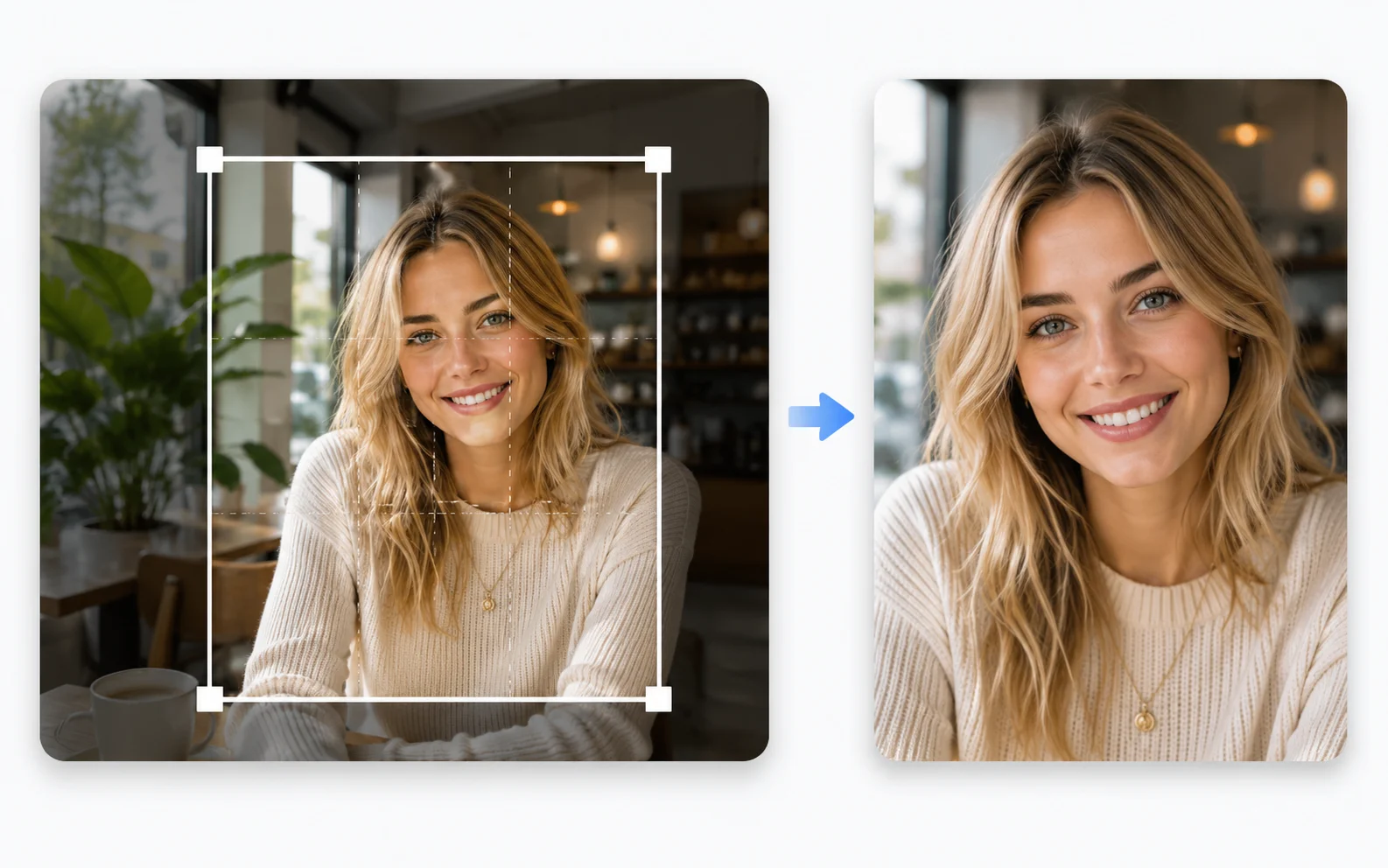
Image Utilities
Image Cropper
Crop photos to the right size and framing for any use.
Explore tool