Image Utilities
Image Compressor
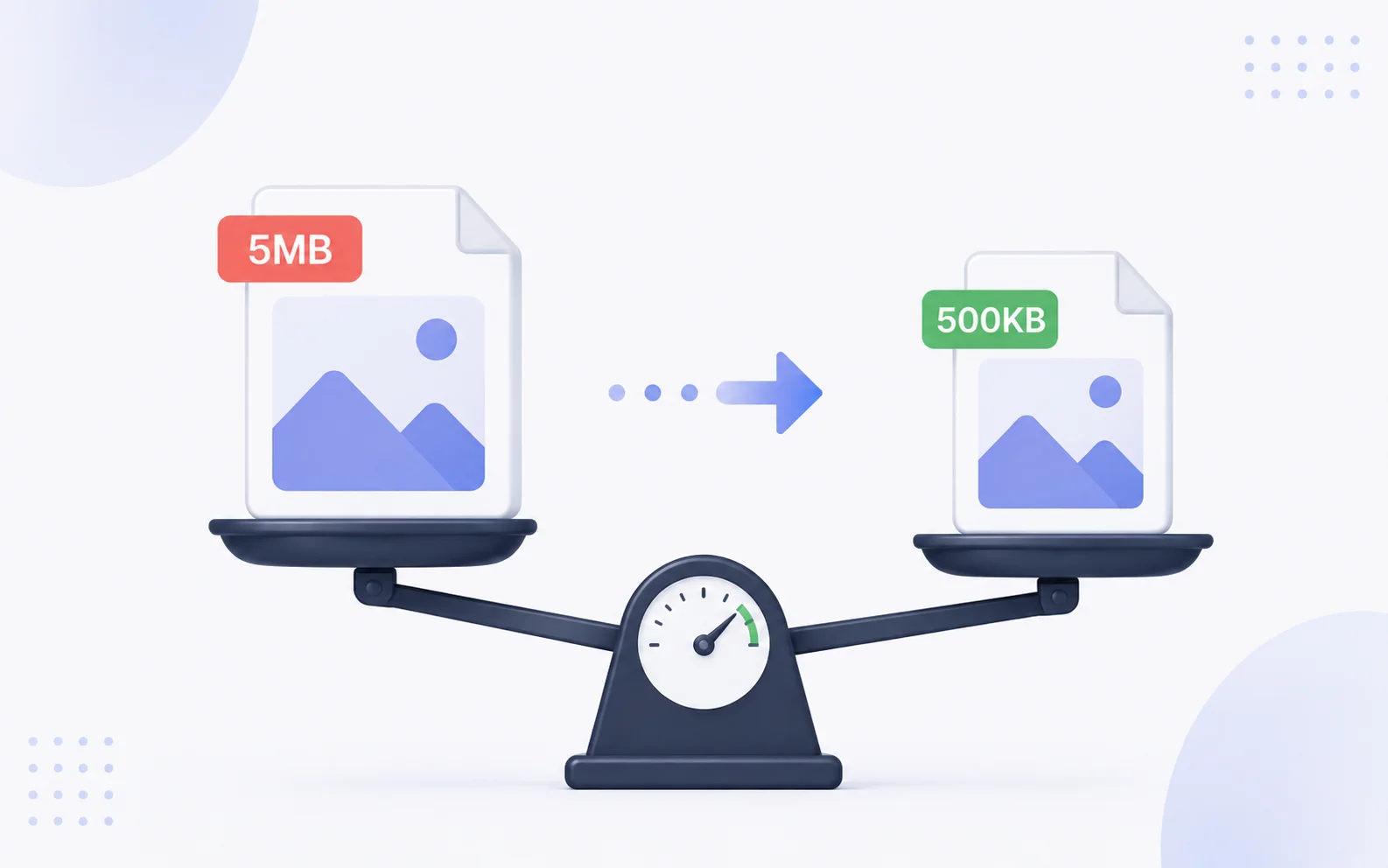
Reduce an image file's size so it's easier to share, upload, or use on the web.
Available on Pixredi
Examples
A few looks to show what this tool can do.
What you can do
Image Compressor helps make a file smaller without you having to think about the technical details. Smaller files upload faster and are easier to send.
Upload one image or a batch, and Pixredi converts JPG, PNG, and WebP files into optimized WebP output while keeping the original dimensions.
How it works
- 1
Upload the image
Choose the file you want to make smaller.
- 2
Choose a compression level
Pick a balance between size and quality.
- 3
Preview the smaller version
Check how the compressed image looks.
- 4
Download the result
Save the smaller file.
Tips before you start
- Start with the largest version you need
- Use a compression level that still looks good
- Compare the preview with the original
- Keep the original file as a backup
Ideas for Image Compressor
- Sending photos by email or chat
- Uploading images to a website
- Sharing files with a team
- Preparing product images for the web
FAQ
It reduces the file size so the image is easier to share and upload.
Most photos look very similar, but the result can vary depending on the image and compression level.
No, final size depends on the image content and settings.
It's available on Pixredi.
Related AI tools
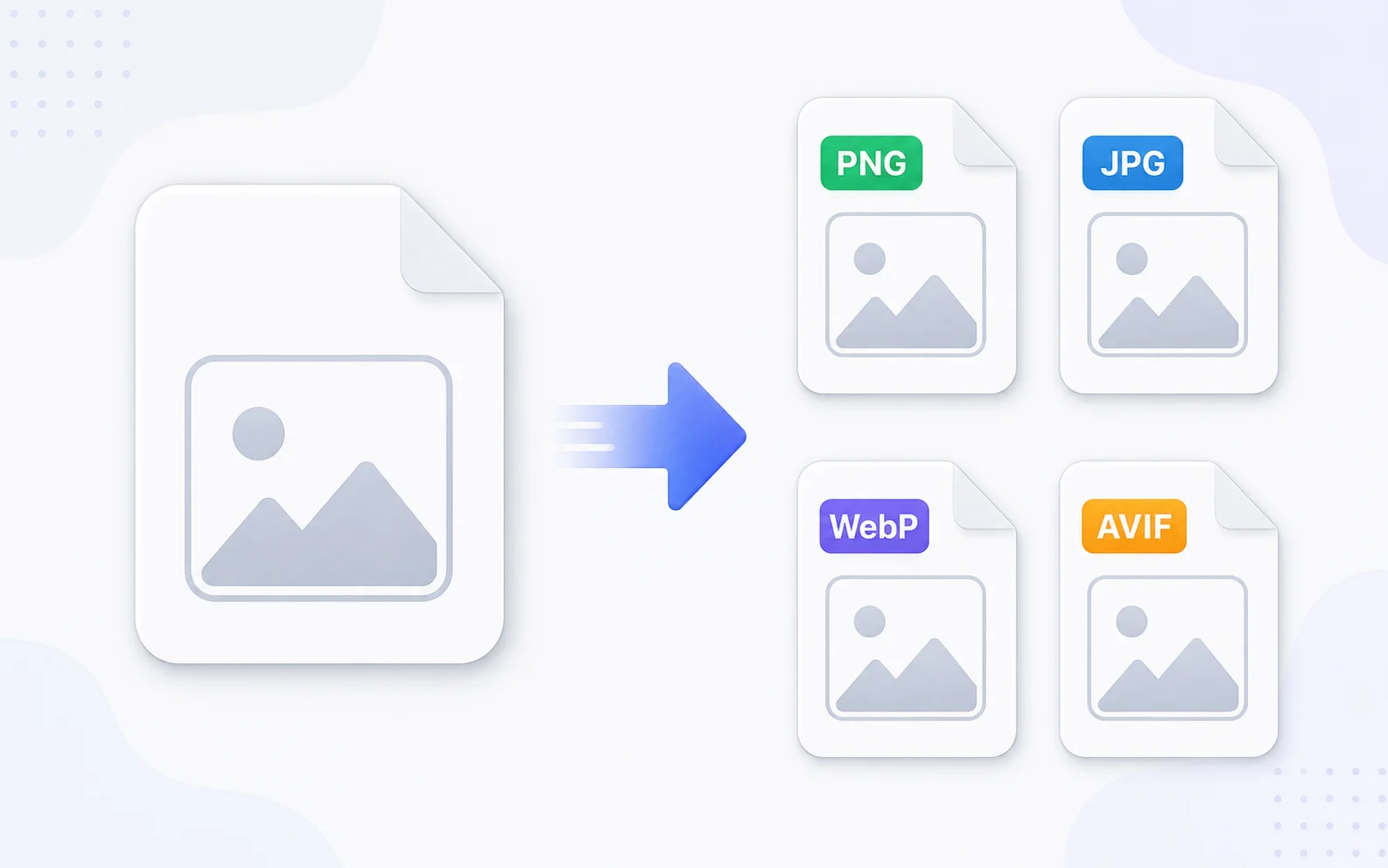
Image Utilities
Image Converter
Change images between common formats like PNG, JPG, WebP, and AVIF.
Explore tool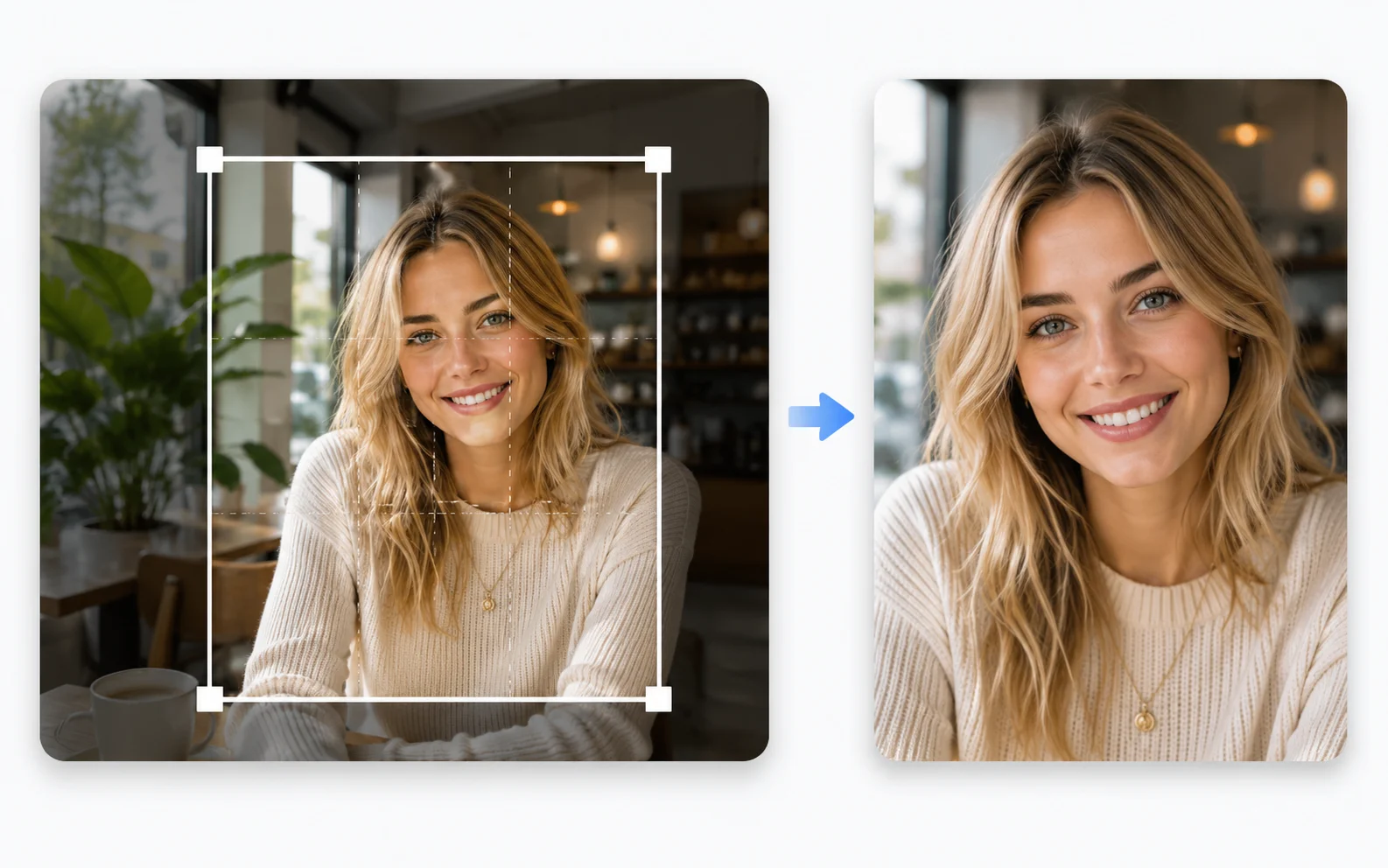
Image Utilities
Image Cropper
Crop photos to the right size and framing for any use.
Explore tool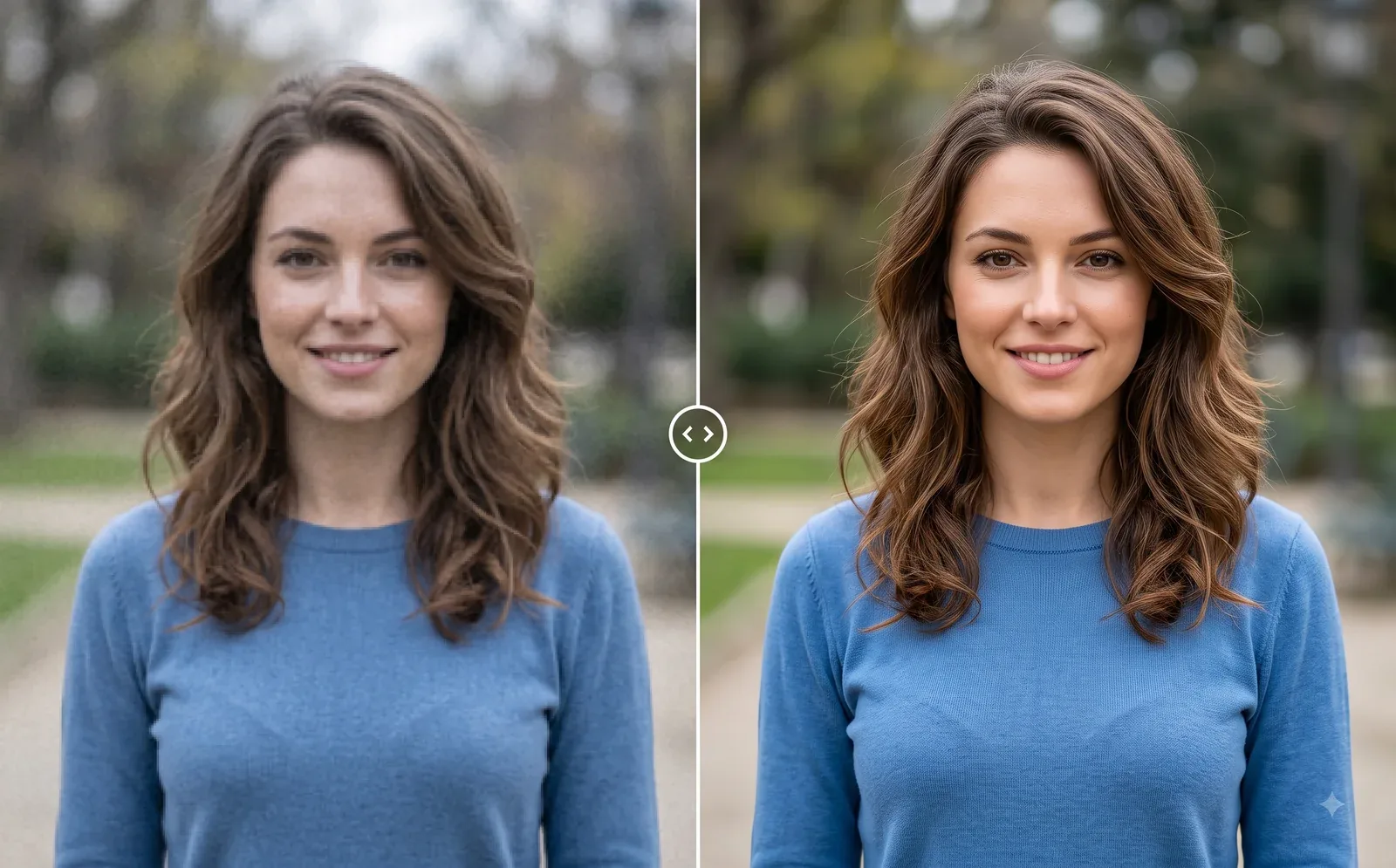
Photo Editing
Image Enhancer
Sharpen blurry or low-quality photos while preserving the original scene.
Explore tool
Photo Editing
Remove Background
Cut out a subject and create a clean transparent result.
Explore tool