Portrait & Style
See Yourself Aging
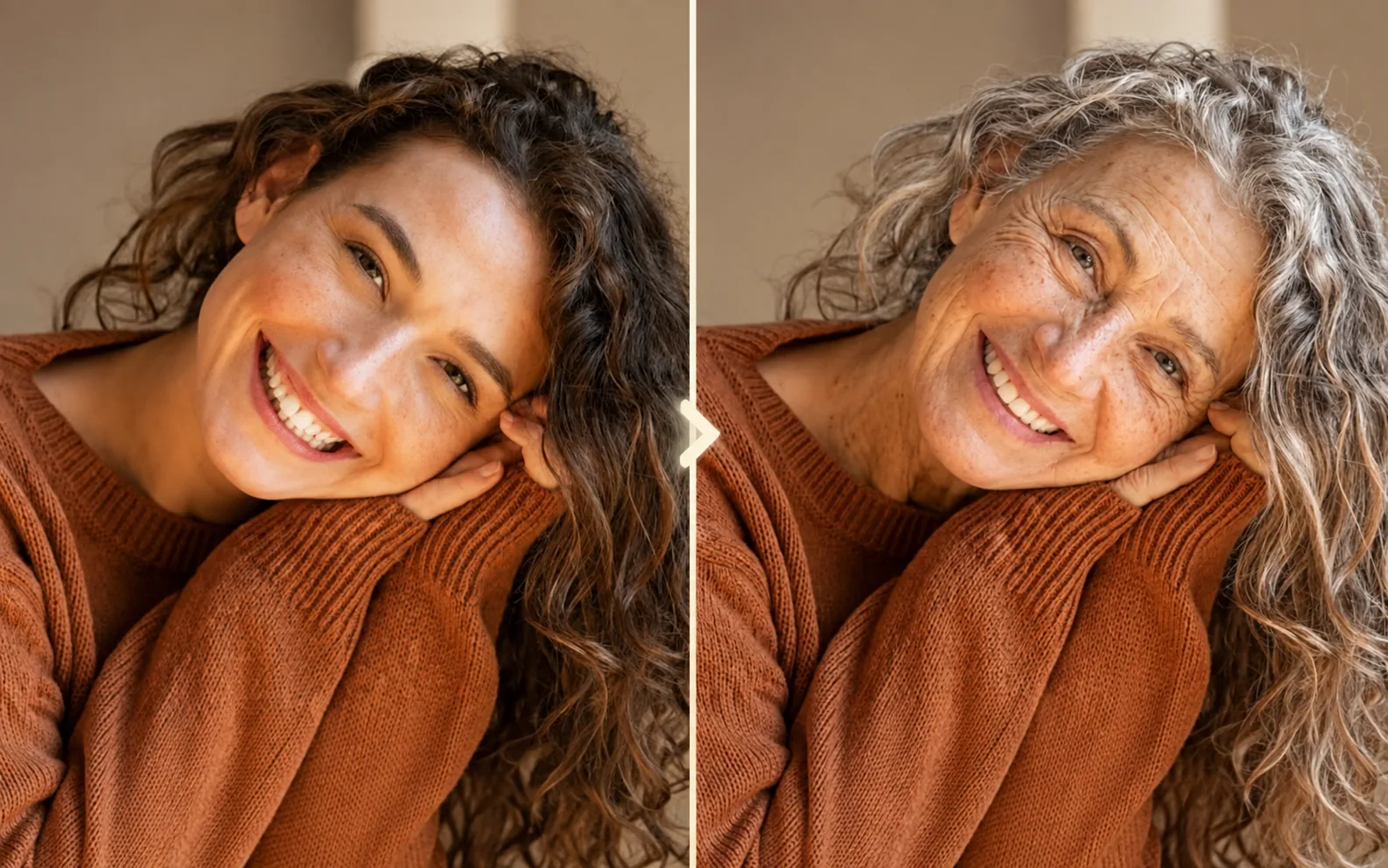
See how you might look through different stages of life. Upload a clear photo and create a natural age progression from childhood to later years.
Available on Pixredi
Examples
A few looks to show what this tool can do.
What you can do
See Yourself Aging turns one clear portrait into six natural age versions, from age 10 to 80.
Each age is created from the same original portrait so the whole progression stays recognizable.
How it works
- 1
Upload a photo
Choose a clear portrait with one person.
- 2
Create your age progression
See six natural-looking versions from age 10 to 80.
- 3
Save your favorites
Download individual ages or save the full set.
Tips before you start
- Use a clear, front-facing portrait
- Keep the face visible and evenly lit
- Avoid heavy filters on the source photo
- Use a single person per image
- Results are imaginative transformations, not predictions
Styles & ideas
Age 10
A childhood version of the portrait.
Age 20
A young-adult version.
Age 30
A mature adult version.
Age 40
A middle-age version.
Age 60
A later-life version.
Age 80
An older-age version.
Ideas for See Yourself Aging
- Personal keepsakes
- Family fun
- Creative projects
- Profile and social
FAQ
A clear, well-lit portrait with one person facing the camera gives the most natural result.
Each progression creates six ages: 10, 20, 30, 40, 60, and 80.
One age progression costs 6 credits — 1 credit per age result.
No. Results are imaginative age transformations and may not predict exactly how you will look in the future.
Each successful age is delivered as an image download you can save individually.
Related AI tools
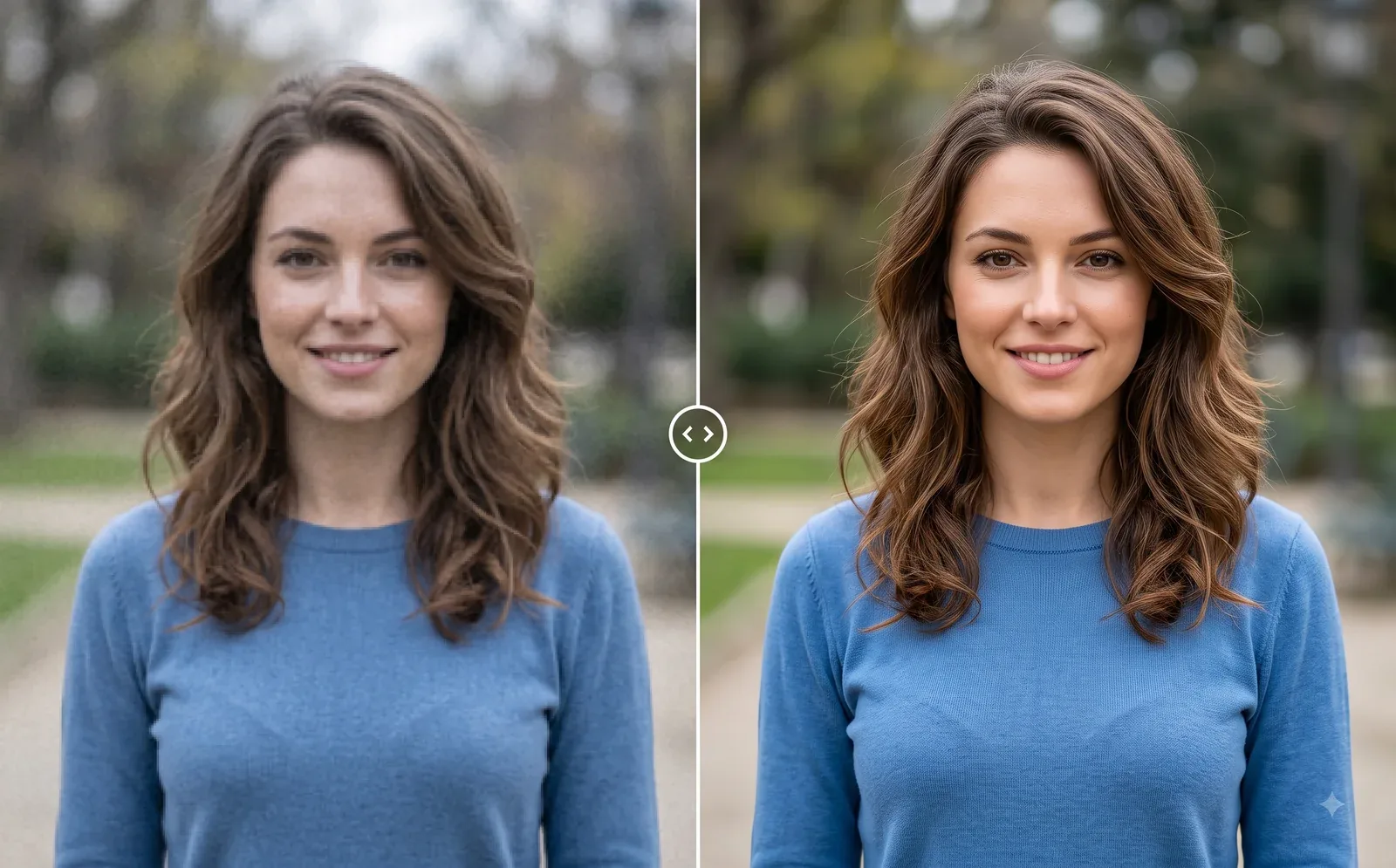
Photo Editing
Image Enhancer
Sharpen blurry or low-quality photos while preserving the original scene.
Explore tool
Photo Editing
Remove Background
Cut out a subject and create a clean transparent result.
Explore tool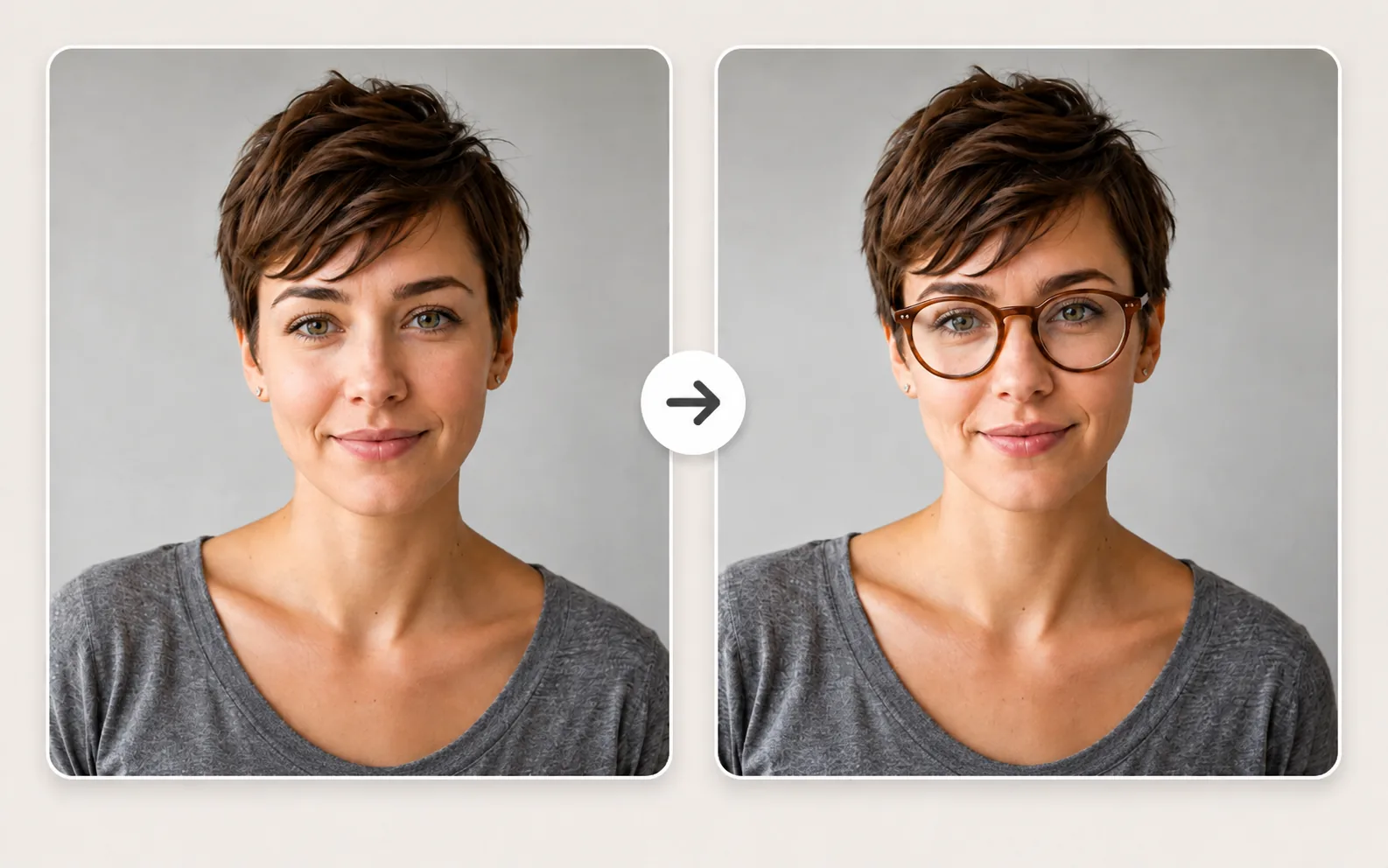
Portrait & Style
Glasses Try-On
Preview eyeglass frames on your own photo before choosing a style.
Explore tool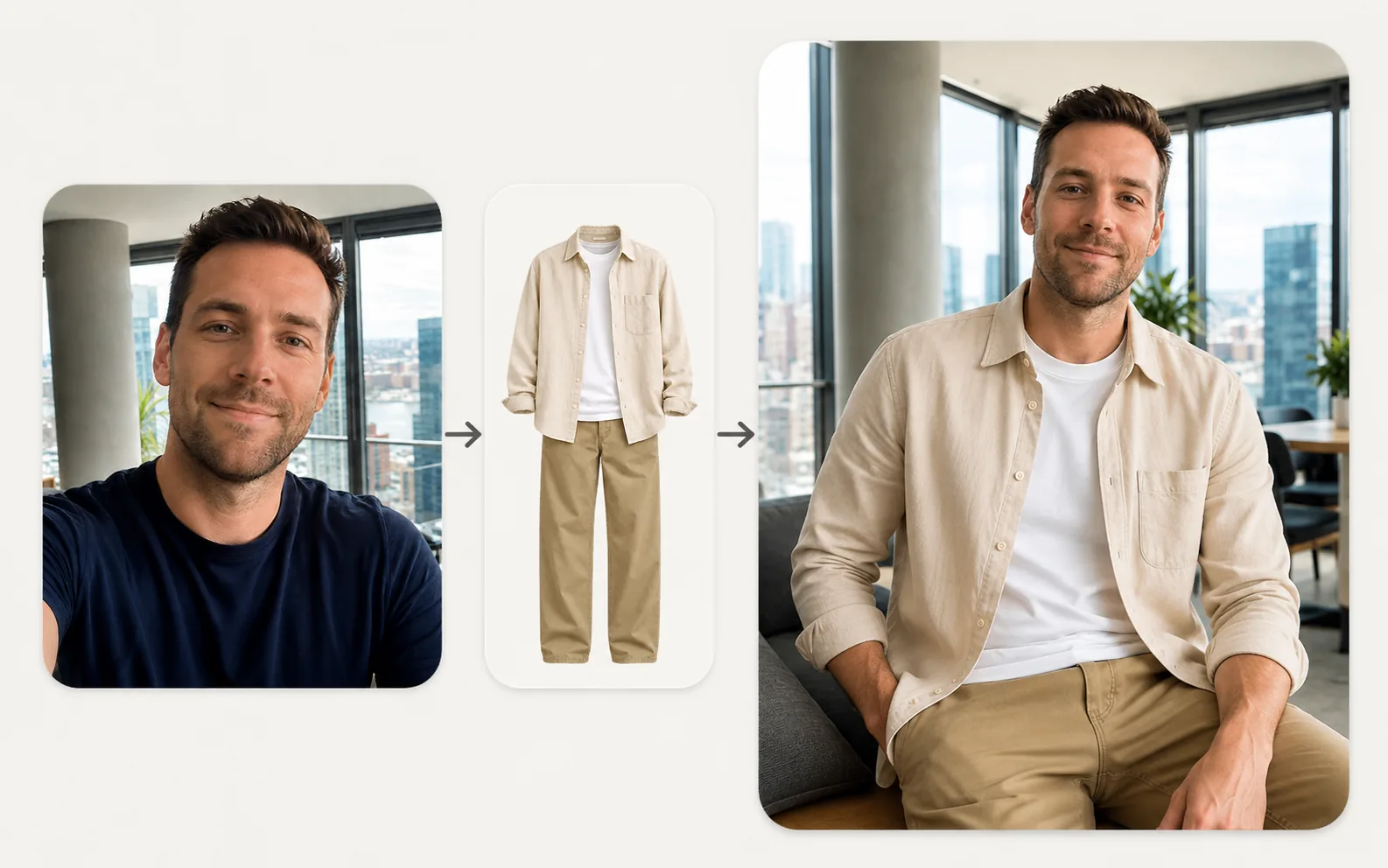
Fashion & Try-On
Virtual Try-On
Upload a person photo and a clothing photo to preview a new look in seconds.
Explore tool