Portrait & Style
Glasses Try-On
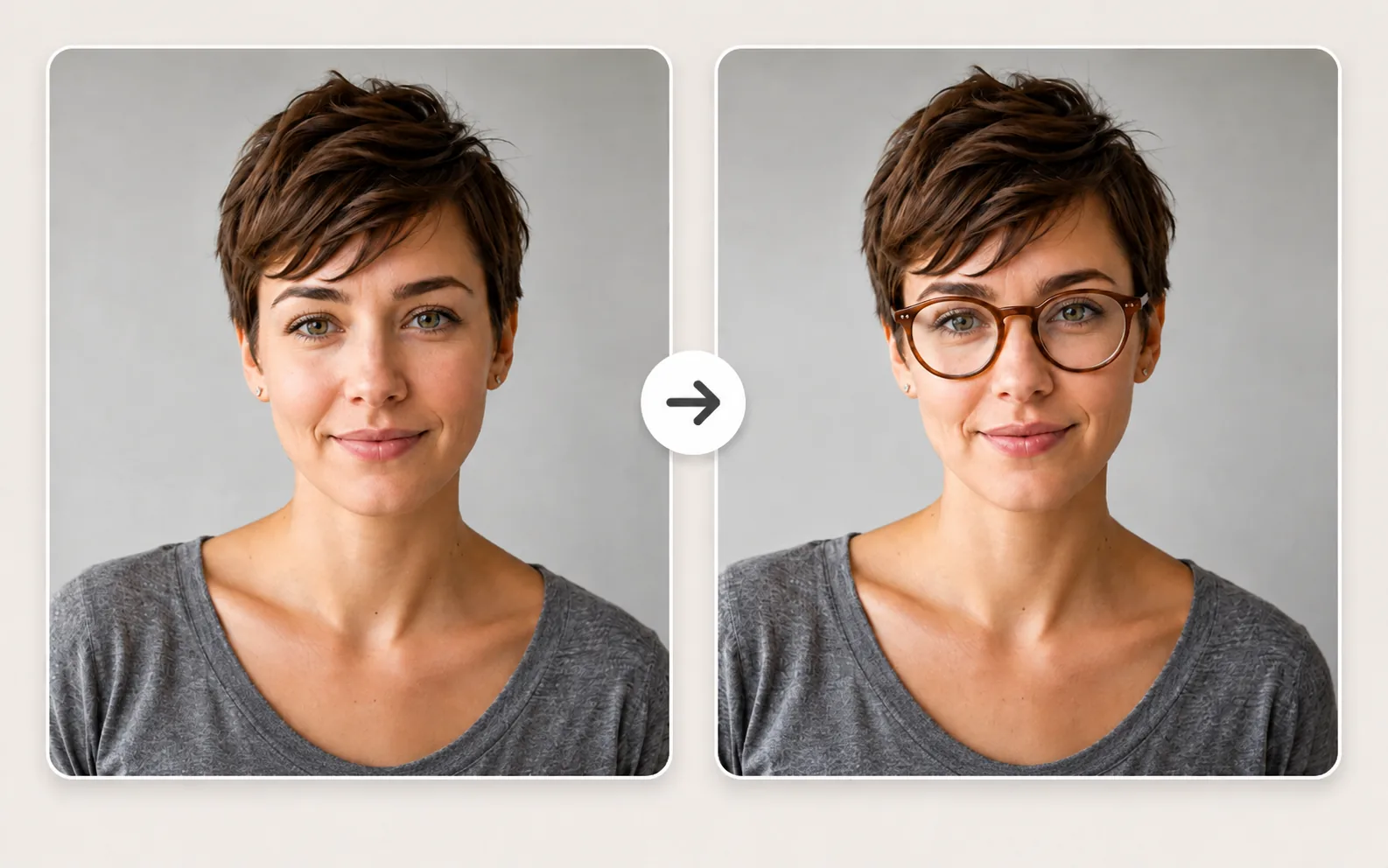
Upload a photo and preview different eyeglass frames and colors on the person in the image, while keeping the face and features natural.
Available on Pixredi
Examples
A few looks to show what this tool can do.
What you can do
Glasses Try-On lets you preview different eyeglass frames on your own photo. It is a useful way to compare shapes and colors without visiting a store.
Explore 12 popular frame styles and 7 frame colors, from classic round and square frames to cat-eye, aviator, browline, rimless, and oversized styles.
How it works
- 1
Upload your photo
Use a clear photo where the face and eyes are visible.
- 2
Choose frame style and color
Pick from 12 frame shapes and 7 colors to preview.
- 3
Download your preview
See the selected glasses on the photo and save the result.
Tips before you start
- Use a front-facing portrait
- Keep your face well lit
- Avoid heavy shadows across the eyes
- Use a photo where the face and eyes are visible
Styles & ideas
Round
A classic, soft frame shape.
Square
A structured, modern frame shape.
Cat-eye
An angled, expressive frame style.
Aviator
A timeless metal-frame look.
Browline
A bold upper-frame style.
Rimless
A minimal, low-profile frame.
Oversized
A bold, statement frame shape.
Ideas for Glasses Try-On
- Personal style previews
- Frame shopping ideas
- Profile photo refresh
- Everyday looks
FAQ
The uploader accepts JPG, PNG, and WebP photos up to 10 MB.
A clear photo where the face and eyes are visible gives the most natural preview.
No. Glasses Try-On is a visual preview only and does not provide measurements, prescriptions, or real-world fit guarantees.
Yes. The default result uses clear optical lenses, even for frame shapes like Aviator.
The processed preview is delivered as a PNG download.
Related AI tools
Fashion & Try-On
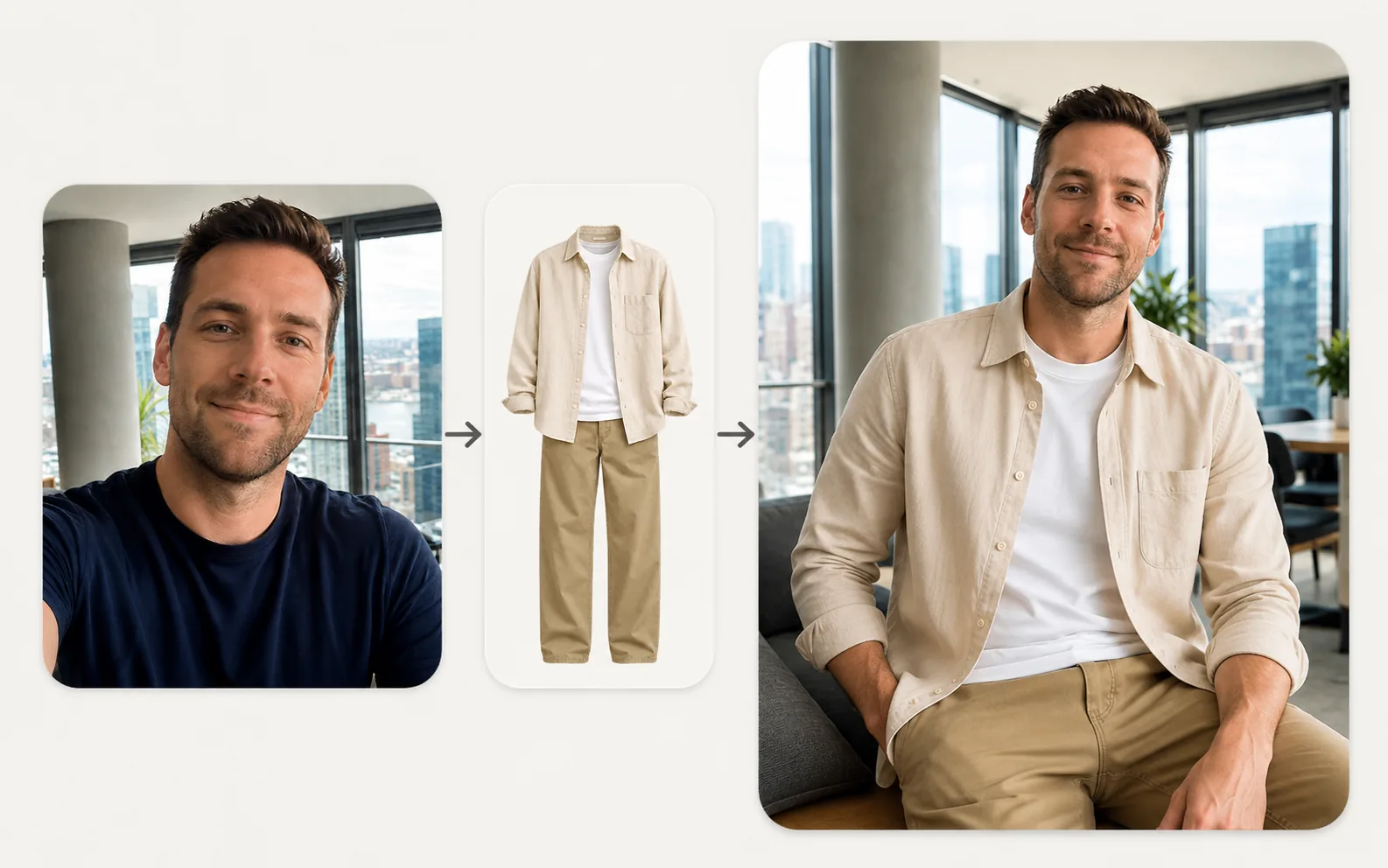
Virtual Try-On
Upload a person photo and a clothing photo to preview a new look in seconds.
Explore tool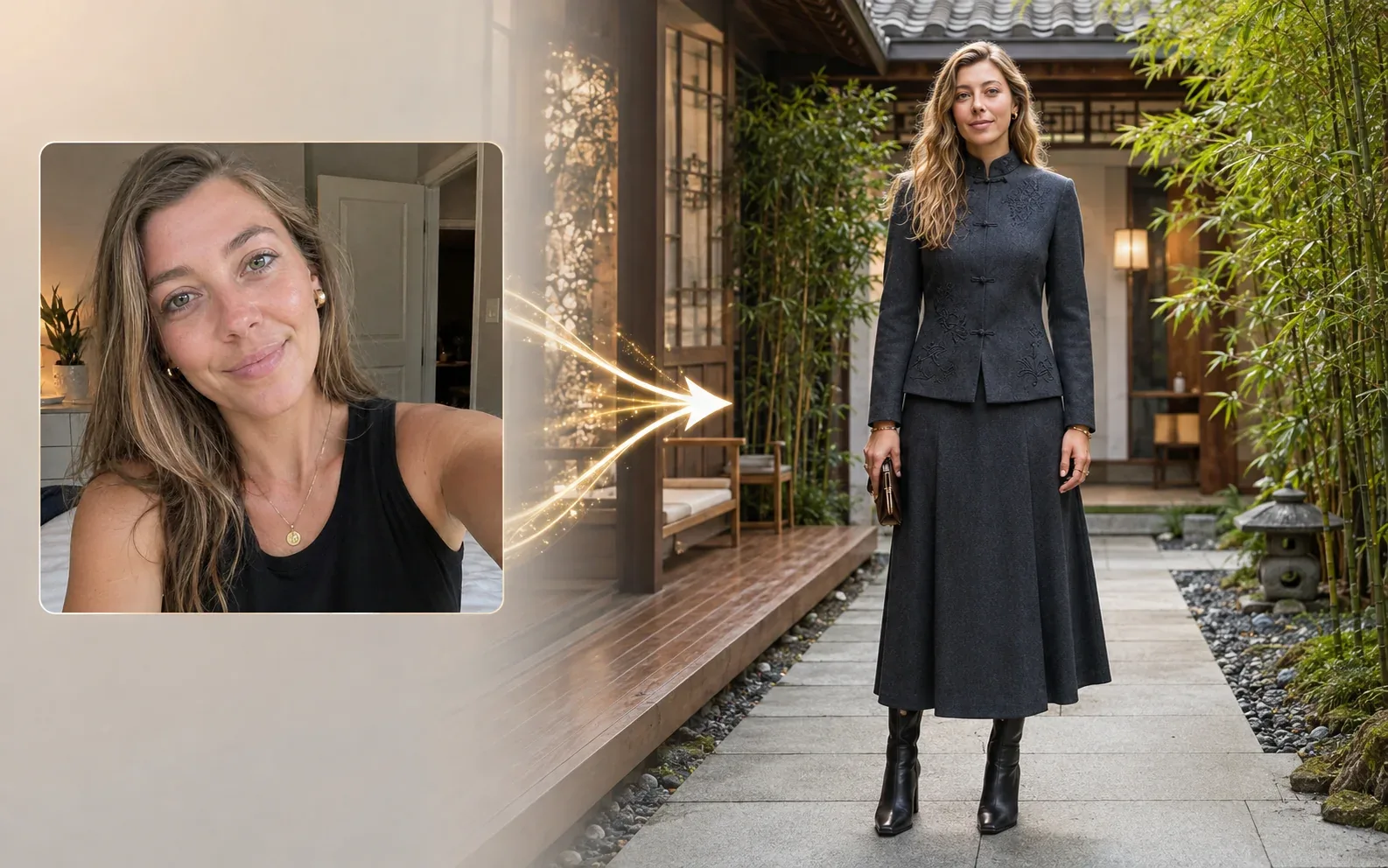
Fashion & Try-On
Dress Around the World
See yourself in 14 world-inspired fashion styles with a full-body look.
Explore tool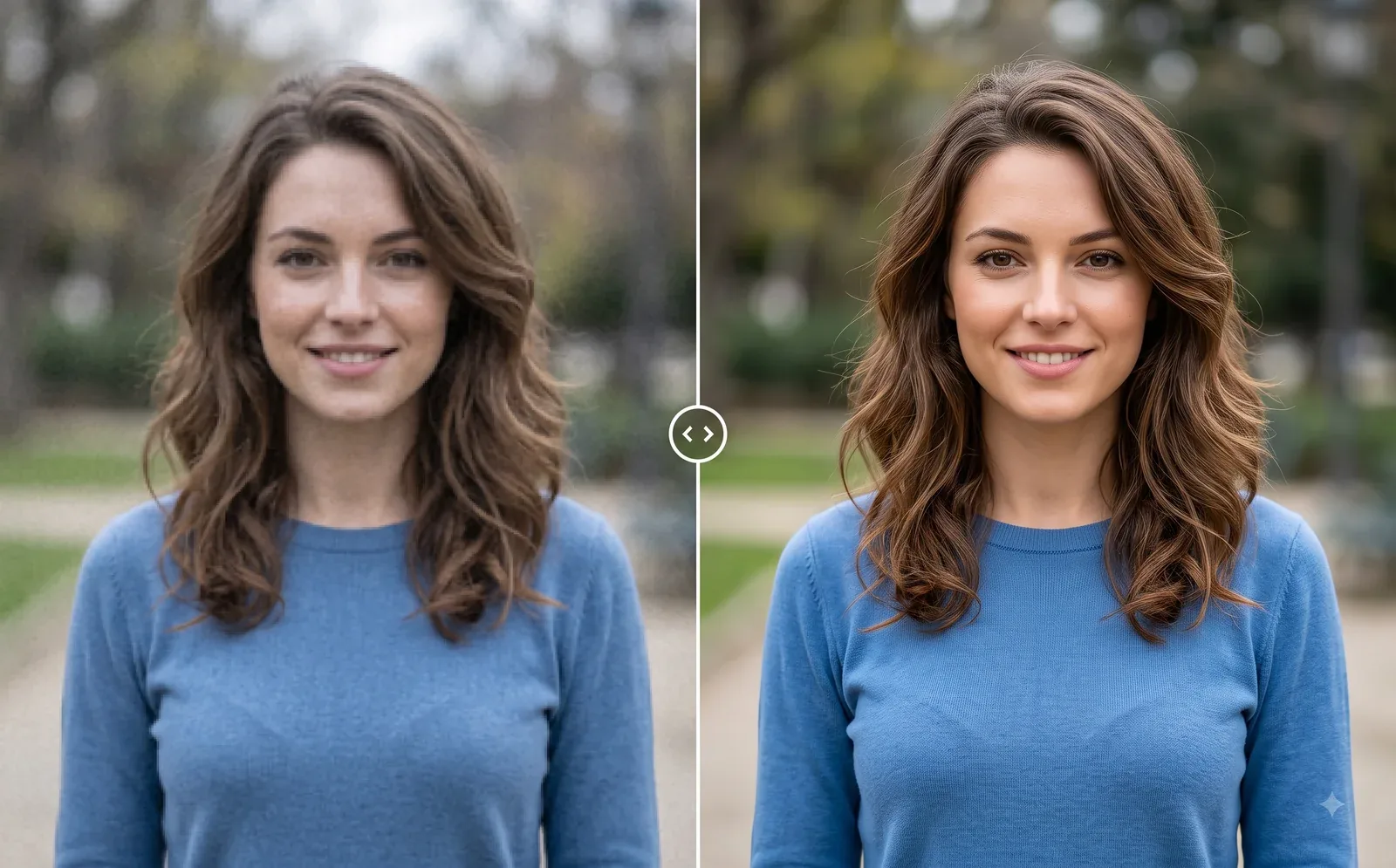
Photo Editing
Image Enhancer
Sharpen blurry or low-quality photos while preserving the original scene.
Explore tool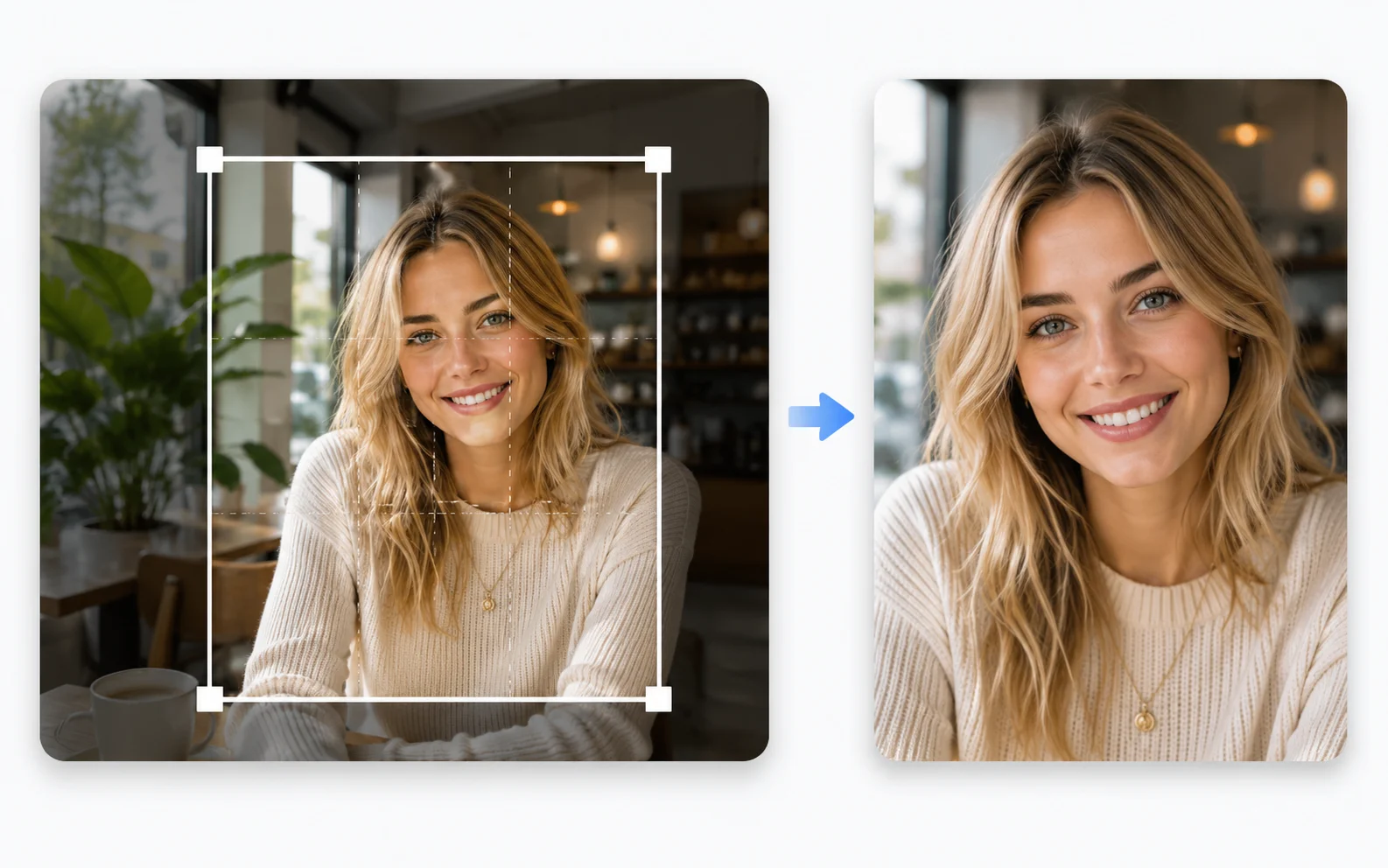
Image Utilities
Image Cropper
Crop photos to the right size and framing for any use.
Explore tool