Portrait & Style
AI Glamour Photoshoot
Choose from 12 premium scenes with coordinated styling, lighting, outfits, and atmosphere.
Available on Pixredi
Examples
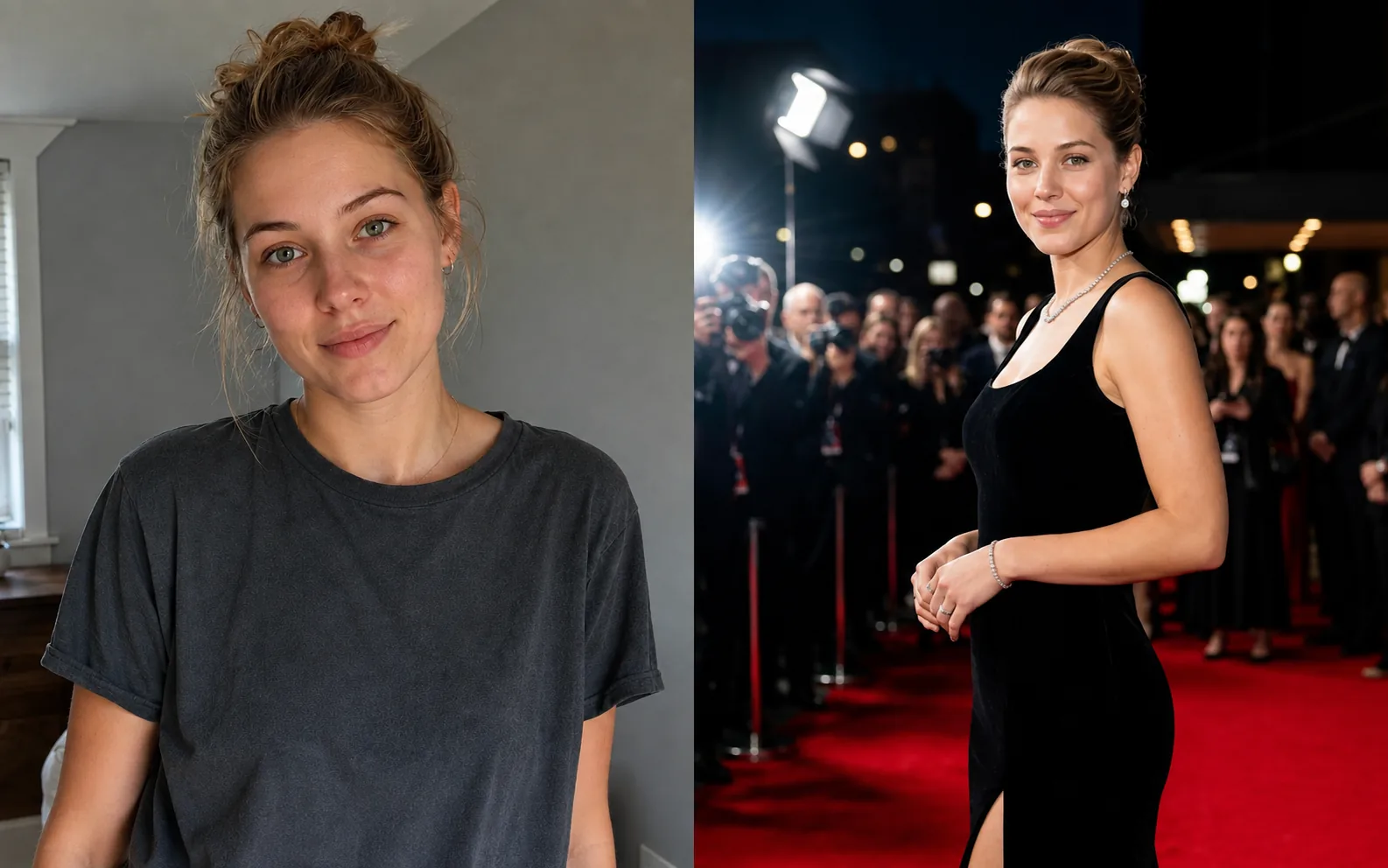
A few looks to show what this tool can do.
What you can do
AI Glamour Photoshoot turns an everyday portrait into a polished, editorial-style photoshoot.
Choose from 12 premium scenes such as Soft Studio, Old Hollywood, Red Carpet, and Paris Balcony; styling, lighting, environment, and color work together in one portrait.
How it works
- 1
Upload your portrait
Choose a clear photo where your face is easy to see.
- 2
Choose a scene
Pick Soft Studio, Old Hollywood, Red Carpet, and more.
- 3
Generate and download
Create a polished glamour portrait and save the result.
Tips before you start
- Use a clear JPG, PNG, or WebP portrait
- Keep your face easy to see
- The result keeps you recognizable while refining the overall look
- Download a polished PNG for profiles and social content
Ideas for AI Glamour
- Profile photo refresh
- Social media looks
- Personal branding
- Special-occasion portraits
FAQ
Upload a clear JPG, PNG, or WebP portrait where your face is easy to see.
There are 12 premium scenes, from Soft Studio and Old Hollywood to Red Carpet and Paris Balcony.
No. The portrait is designed to keep you recognizable while refining the overall look.
Each generation costs 4 credits. Uploading and choosing a scene are free.
The generated portrait is delivered as a downloadable PNG.
Related AI tools
Fashion & Try-On
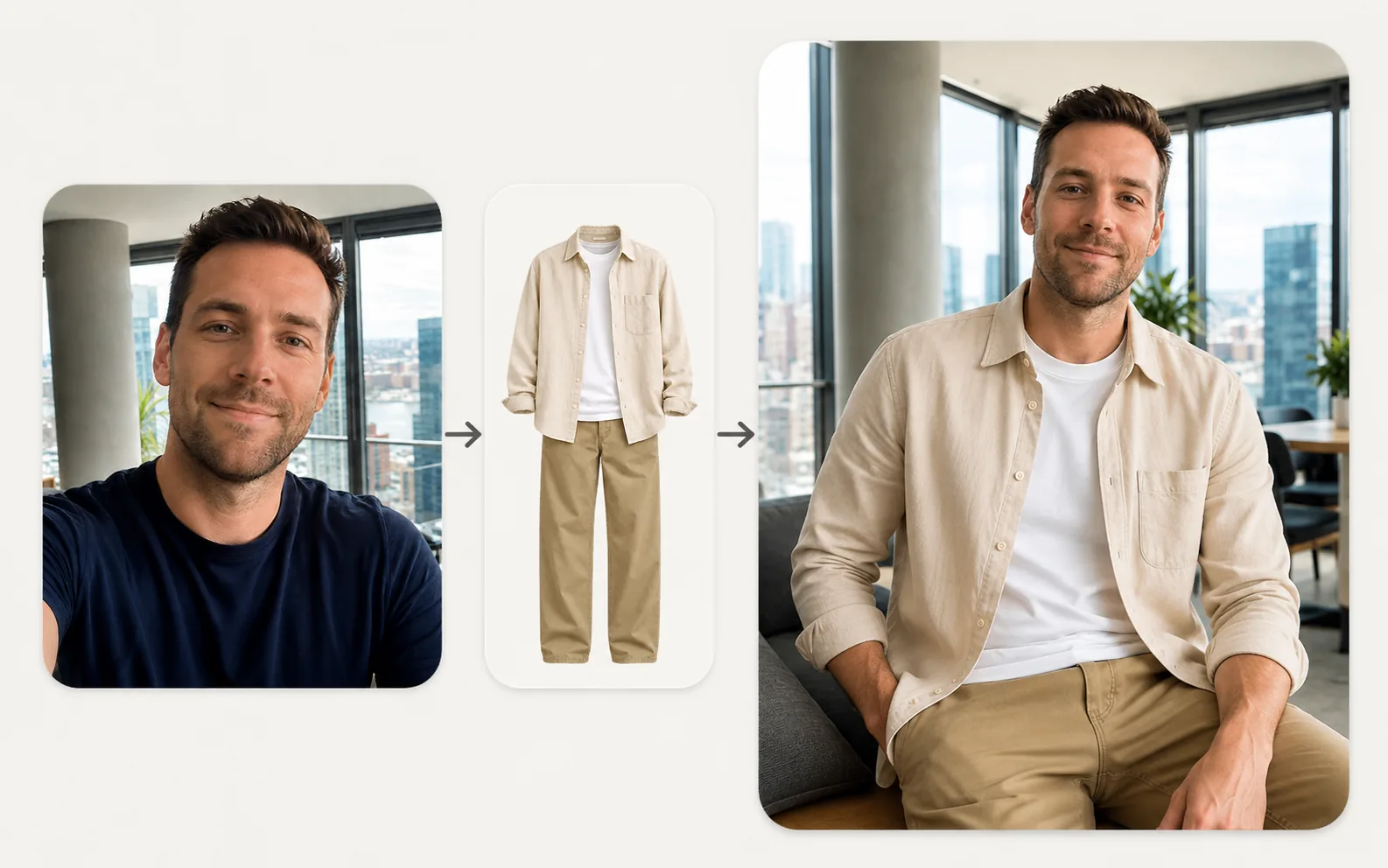
Virtual Try-On
Upload a person photo and a clothing photo to preview a new look in seconds.
Explore tool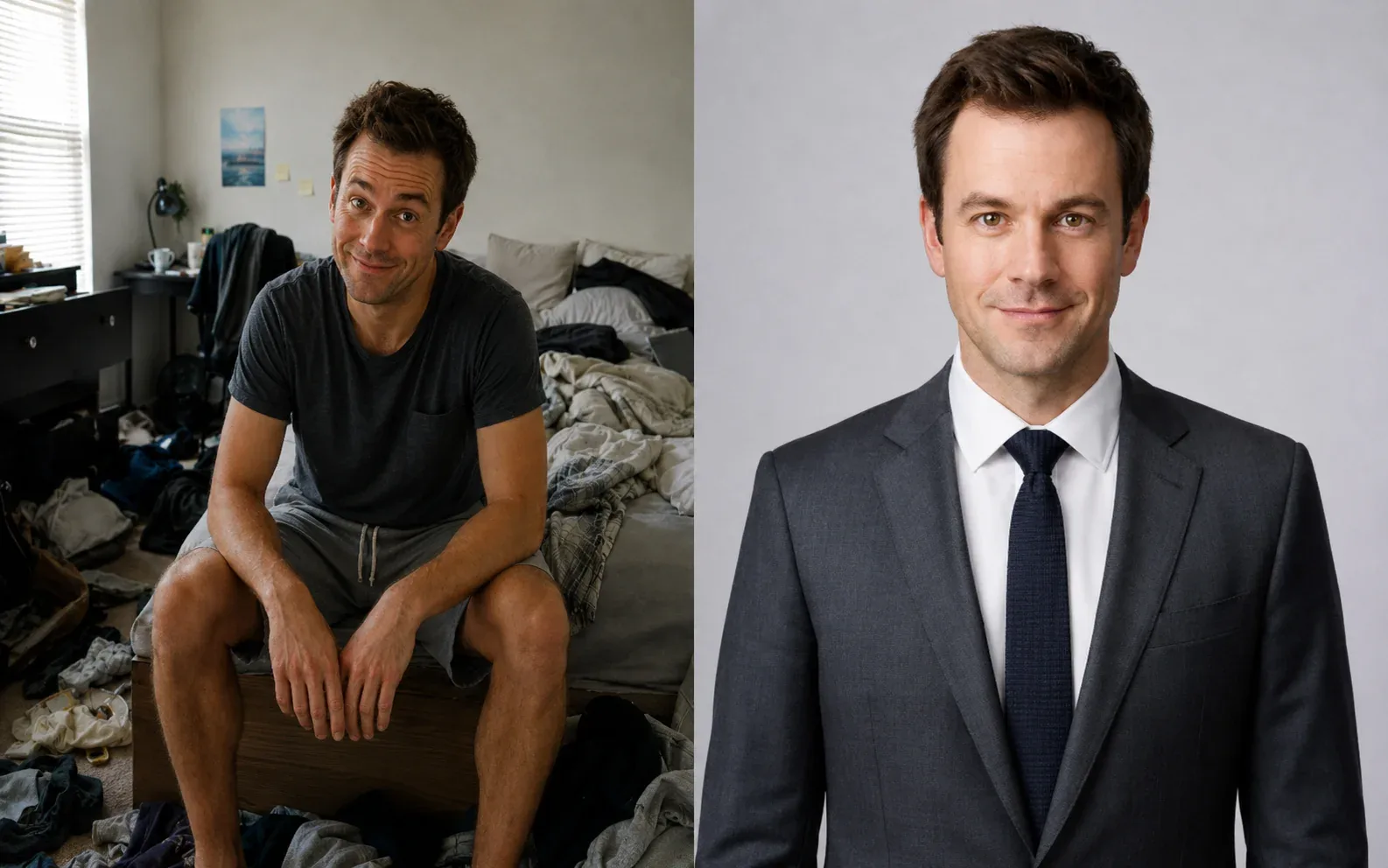
Portrait & Style
AI Headshot Generator
Create a polished professional headshot from a portrait or selfie.
Explore tool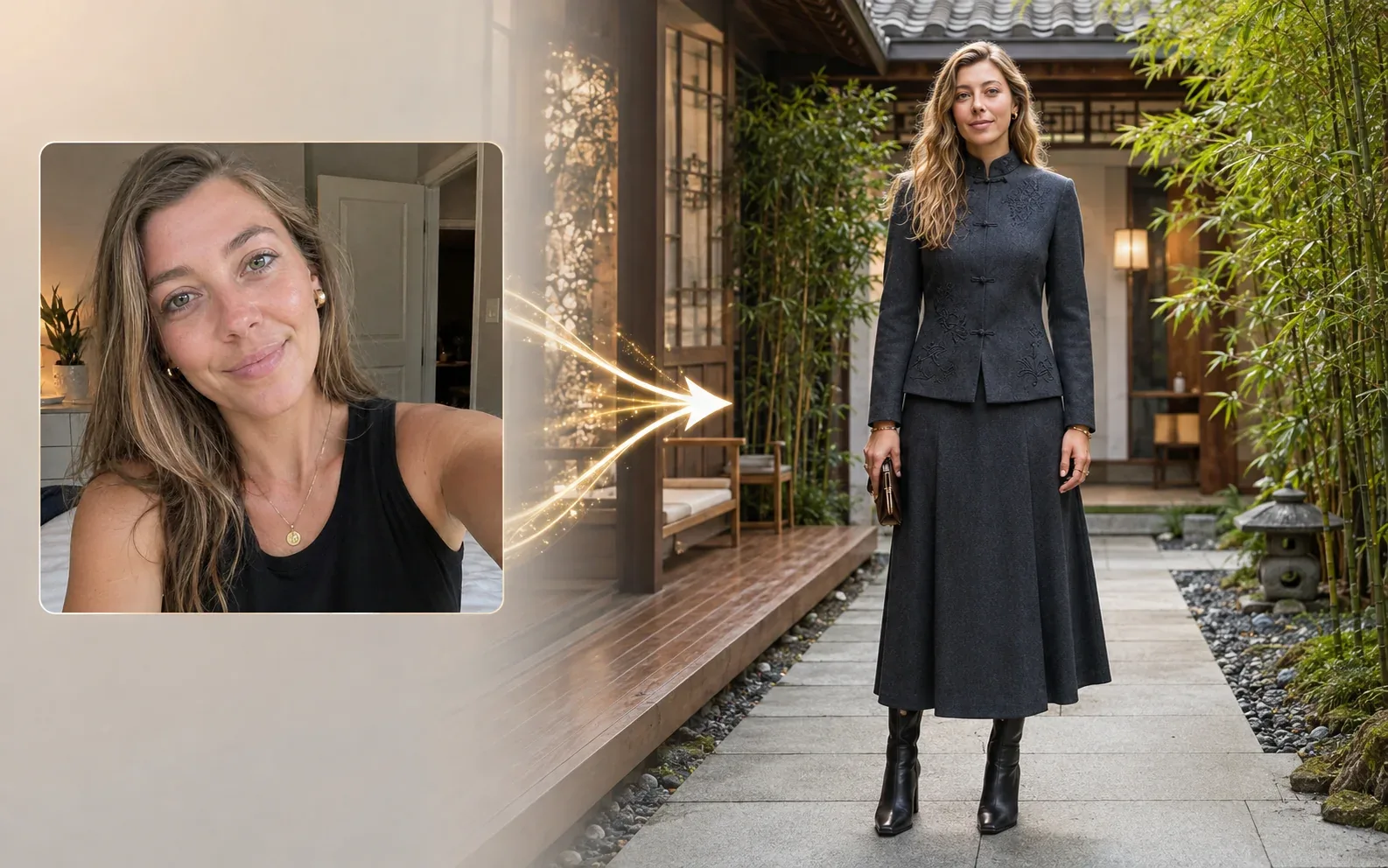
Fashion & Try-On
Dress Around the World
See yourself in 14 world-inspired fashion styles with a full-body look.
Explore tool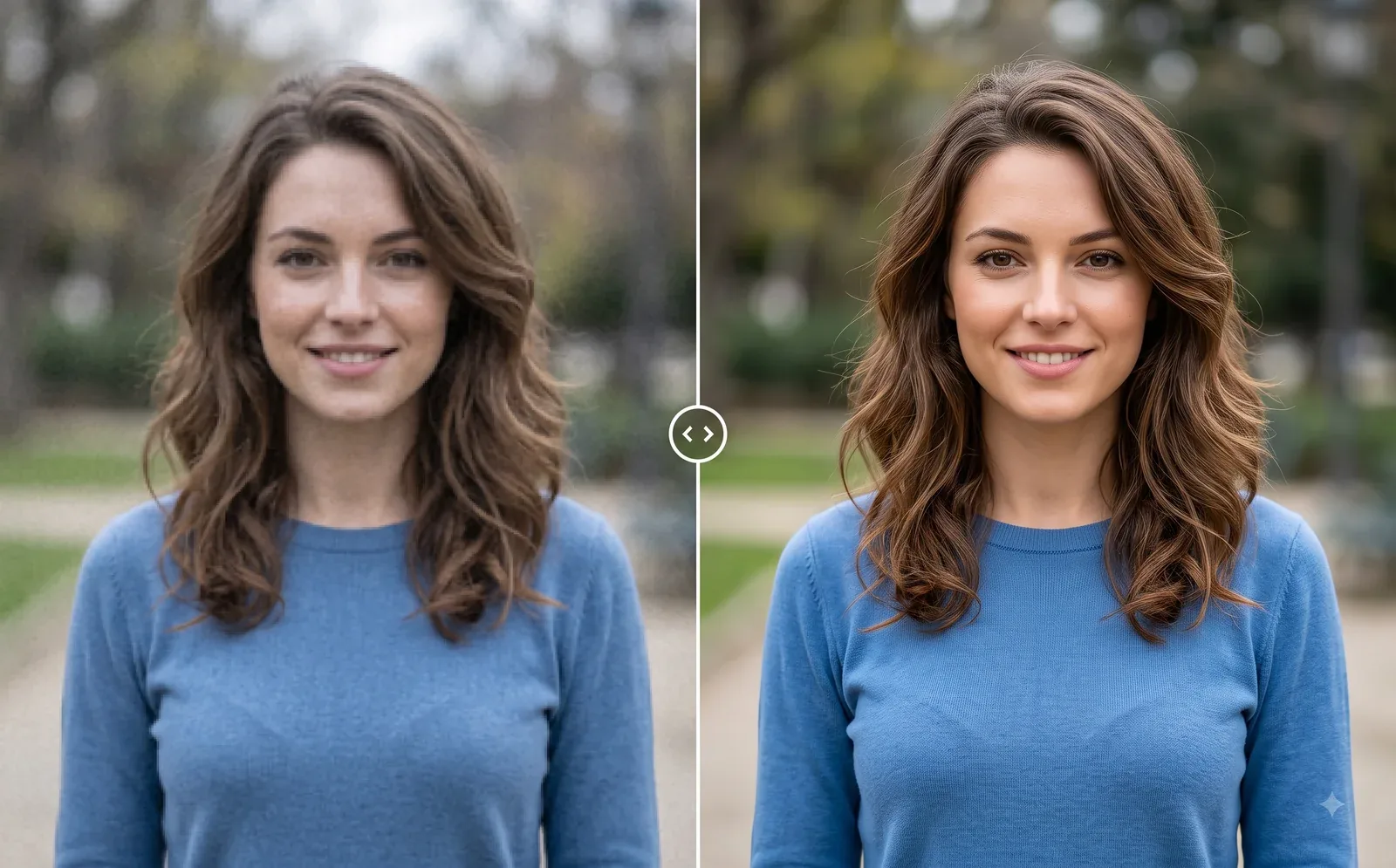
Photo Editing
Image Enhancer
Sharpen blurry or low-quality photos while preserving the original scene.
Explore tool