Portrait & Style
AI Headshot Generator
Turn your photo into a polished professional headshot with AI. Upload a portrait or selfie, choose a suit color and background, and create a realistic business-ready headshot in seconds.
Available on Pixredi
Examples
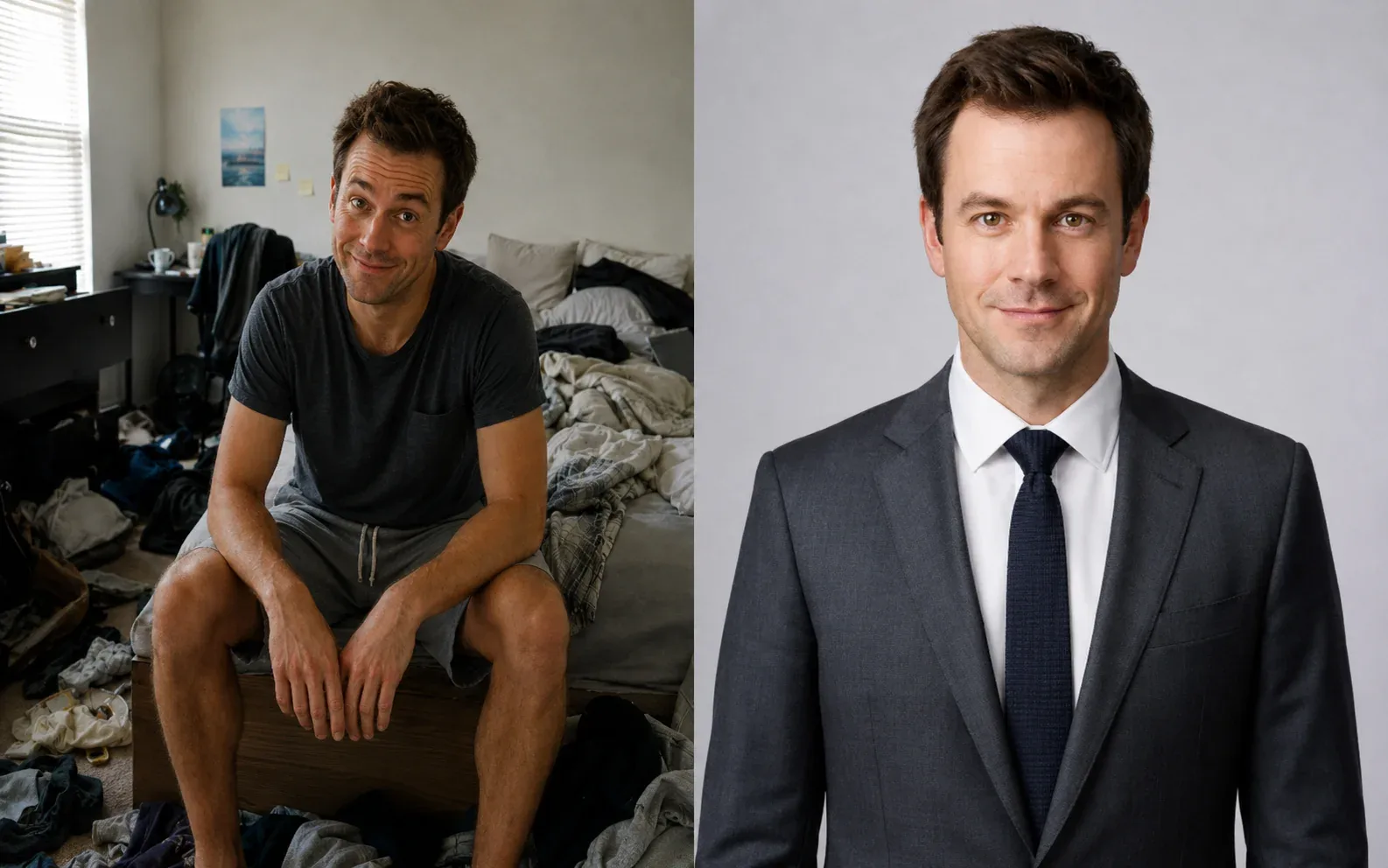
A few looks to show what this tool can do.
What you can do
Turn your photo into a polished professional headshot with AI. Upload a portrait or selfie, choose a suit color and background, and create a realistic business-ready headshot in seconds.
You don't need a suit at home to get a feel for the look.
How it works
- 1
Upload a portrait
Choose a clear portrait, selfie, headshot, or upper-body photo.
- 2
Choose suit & background
Pick a suit color and a clean professional background for your portrait.
- 3
Generate and download
Create a natural professional suit photo and save the result.
Tips before you start
- Use a clear portrait, selfie, headshot, or upper-body photo
- Keep the face visible and well lit
- Choose from seven suit colors and five professional backgrounds
- Full-body images are not required
Styles & ideas
Black
A classic formal option.
Navy
A dependable suit color for work and events.
Charcoal
A versatile, slightly formal option.
Gray
A neutral, modern professional look.
Beige
A lighter, warm-toned option.
White
A crisp, clean formal choice.
Ivory
A soft, refined alternative.
Ideas for AI Headshot
- Professional headshots
- LinkedIn profiles
- Career materials
- Social profiles
FAQ
A clear portrait, selfie, headshot, or upper-body photo works best. Full-body images are not required.
Black, navy, charcoal, gray, beige, white, and ivory.
Original, white, light gray, soft blue, and warm beige. Original preserves the uploaded photo background.
No. The AI preserves your identity, facial features, hairstyle, expression, and pose. The background changes only when you choose a new background.
The generated suit photo is delivered as a PNG download.
Related AI tools
Portrait & Style
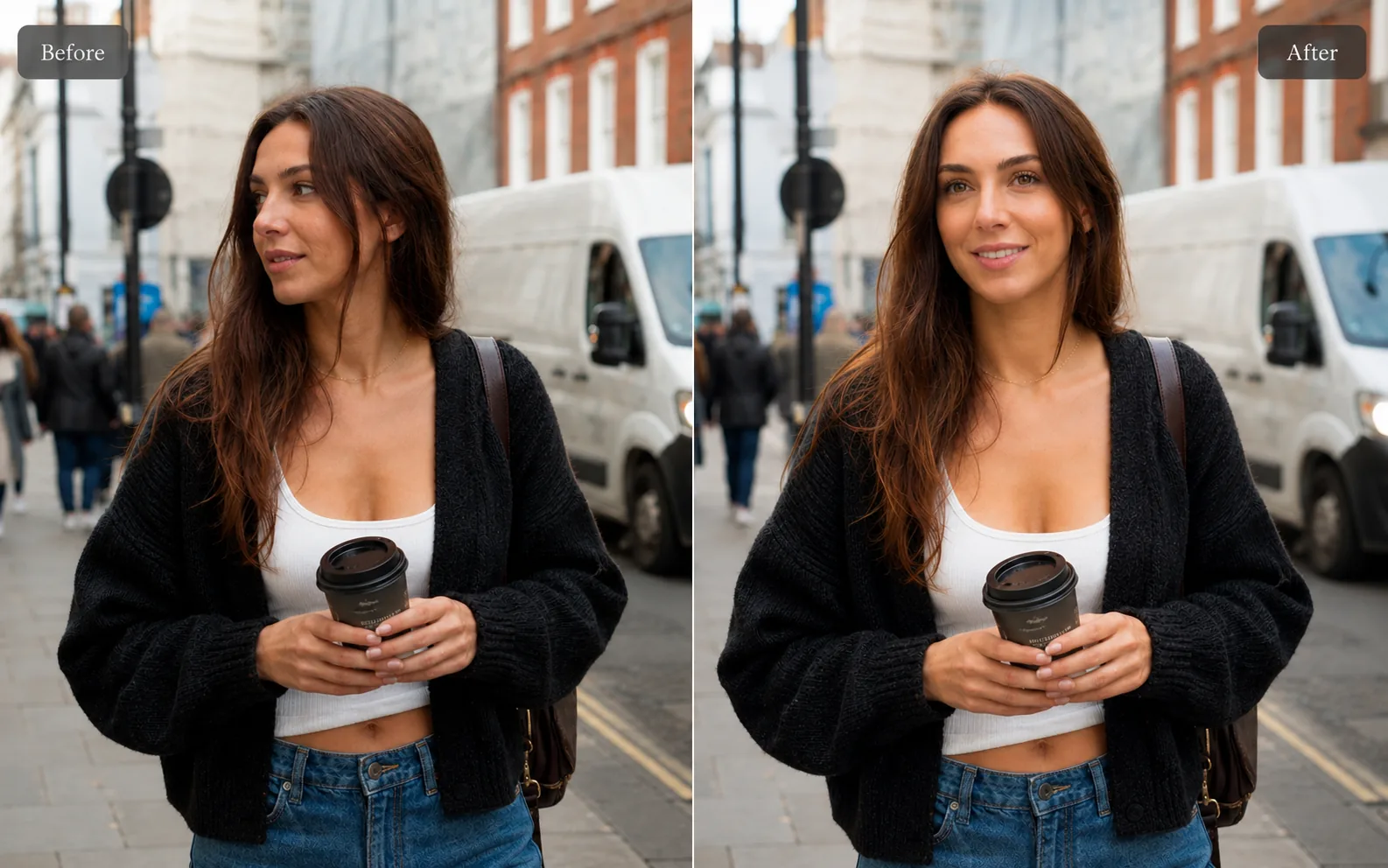
AI Professional Selfie
Upgrade casual pictures into polished, profile-ready portraits that still look like you.
Explore tool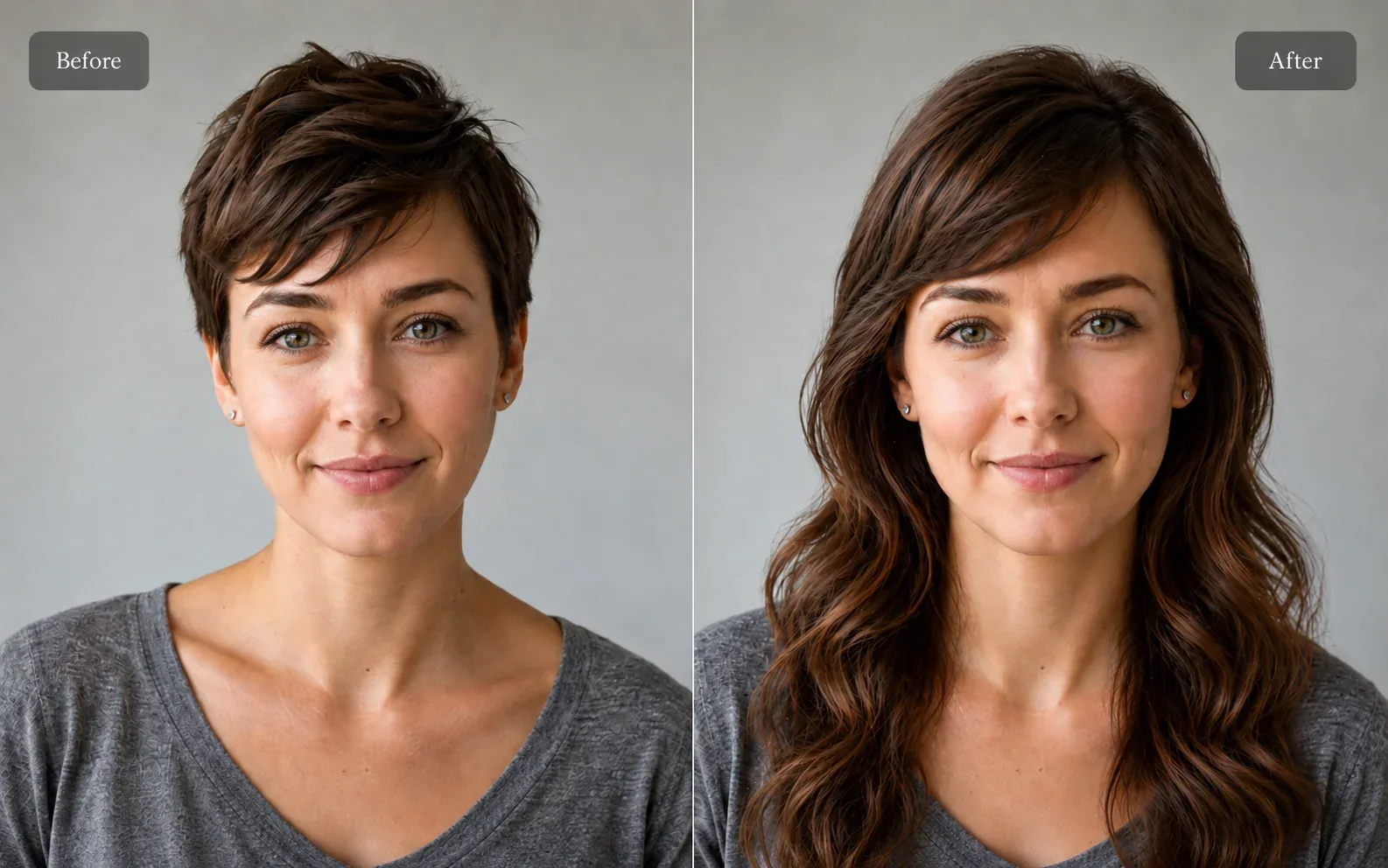
Portrait & Style
AI Hairstyle Try-On
Preview hairstyles and hair colors on your own portrait.
Explore tool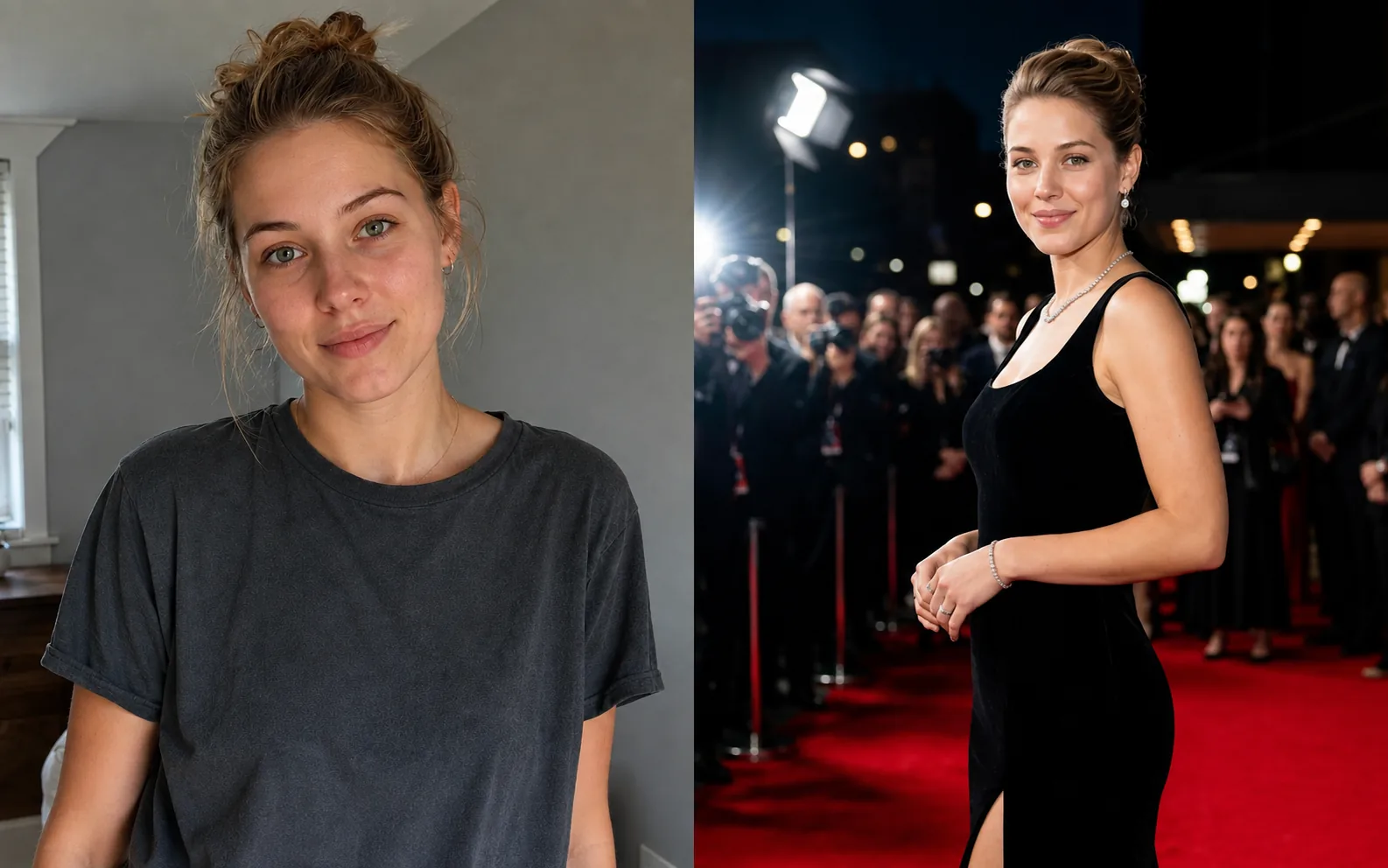
Portrait & Style
AI Glamour Photoshoot
Turn one photo into a polished editorial-style glamour portrait across 12 premium scenes.
Explore tool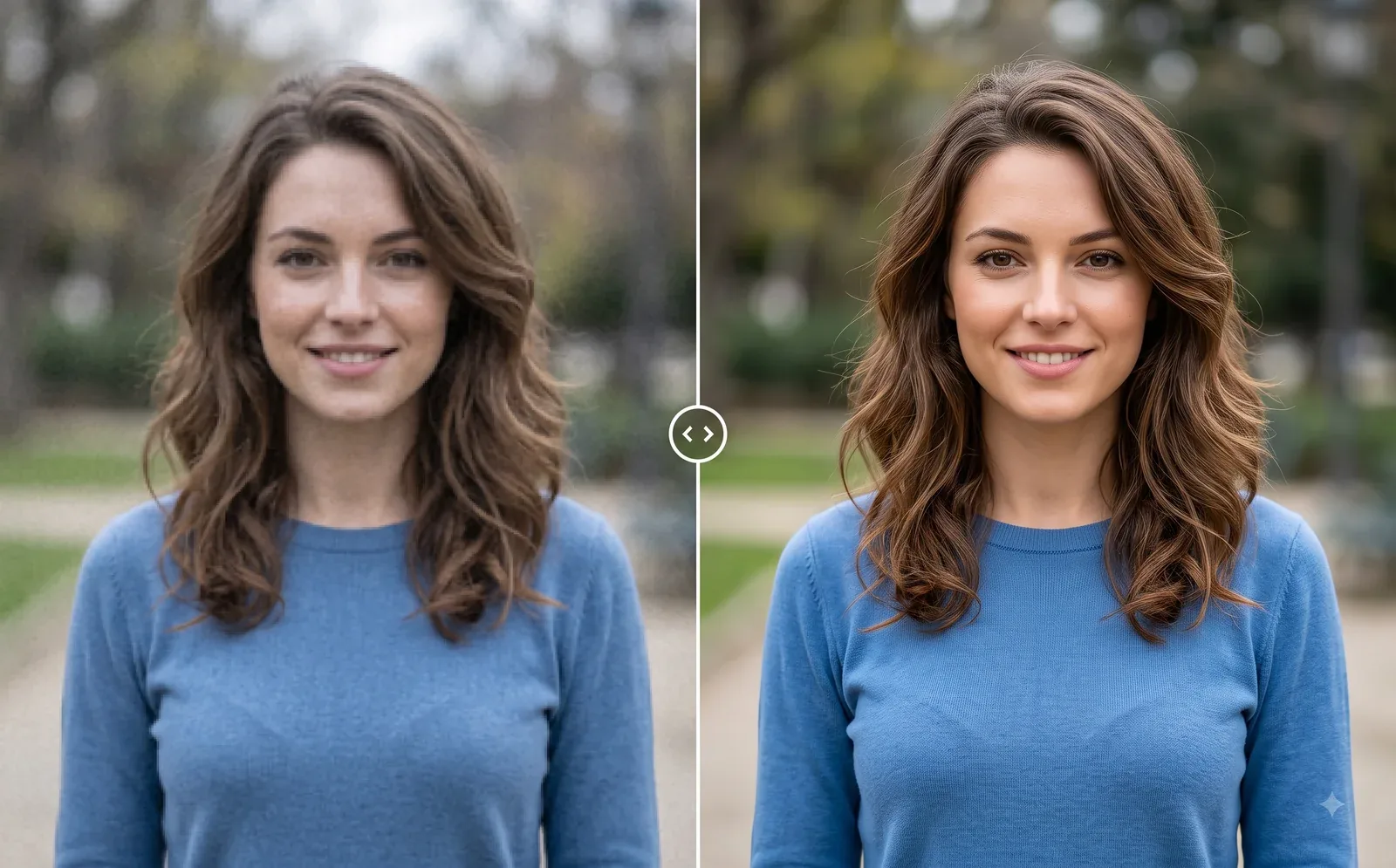
Photo Editing
Image Enhancer
Sharpen blurry or low-quality photos while preserving the original scene.
Explore tool