Product & E-commerce
AI Product Photo Generator
Turn a simple product photo into a polished scene for your store or campaign.
Available on Pixredi
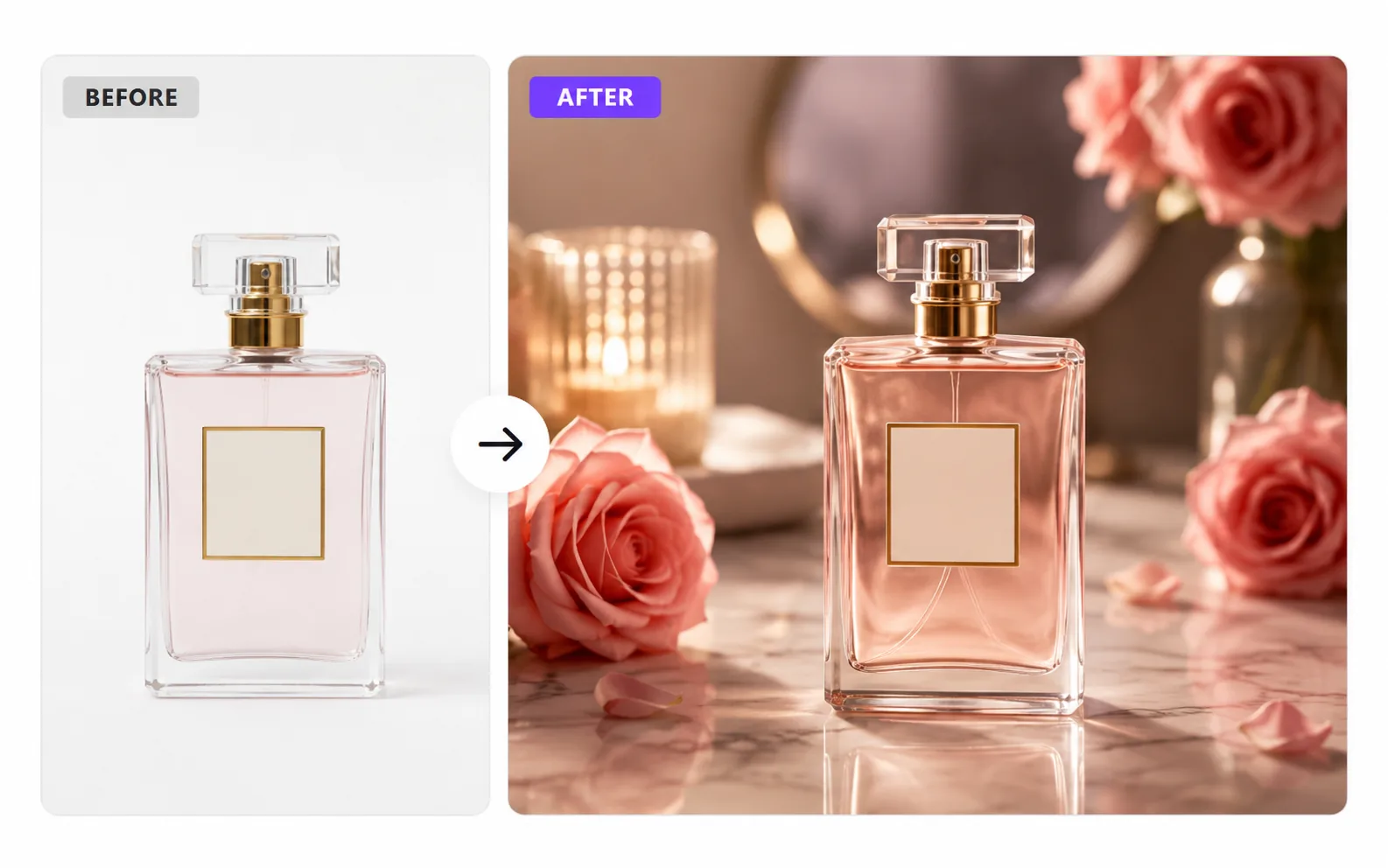
Examples
A few looks to show what this tool can do.
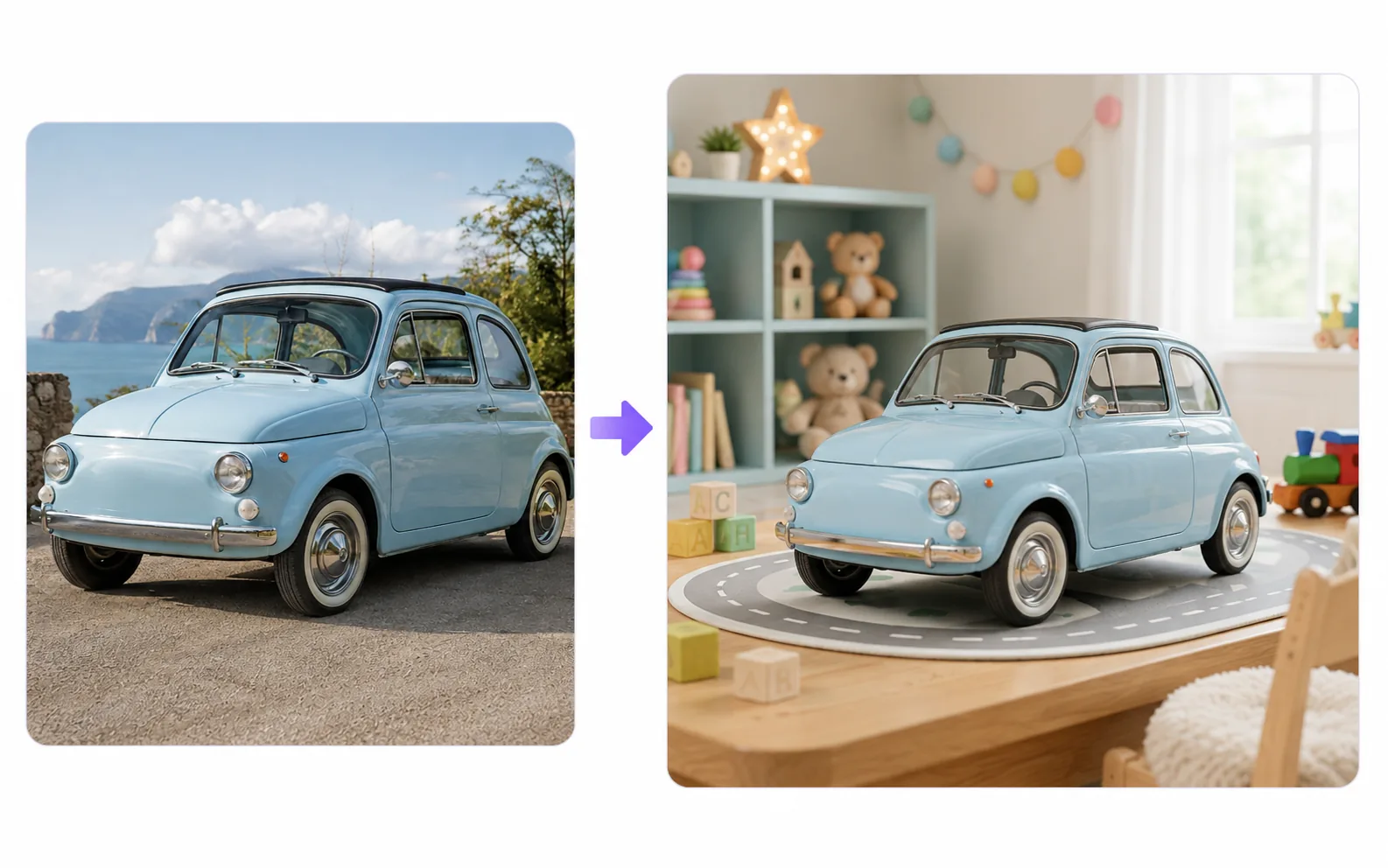
What you can do
The AI Product Photo Generator turns a simple product photo into polished, sell-ready product images for stores, listings, ads, and social media.
Pixredi detects the product, recommends scenes that fit its category, and keeps the product's shape, colors, labels, and packaging intact.
How it works
- 1
Choose a clean product photo
Pick a sharp image where the whole product is visible.
- 2
Pick a visual direction
Choose a studio, lifestyle, or seasonal scene.
- 3
Create a polished product scene
See your product placed in the setting you chose.
- 4
Download the final image
Save the visual for your store or campaign.
Tips before you start
- Use a clean product photo
- Keep the full product visible
- Start with a sharp image
- Avoid heavy glare when possible
- Use a simple background in the source photo
Styles & ideas
Fashion
Staging designed for clothing, shoes, and accessories.
Jewelry
Clean, detailed presentations for jewelry and small items.
Beauty
Polished scenes for cosmetics and personal care.
Home
Lifestyle settings for home and decor products.
Food
Appetizing presentation for food and drink.
Electronics
Modern staging for gadgets and devices.
Ideas for AI Product Photo
- Online store product pages
- Social media marketing
- Portfolio or catalog visuals
- Seasonal campaign ideas
FAQ
It turns a simple product photo into a polished scene that is ready for listings, ads, and social media.
Clear, sharp photos where the whole product is visible work well.
Yes, you can explore product-specific scenes such as fashion, jewelry, beauty, home, food, or electronics.
It's available on Pixredi as the AI Product Photo Generator.
Related AI tools
Product & E-commerce
AI Product Photo Generator
Turn a simple product photo into polished, sell-ready product visuals.
Explore tool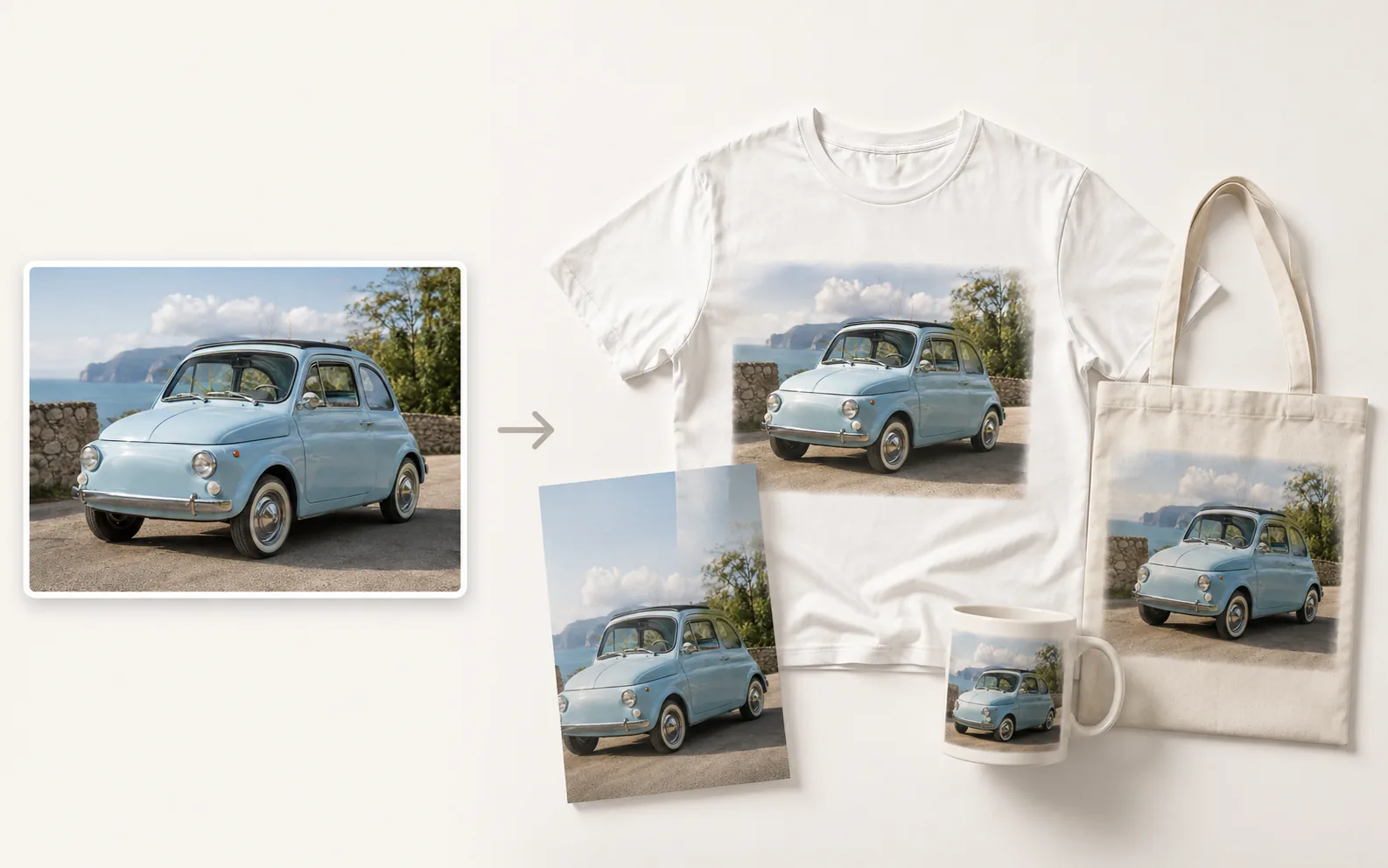
Product & E-commerce
AI Mockup Generator
Turn a design or brand visual into a realistic product mockup.
Explore tool
Photo Editing
Remove Background
Cut out a subject and create a clean transparent result.
Explore tool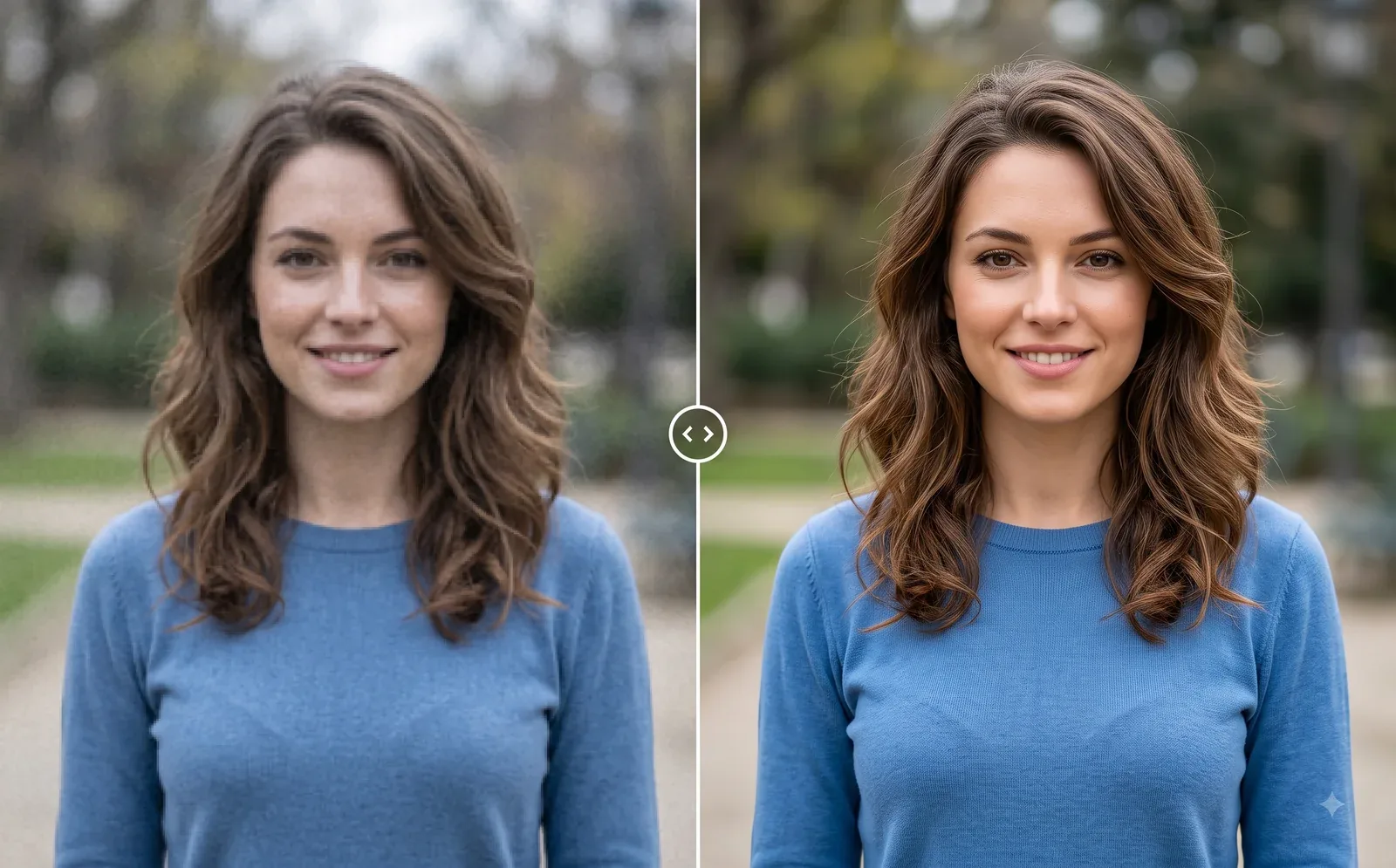
Photo Editing
Image Enhancer
Sharpen blurry or low-quality photos while preserving the original scene.
Explore tool