Privacy & Branding
Remove Image Metadata
Remove hidden metadata from a photo so you share only the image itself.
Available on Pixredi

Examples
A few looks to show what this tool can do.
What you can do
Photos can carry hidden information such as location, camera details, and the date they were taken. Remove Image Metadata reviews what a photo contains and clears the removable details before you share it.
The image itself stays visually the same, so you keep the photo and lose the hidden data.
How it works
- 1
Upload your image
Choose the photo you want to check.
- 2
Review the metadata
See what information the image contains.
- 3
Remove and download
Clear the removable metadata and download a clean copy.
Tips before you start
- Check metadata before posting photos online
- Use this tool before sending images to clients
- Keep the original file if you need the metadata later
- Pair with a watermark for sharing public work
Ideas for Remove Metadata
- Sharing photos online without location data
- Sending images to clients or colleagues
- Publishing content on a website
- Adding privacy to your normal photo workflow
FAQ
Removable embedded information such as location, camera details, date taken, and software details.
No, the photo is designed to stay visually unchanged.
Yes, Pixredi shows useful metadata before you choose to remove it.
It is available on Pixredi.
Related AI tools

Privacy & Branding
Add Watermark
Add text or logo watermarks to one image or a whole batch.
Explore tool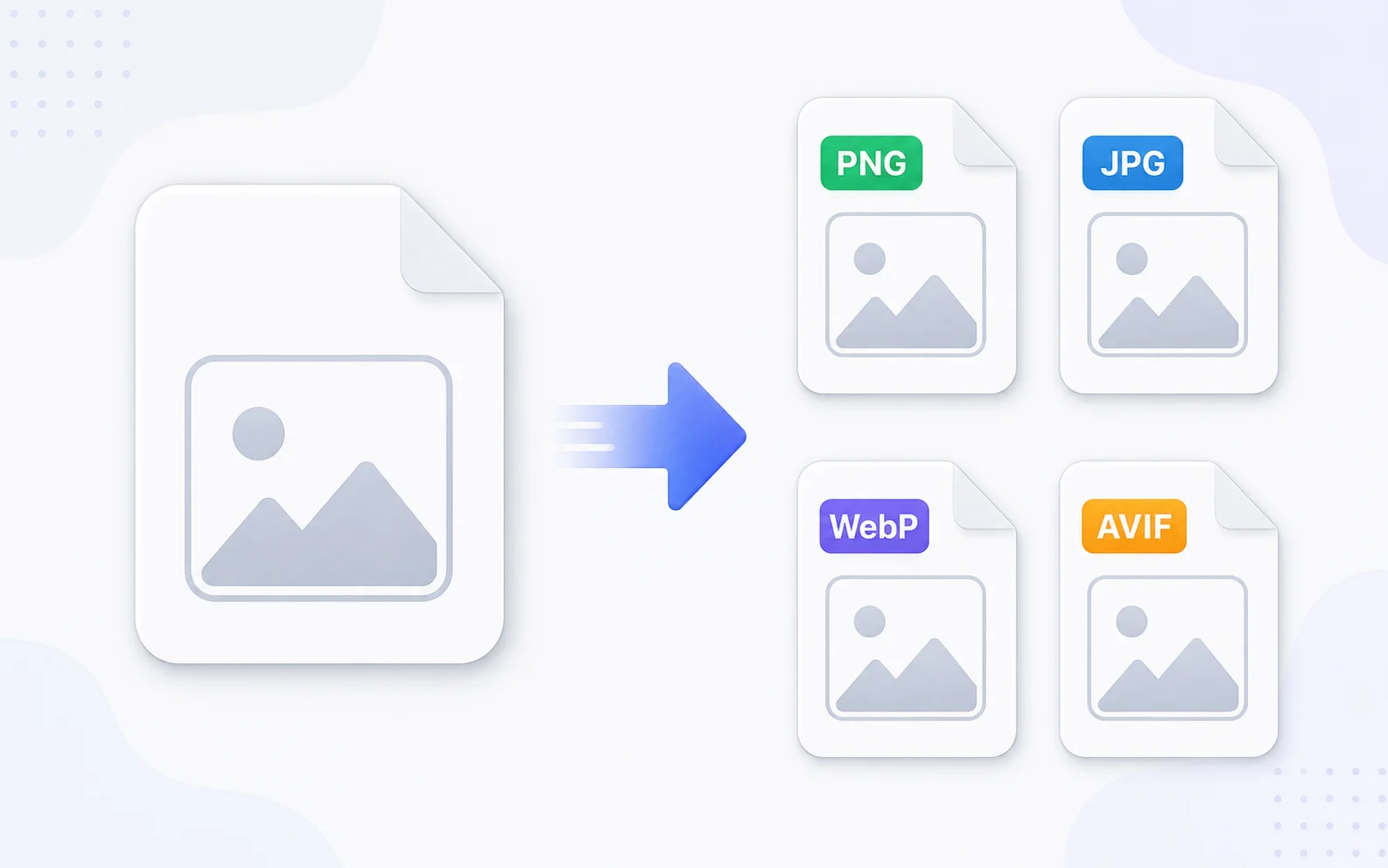
Image Utilities
Image Converter
Change images between common formats like PNG, JPG, WebP, and AVIF.
Explore tool
Image Utilities
Image Resizer
Resize images to exact dimensions, percentages, or social media presets.
Explore tool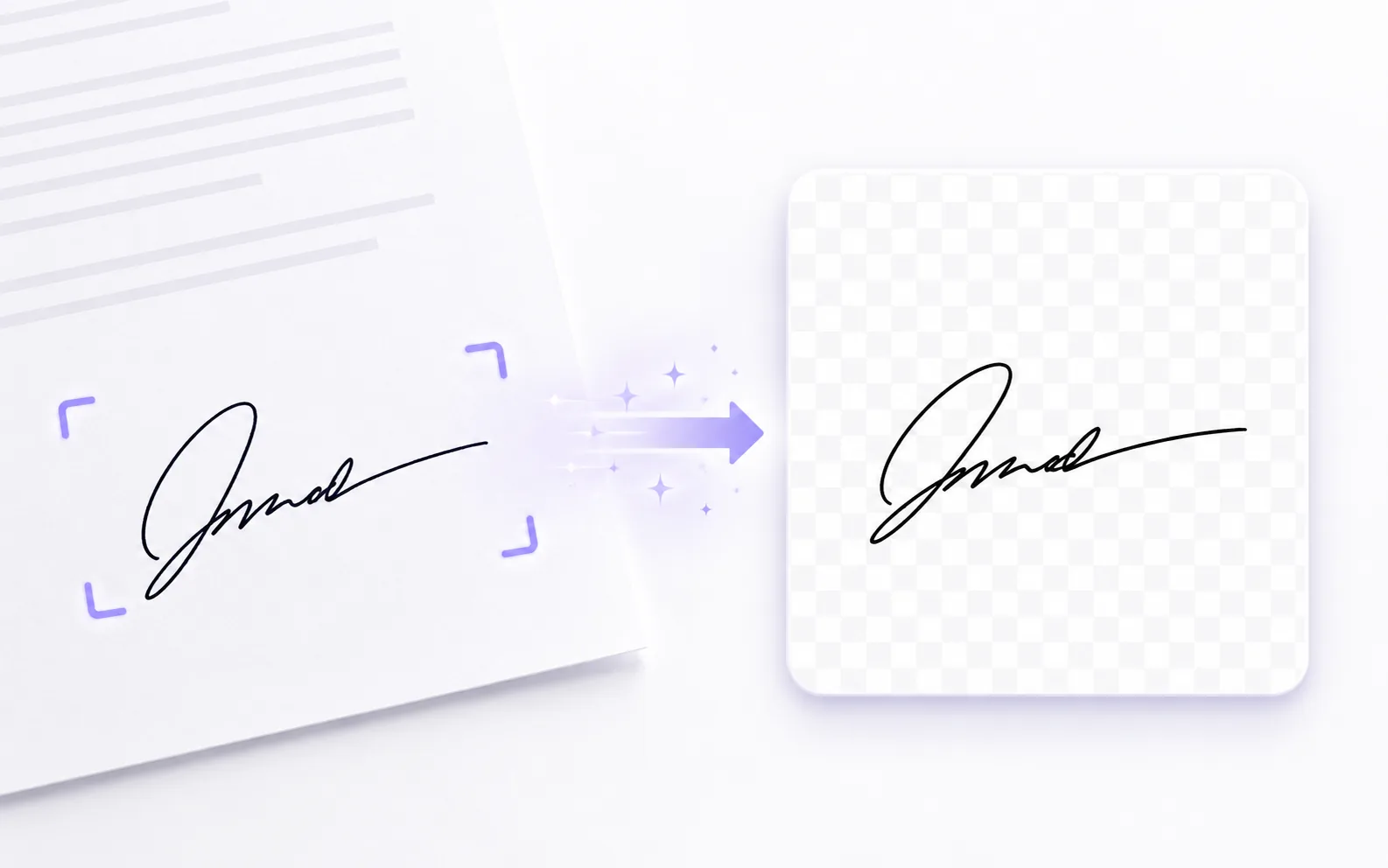
Image Utilities
Signature Extractor
Extract a handwritten signature into a clean transparent PNG.
Explore tool