Image Utilities
Image Resizer
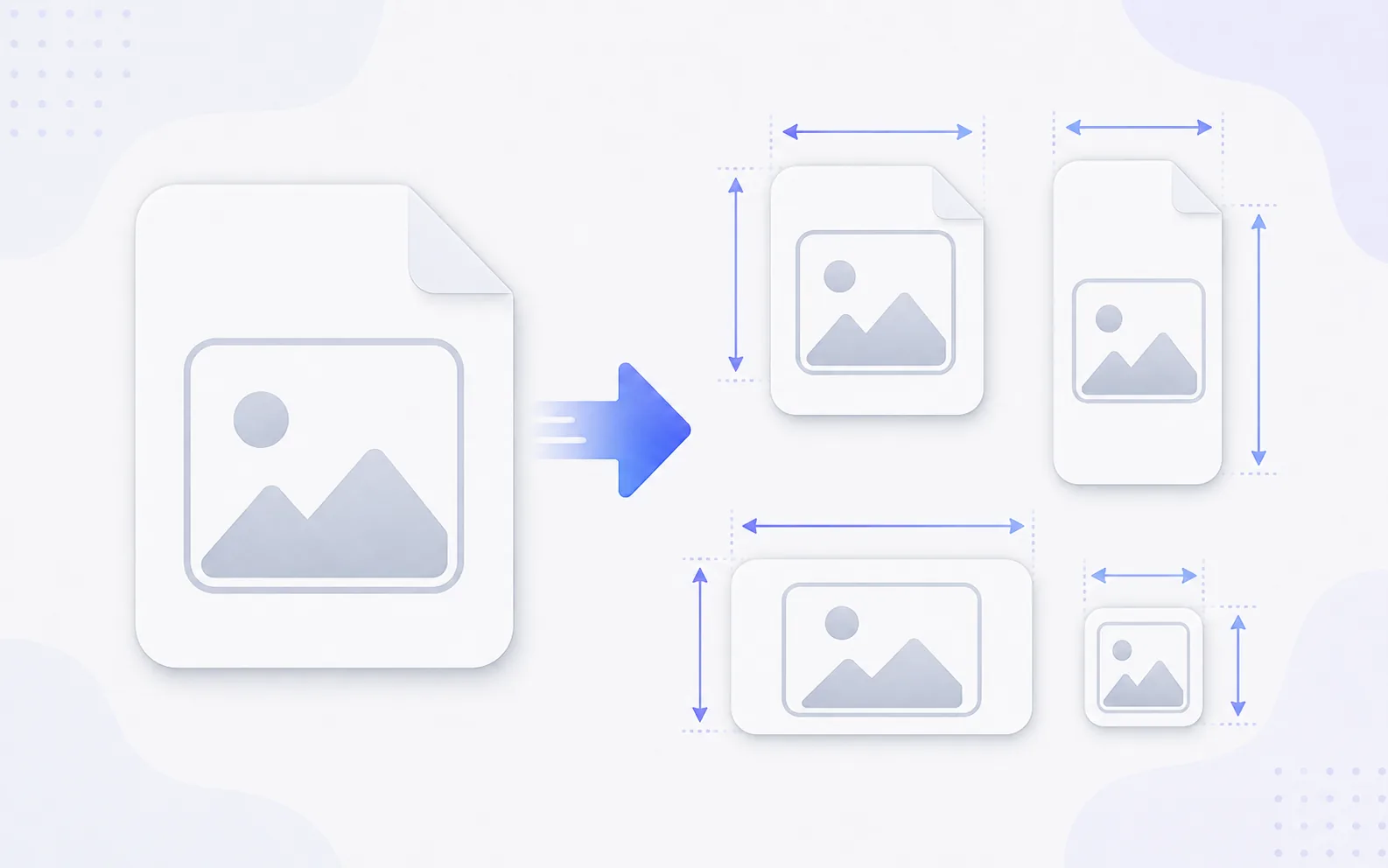
Resize an image to the exact size you need for a platform, layout, or document.
Available on Pixredi
Examples
A few looks to show what this tool can do.
What you can do
Image Resizer changes the width and height of an image while keeping the proportions natural. It is useful for social media, websites, thumbnails, and documents that need a specific size.
You can enter custom dimensions, scale by percentage, or use ready-made presets for popular platforms.
How it works
- 1
Upload the image
Choose the photo or graphic you want to resize.
- 2
Choose a size
Enter custom dimensions, use a percentage, or pick a social media preset.
- 3
Preview the result
Check the proportions and framing.
- 4
Download the resized image
Save the version that fits your use.
Tips before you start
- Keep the aspect ratio locked unless you want a specific distortion
- Start with the largest version you have
- Check text and details at the final size
- Use a preset when a platform has a known size
Ideas for Image Resizer
- Sizing images for Instagram or Facebook
- Preparing thumbnails and banners
- Resizing product images consistently
- Scaling an image by percentage
FAQ
Yes, you can enter a custom width and height.
Yes, locking the aspect ratio keeps the image proportional.
Yes, presets cover common sizes for several popular platforms.
It is available on Pixredi.
Related AI tools
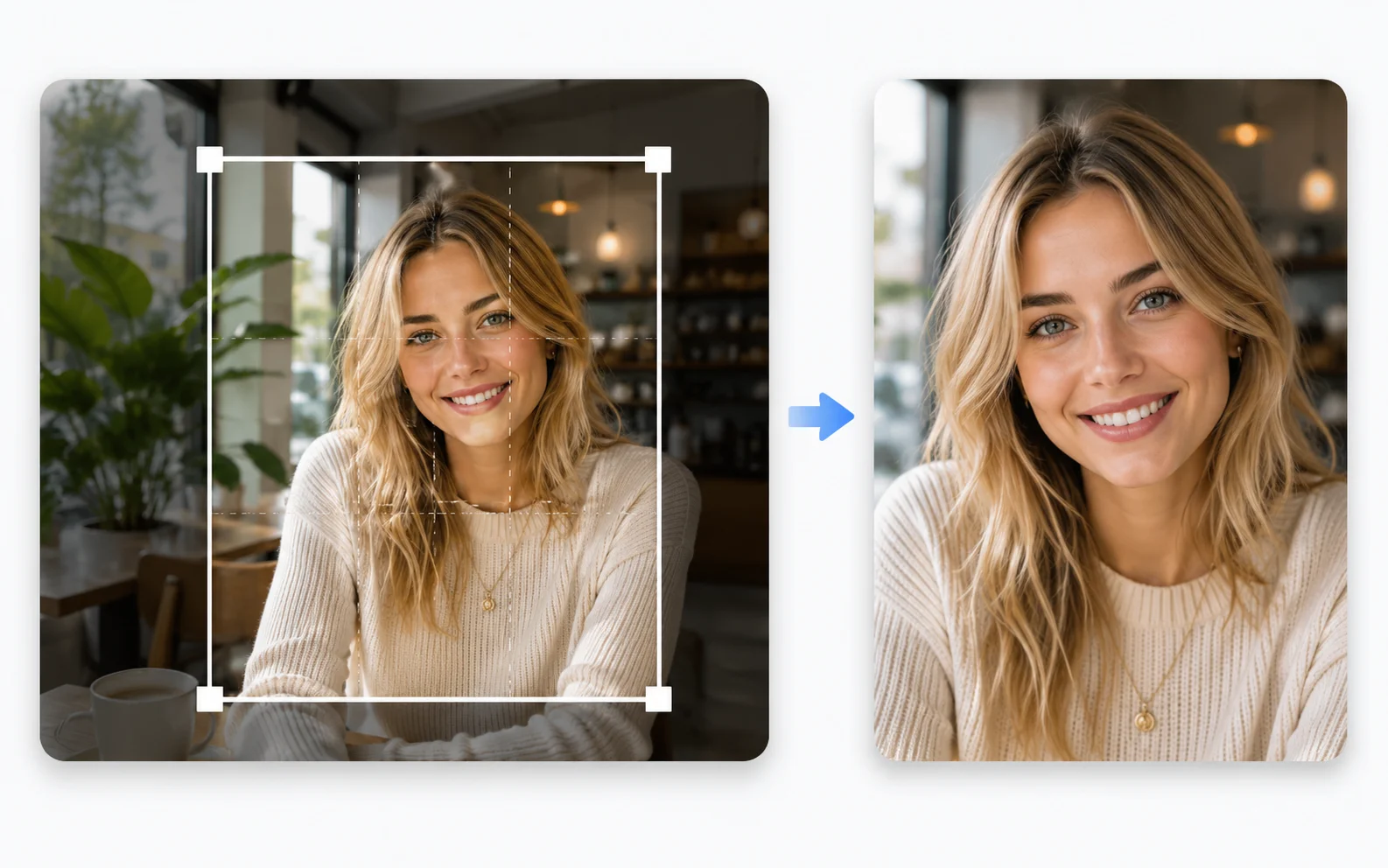
Image Utilities
Image Cropper
Crop photos to the right size and framing for any use.
Explore tool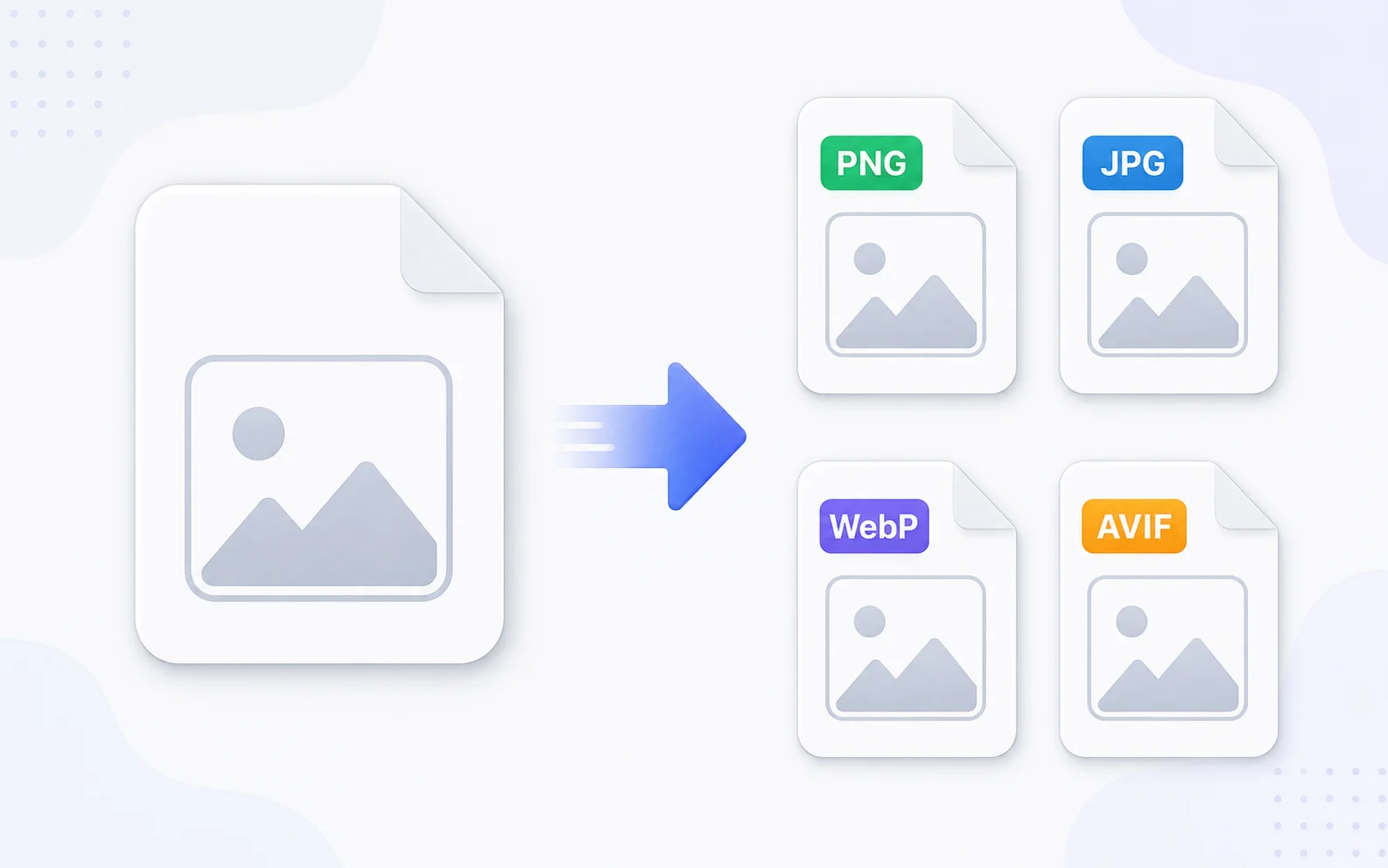
Image Utilities
Image Converter
Change images between common formats like PNG, JPG, WebP, and AVIF.
Explore tool
Image Utilities
Image Compressor
Make image files smaller for faster sharing and uploading.
Explore tool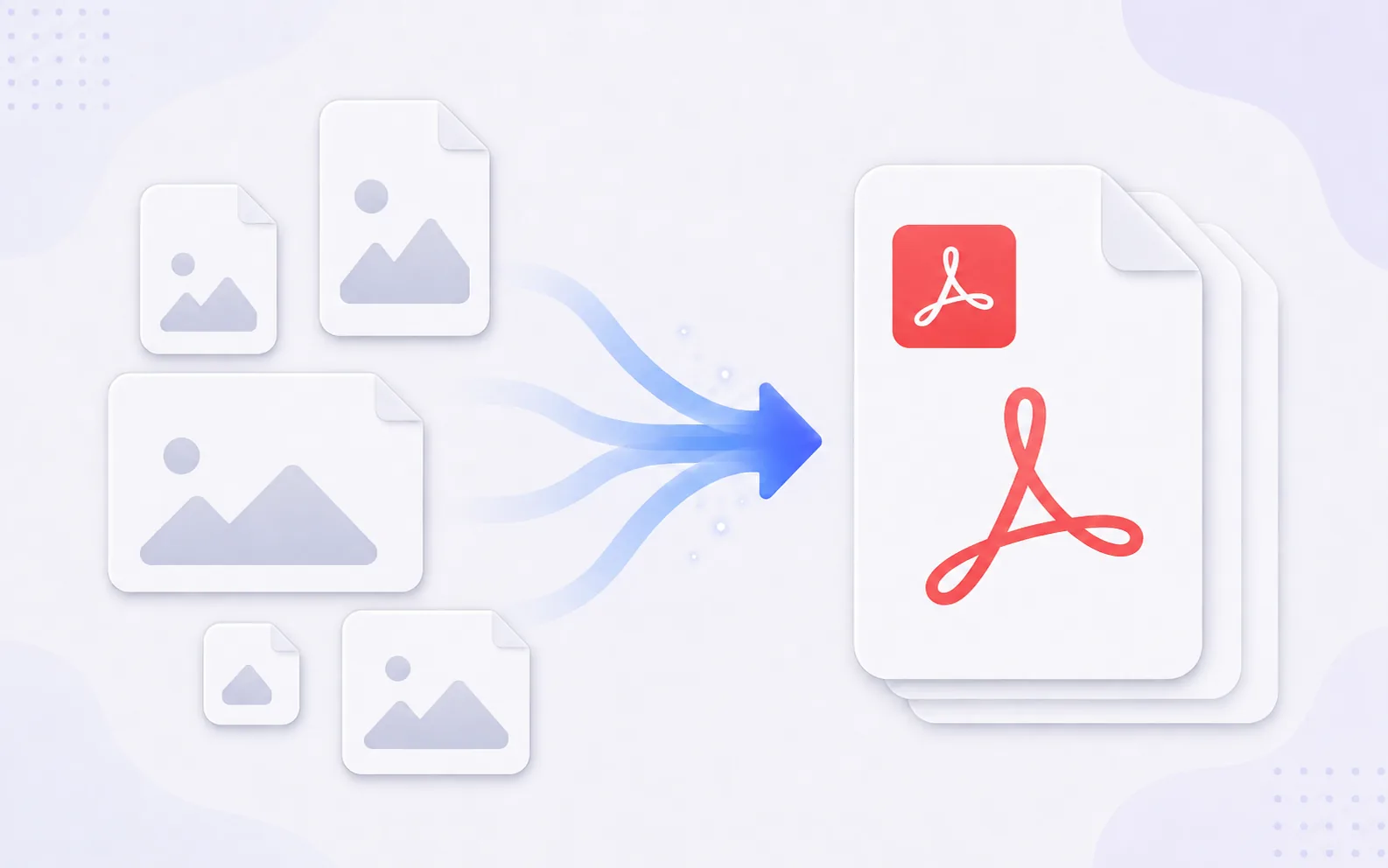
Image Utilities
Image to PDF
Combine JPG, PNG, and WebP images into a single PDF.
Explore tool