Creative AI
AI Photo to Cartoon / Anime
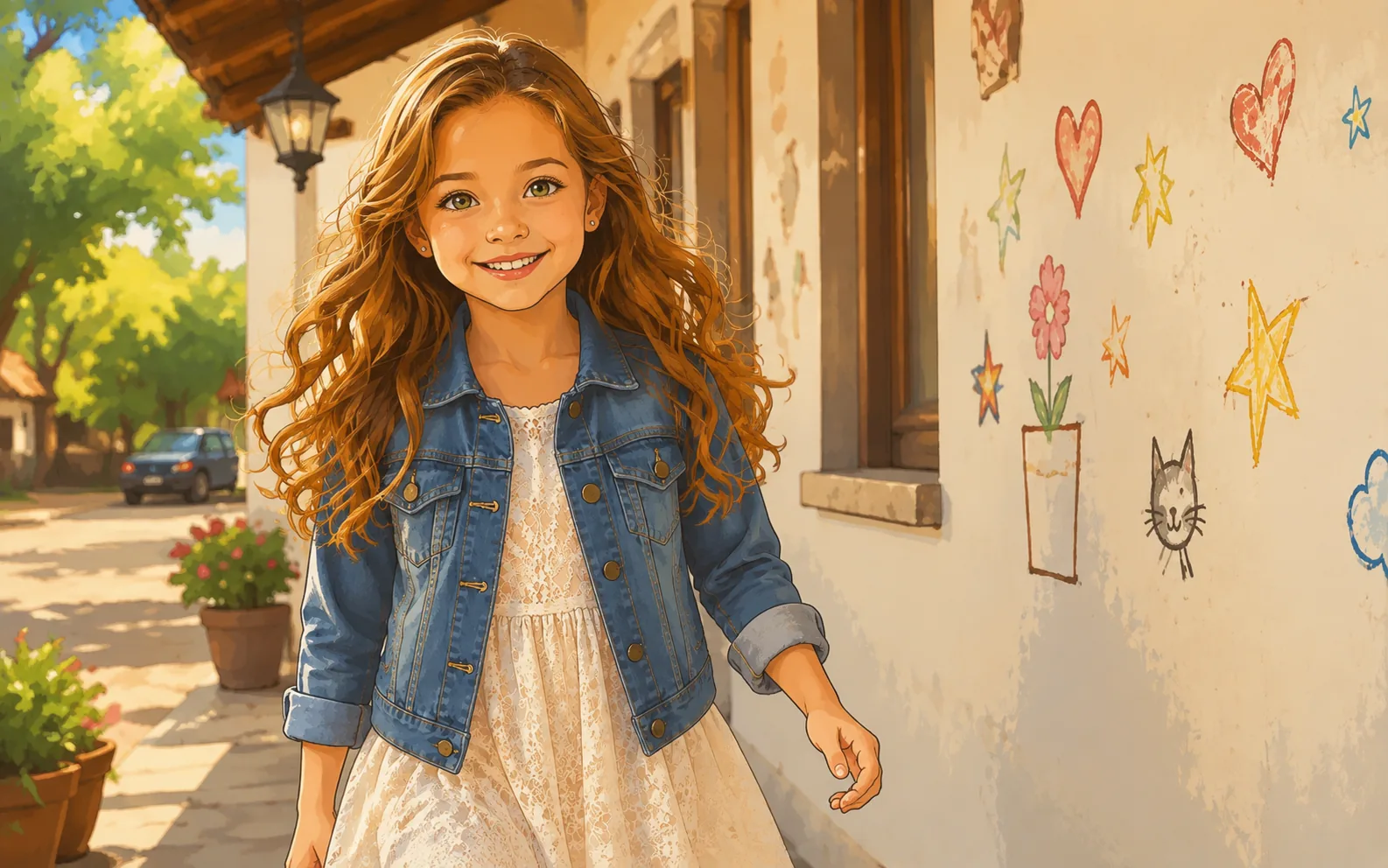
Turn your photos into beautiful cartoon or anime artwork. Upload any image and see the main subject recreated with a playful, hand-crafted look.
Available on Pixredi
Examples
A few looks to show what this tool can do.
What you can do
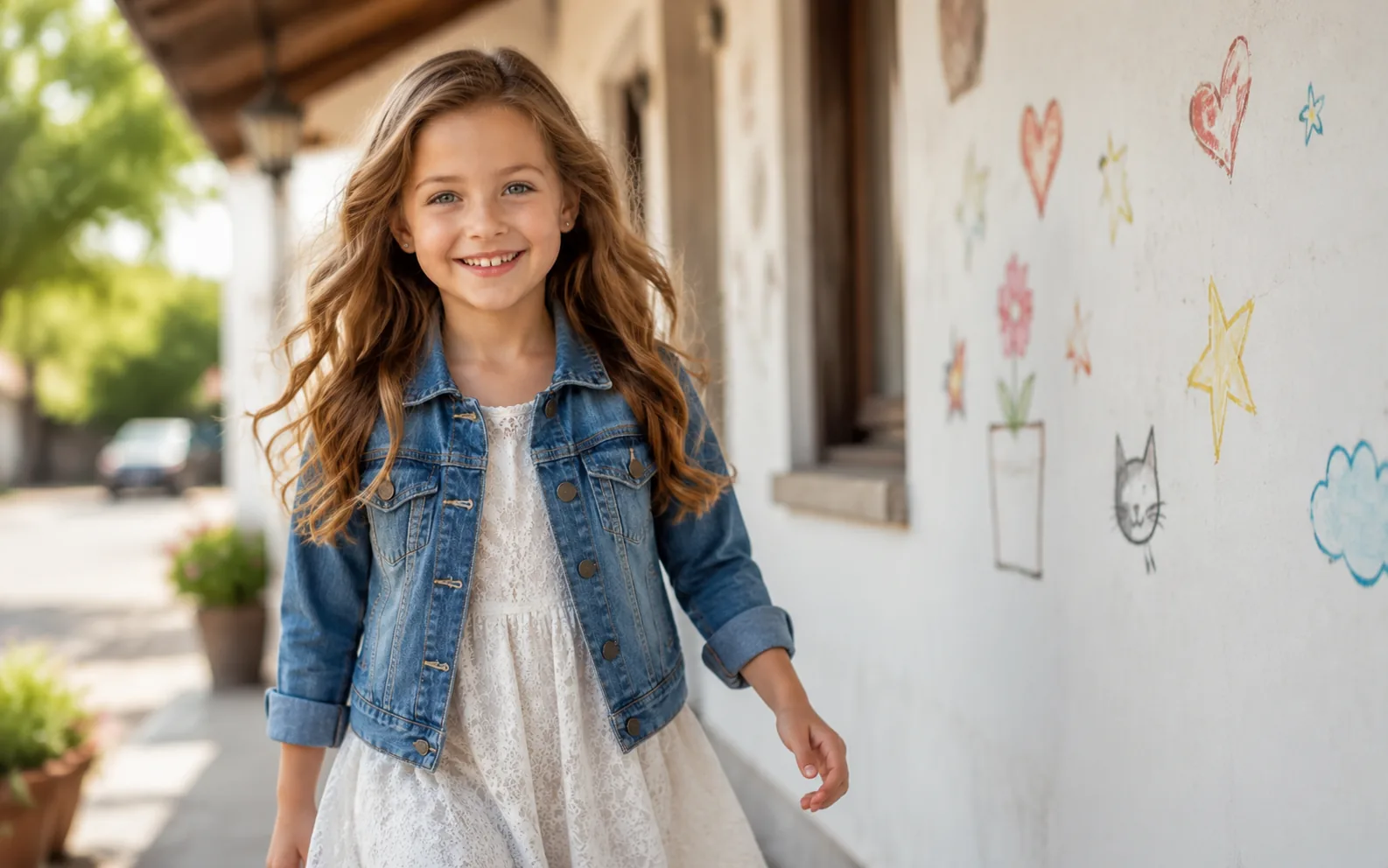
AI Photo to Cartoon / Anime turns your photos into beautiful cartoon or anime artwork.
Upload any image and see the main subject recreated with a playful, hand-crafted look while keeping colors, shapes, expressions, and details recognizable.
How it works
- 1
Upload a photo
Choose a clear photo of a person, pet, object, place, or everyday scene.
- 2
Create your artwork
Pixredi turns the main subject into a beautiful cartoon or anime version.
- 3
Download the result
Preview the artwork and save it when you are ready.
Tips before you start
- Almost any clear JPG, PNG, or WebP photo works
- Keep the main subject sharp and well lit
- People, pets, objects, places, and landscapes all work
- Download a polished PNG for profiles, messages, and projects
Ideas for Cartoon / Anime
- People and pets
- Objects and places
- Social and profile fun
- Creative projects
FAQ
Almost any clear JPG, PNG, or WebP photo up to 10 MB — people, pets, objects, places, and everyday scenes all work.
Yes. The artwork keeps the main subject's identity, appearance, colors, and important details while giving it a cartoon or anime look.
One generation creates a high-quality cartoon or anime style tailored to your photo. Results are saved in My Creations where you can download them.
The generated artwork is delivered as a downloadable PNG.
Related AI tools
Creative AI
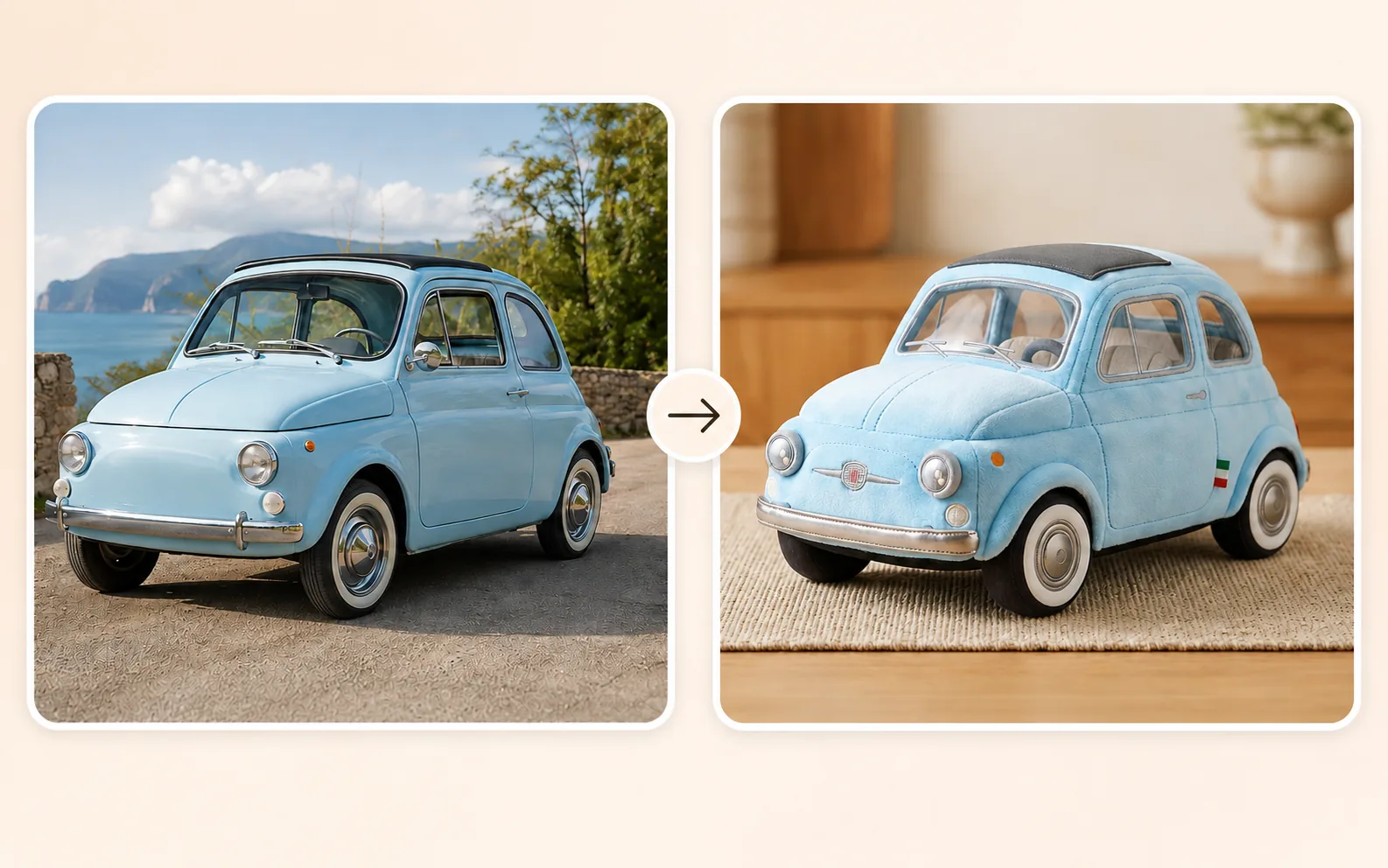
AI Plushie Generator
Turn almost any subject into a cute, one-of-a-kind plushie image.
Explore tool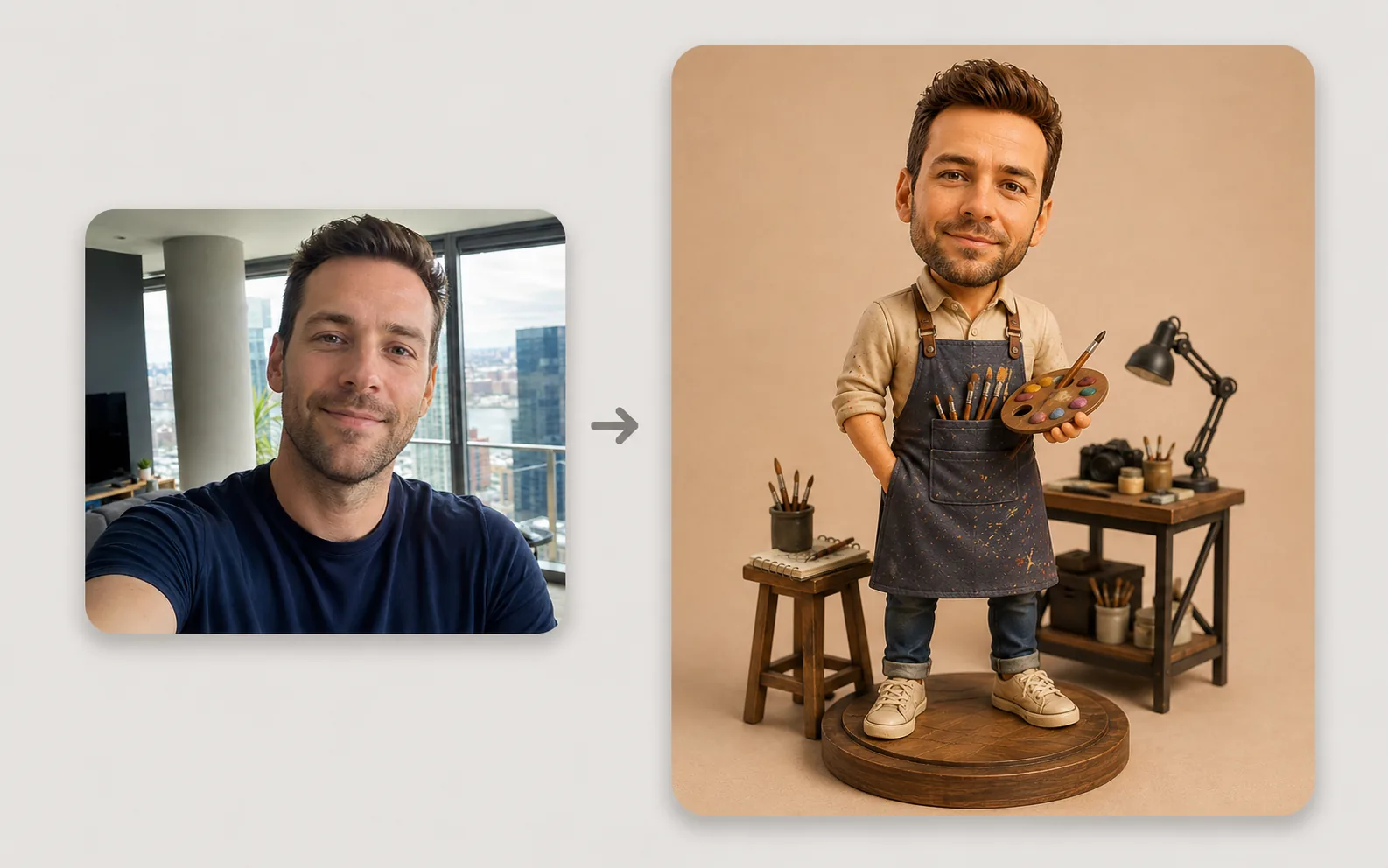
Creative AI
Action Figure Generator
Turn a portrait into a collectible-style action figure image.
Explore tool
Portrait & Style
AI Glamour Photoshoot
Turn one photo into a polished editorial-style glamour portrait across 12 premium scenes.
Explore tool
Photo Editing
Image Enhancer
Sharpen blurry or low-quality photos while preserving the original scene.
Explore tool