Creative AI
AI Plushie Generator
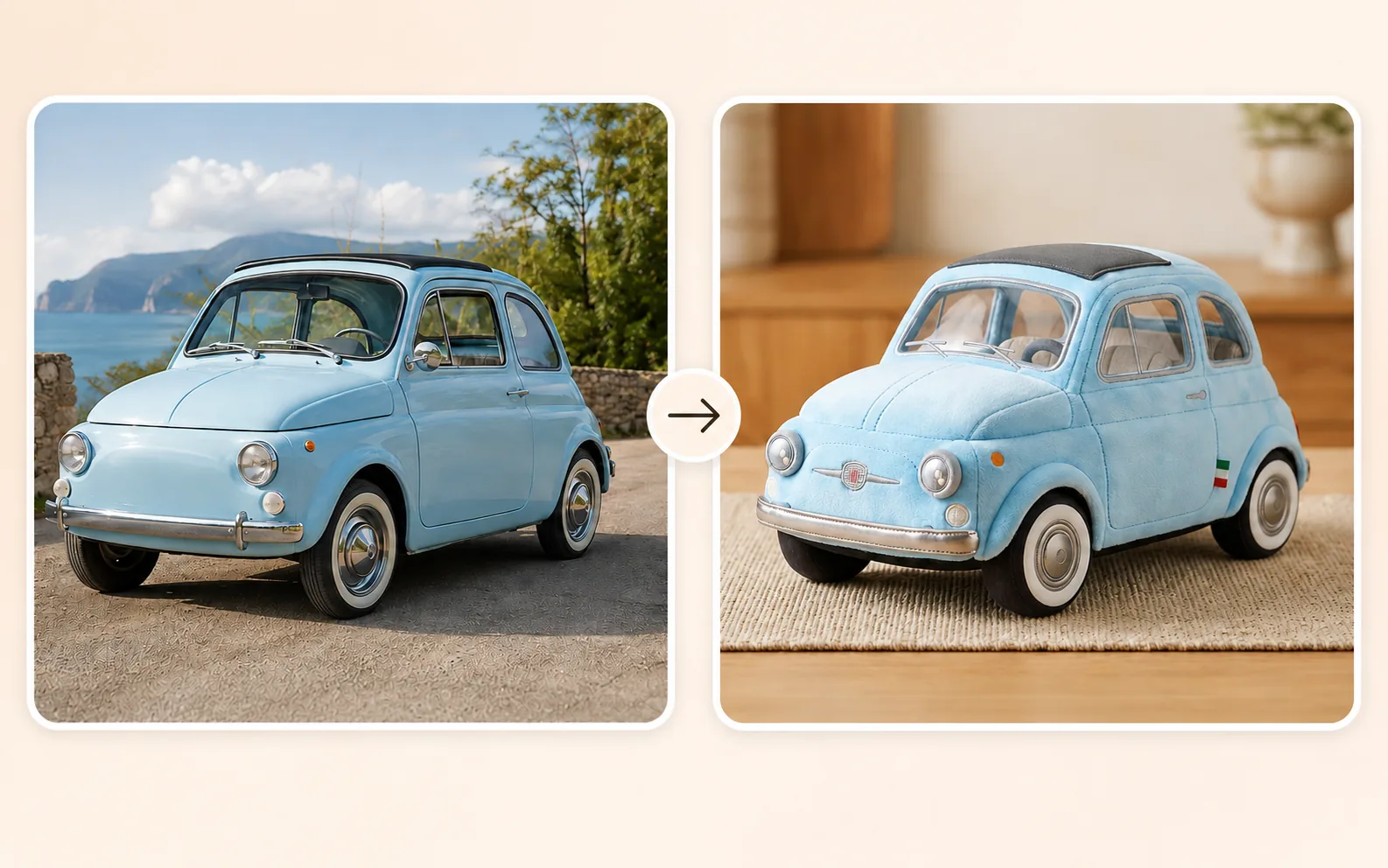
Upload a photo and turn the main subject into a cute, one-of-a-kind plushie image.
Available on Pixredi
Examples
A few looks to show what this tool can do.
What you can do
An AI plushie generator turns the main subject of a photo into a soft, plush-toy-inspired image. People, pets, plants, objects, and food all work.
Upload a clear photo and let Pixredi create a cute plushie version that keeps the subject recognizable.
How it works
- 1
Upload a photo
Choose a clear photo where the main subject is easy to see.
- 2
Create your plushie
Pixredi turns the main subject into a cute plushie image.
- 3
Download the result
Preview the plushie image and save it when you are ready.
Tips before you start
- Use a clear photo with one main subject
- Keep the subject sharp and well lit
- Colors, shapes, markings, and outfits carry into the design
- Pixredi creates an image only and does not ship physical plush toys
Ideas for AI Plushie
- Personal keepsakes
- Creative gifts
- Everyday objects
- Profile and social fun
FAQ
The uploader accepts JPG, PNG, and WebP photos up to 10 MB.
Almost any clear main subject works, including people, pets, plants, food, furniture, vehicles, and everyday objects.
No. This tool creates a plushie image that you can download; Pixredi does not manufacture or deliver physical products.
The generated plushie image is delivered as a PNG download.
Related AI tools
Fashion & Try-On
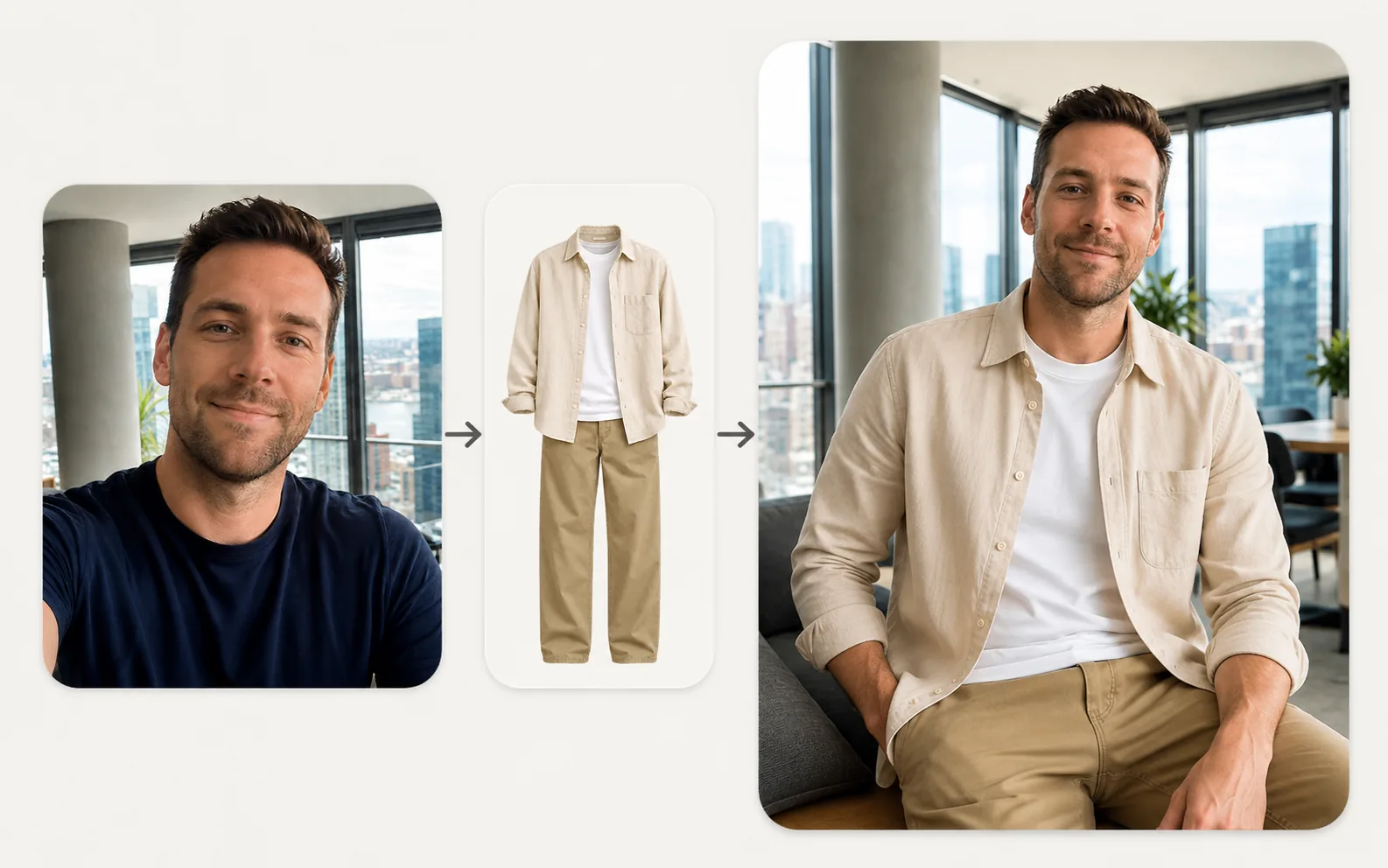
Virtual Try-On
Upload a person photo and a clothing photo to preview a new look in seconds.
Explore tool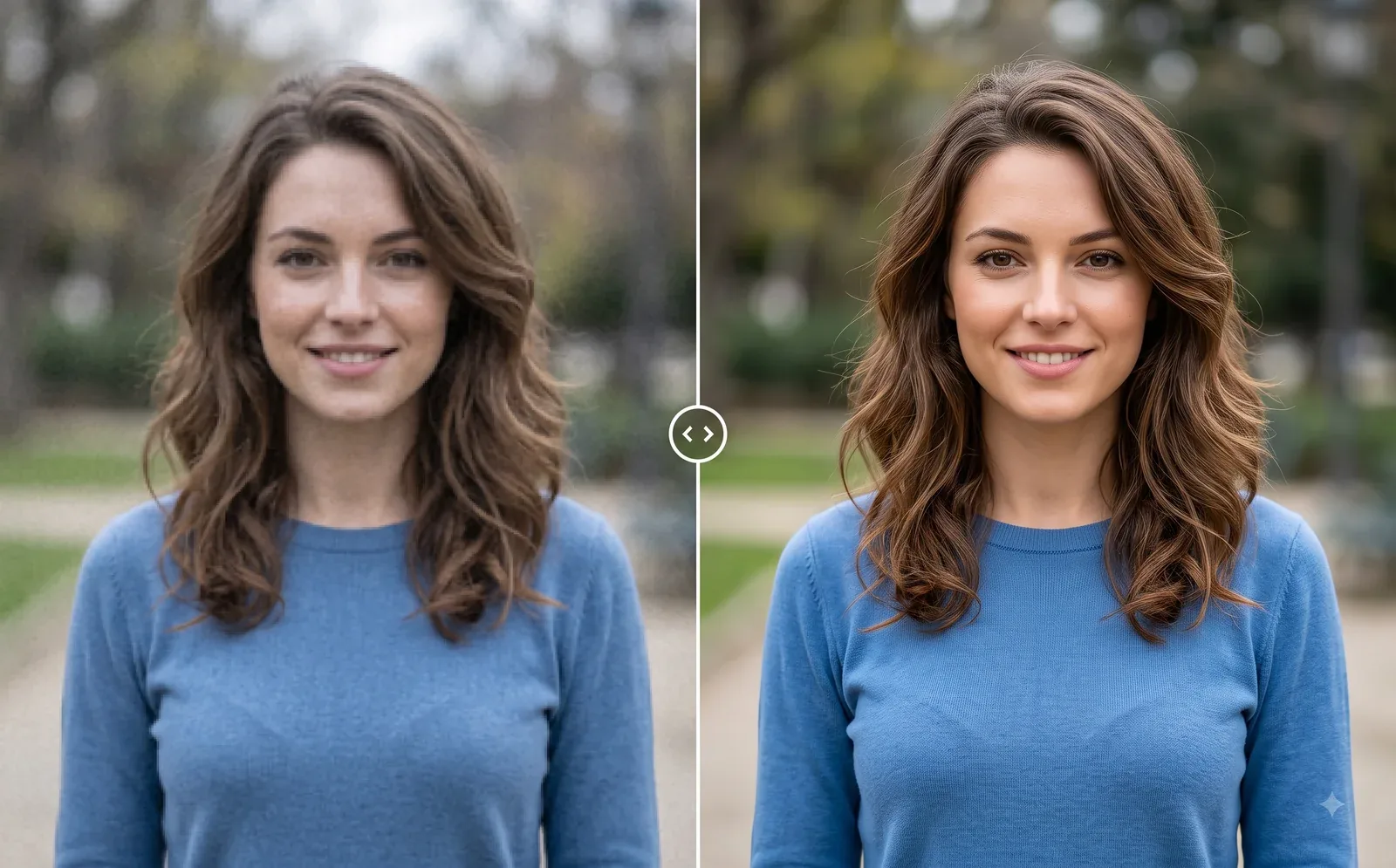
Photo Editing
Image Enhancer
Sharpen blurry or low-quality photos while preserving the original scene.
Explore tool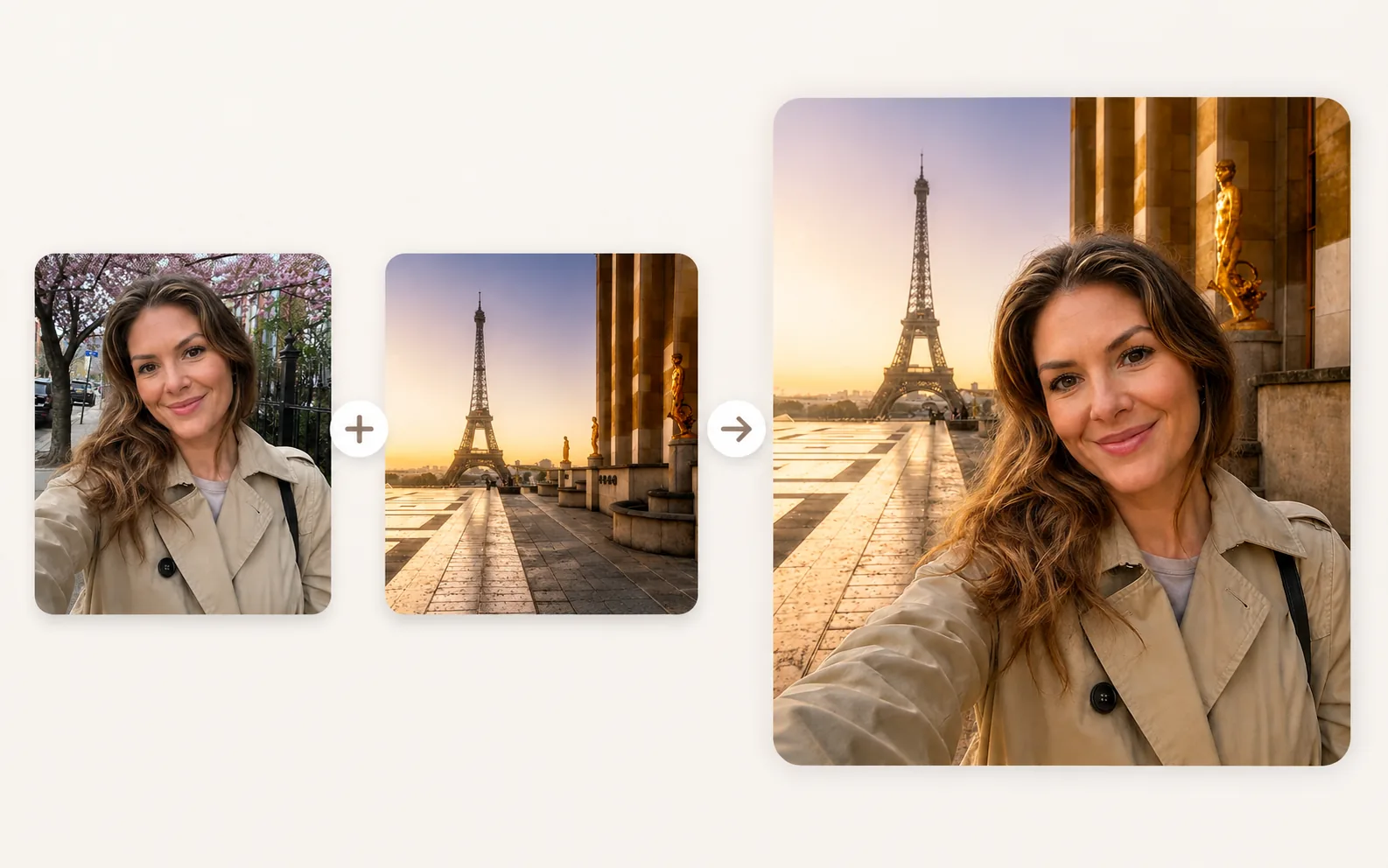
Photo Editing
Image Combiner
Combine photos and place subjects into a new scene.
Explore tool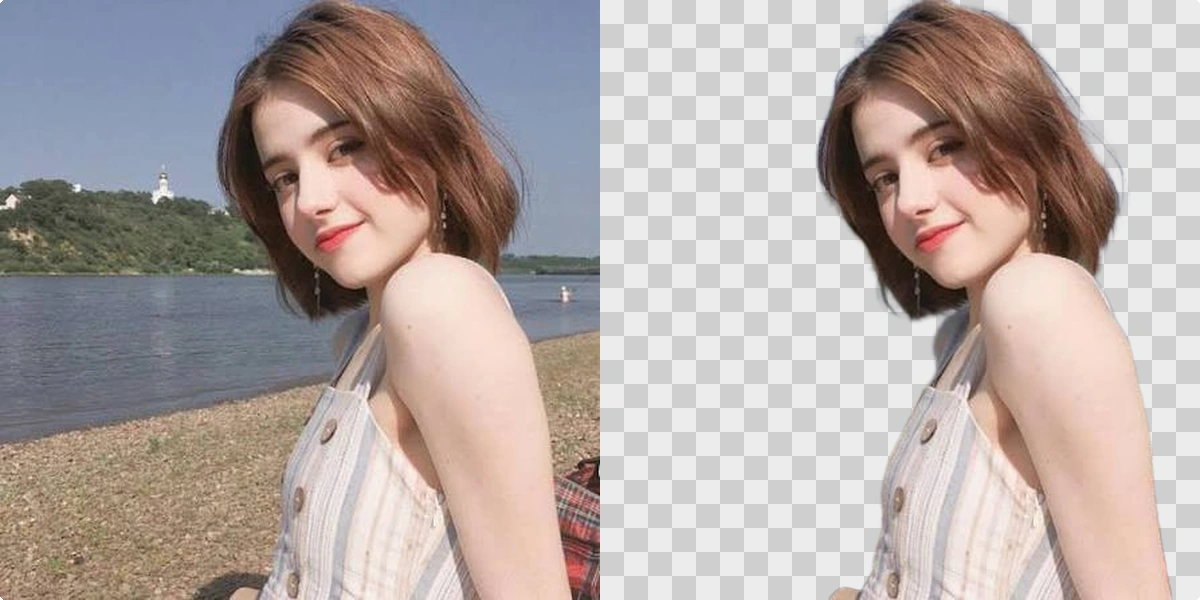
Photo Editing
Remove Background
Cut out a subject and create a clean transparent result.
Explore tool