Fashion & Try-On
Virtual Try-On
See how any outfit looks on you before you wear it.
Available on Pixredi
Examples
A few looks to show what this tool can do.
What you can do
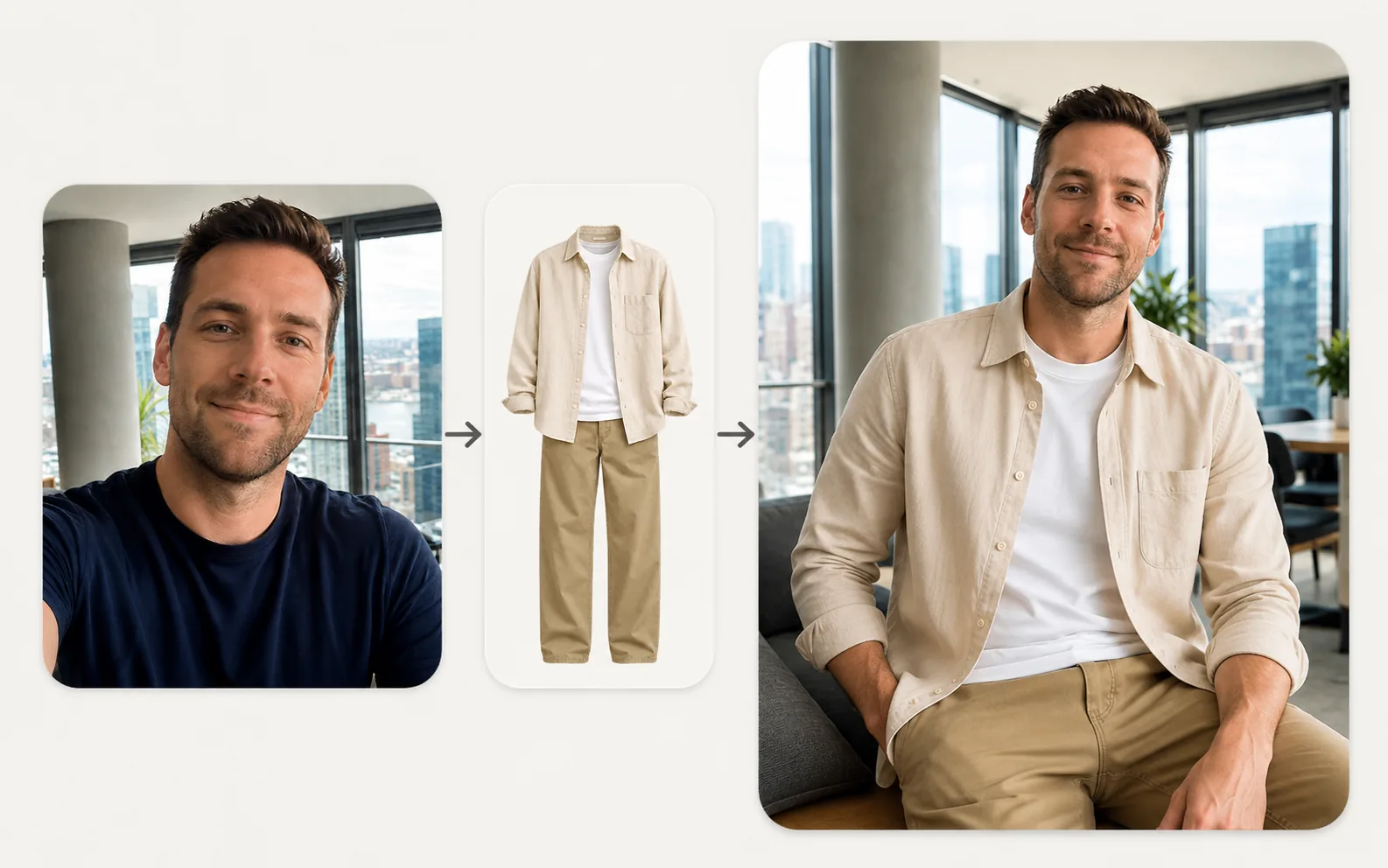
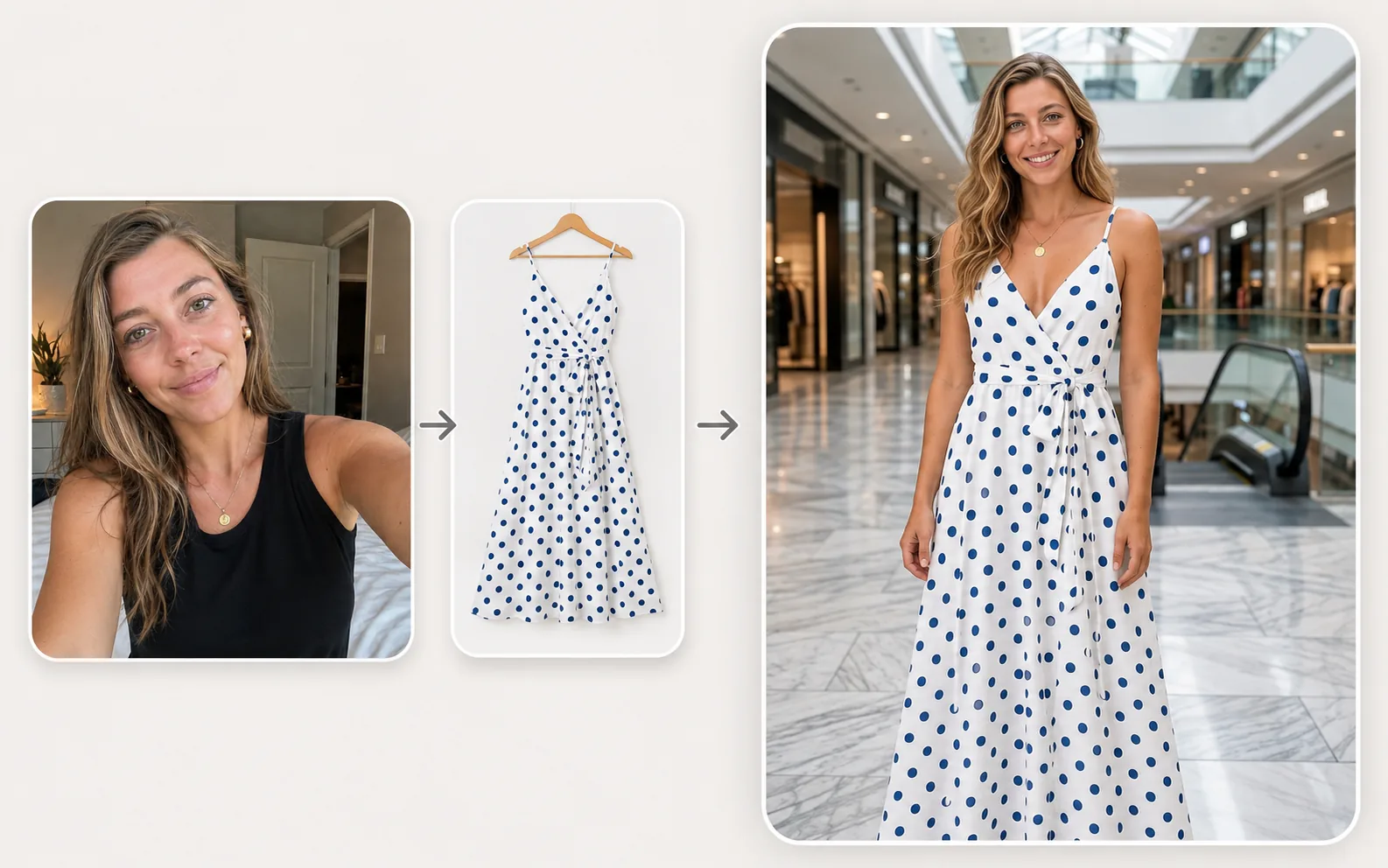
Virtual Try-On combines a person photo with a clothing photo to show how the outfit looks in seconds.
Keep the original background or choose from ten scenes such as Studio, Street, Cafe, Office, Home, Mall, Park, Beach, and Nature.
How it works
- 1
Upload two photos
Add a person photo and a clothing photo.
- 2
Choose a scene
Keep the original background or pick Studio, Street, Cafe, and more.
- 3
Try on and download
Generate a realistic try-on preview and save the result.
Tips before you start
- Use a clear photo of the person
- Choose a flat, clear photo of the clothing
- Keep logos, patterns, and design details visible
- Try a few scenes to compare backgrounds
Styles & ideas
Original
Keep the original background of the person photo.
Studio
A clean, controlled studio setting.
Street
A casual urban scene.
Cafe
A relaxed cafe environment.
Office
A professional workspace setting.
Home
A familiar indoor setting.
Mall
A shopping and lifestyle environment.
Park
A natural outdoor setting.
Beach
A bright, open outdoor scene.
Nature
A scenic outdoor environment.
Ideas for Virtual Try-On
- Personal outfit previews
- Wardrobe planning
- Shopping decisions
- Profile refresh
FAQ
The uploader accepts JPG, PNG, and WebP person and clothing photos up to 10 MB each.
No. The result is designed to preserve identity, facial features, hairstyle, skin tone, body shape, and proportions while adapting the clothing naturally.
Original keeps the background as much as possible. Other scenes place the person naturally in the selected environment while keeping the person and clothing the visual focus.
The generated try-on image is delivered as a PNG download.
Related AI tools
Portrait & Style
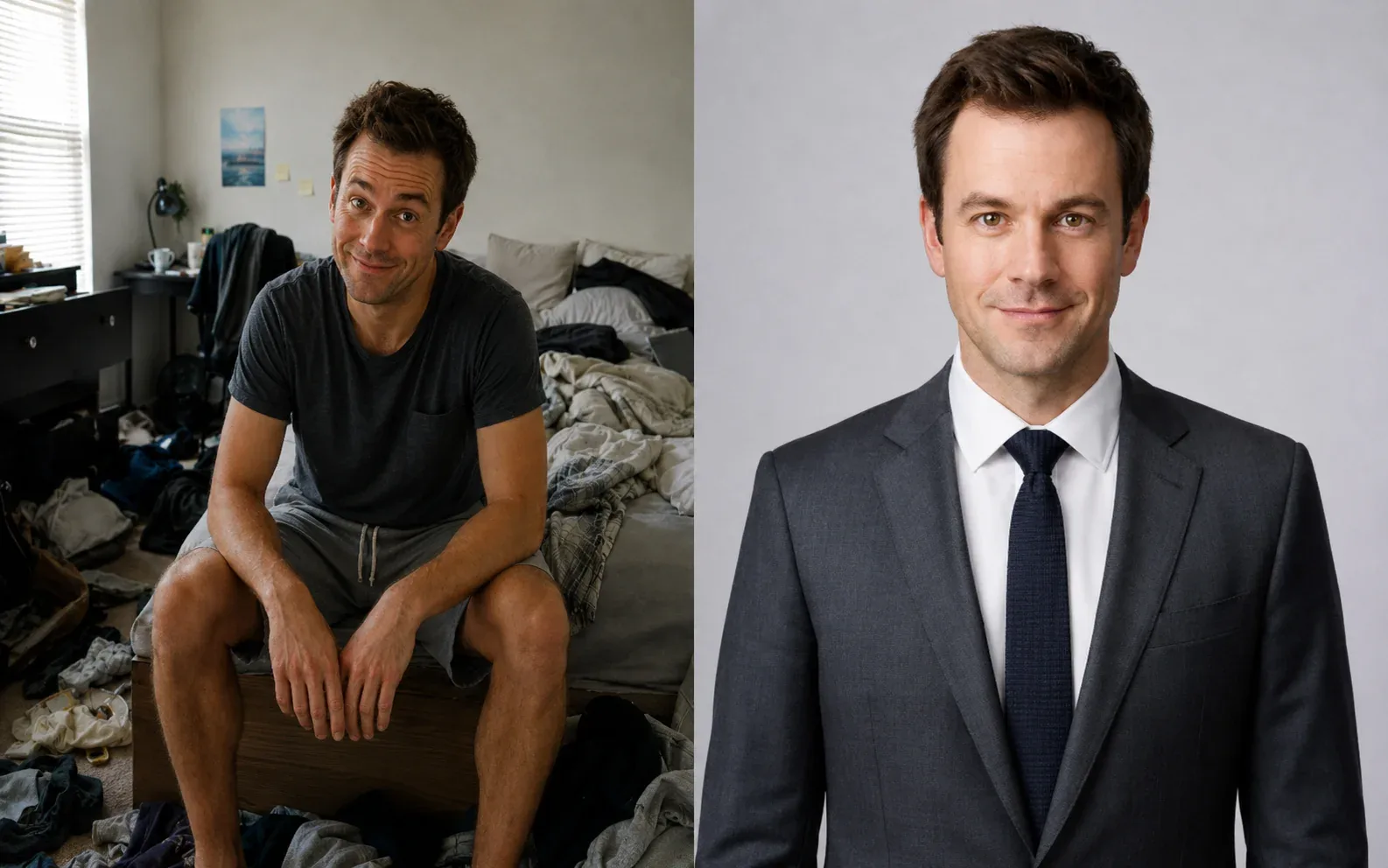
AI Headshot Generator
Create a polished professional headshot from a portrait or selfie.
Explore tool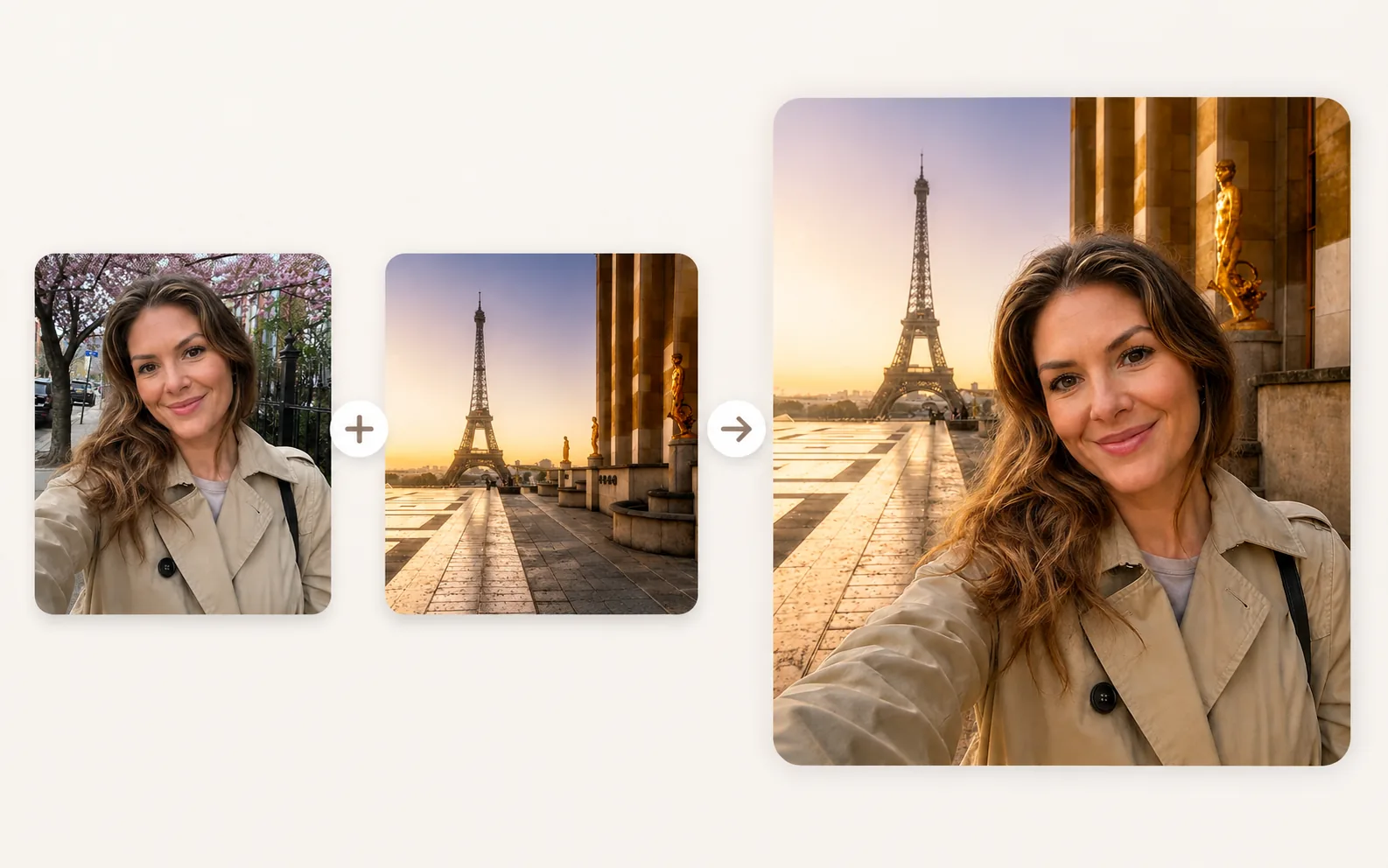
Photo Editing
Image Combiner
Combine photos and place subjects into a new scene.
Explore tool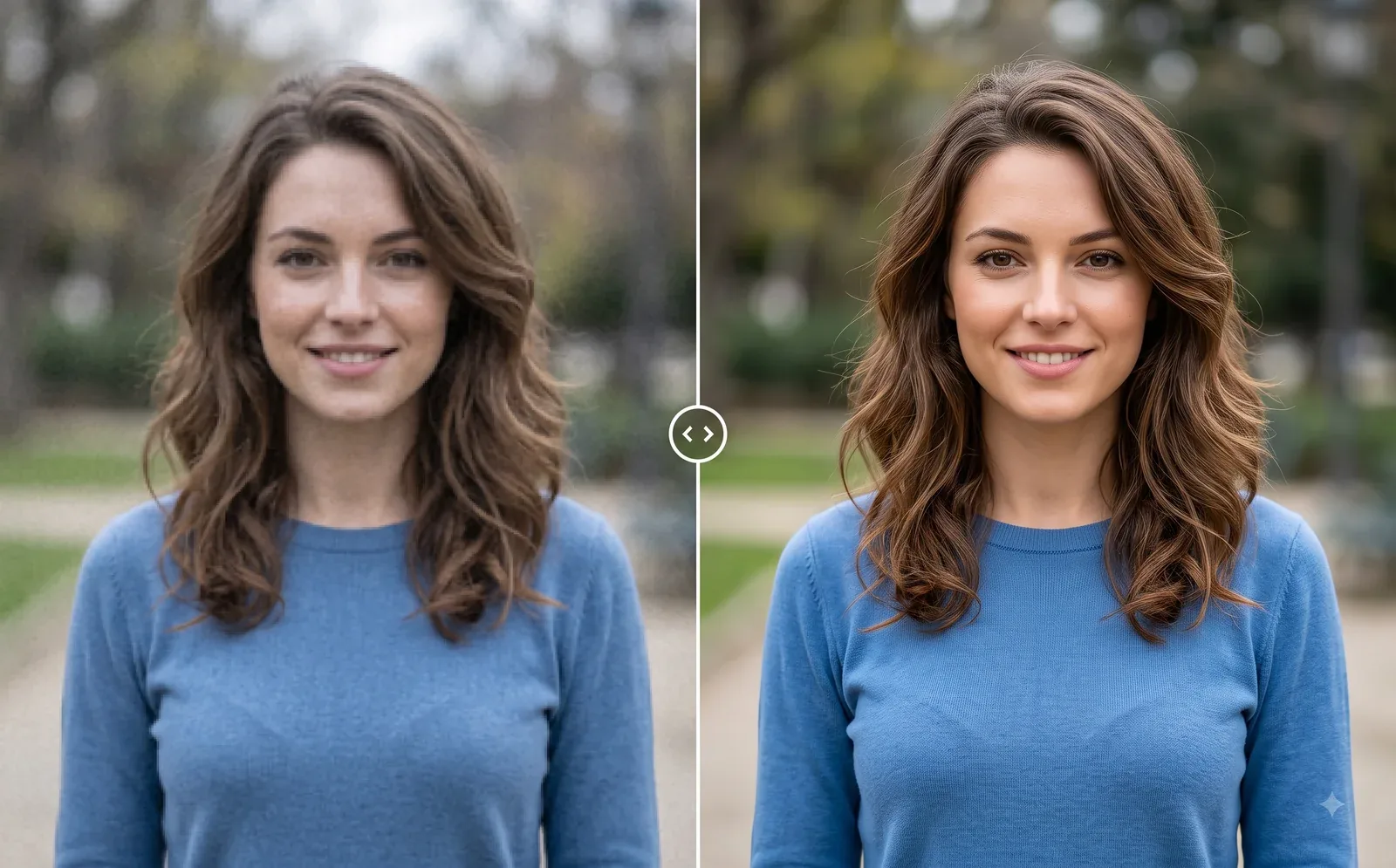
Photo Editing
Image Enhancer
Sharpen blurry or low-quality photos while preserving the original scene.
Explore tool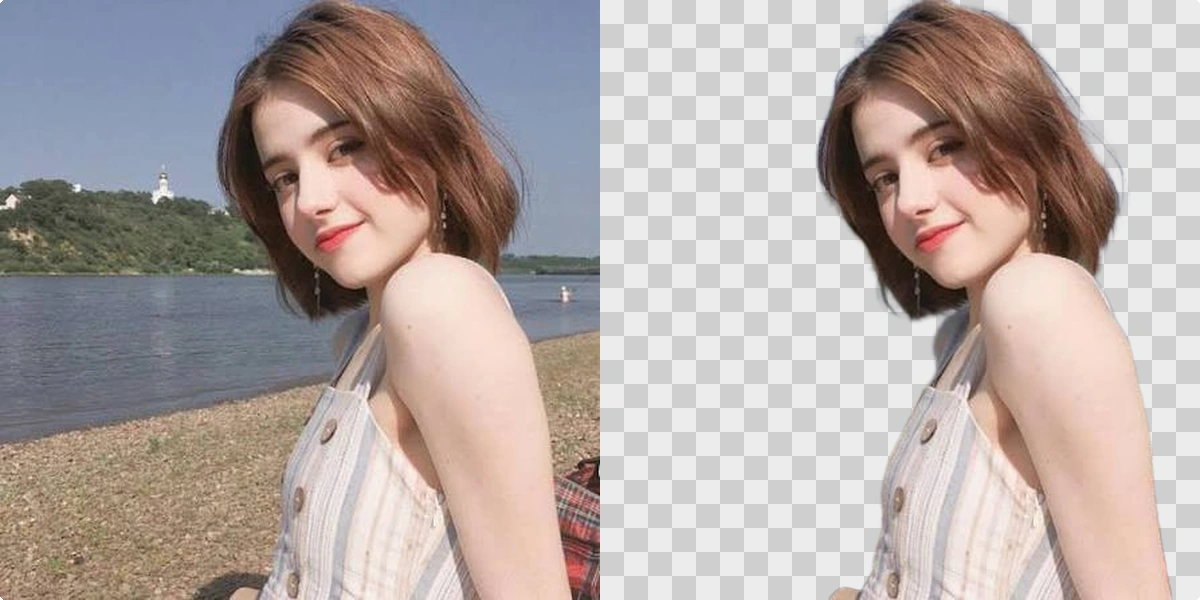
Photo Editing
Remove Background
Cut out a subject and create a clean transparent result.
Explore tool