Image Utilities
Document Scan Cleaner
Reduce shadows, clean gray backgrounds, and make scanned documents easier to read.
Available on Pixredi

Examples
A few looks to show what this tool can do.
What you can do
Document Scan Cleaner turns photos and scans of paper documents into cleaner, more readable images. It reduces shadows, uneven lighting, and gray backgrounds.
Choose Auto, Grayscale, or Black & White to get the look you need for receipts, contracts, notes, and forms.
How it works
- 1
Upload your document
Add a photo or scan of a receipt, contract, note, form, or worksheet.
- 2
Choose a cleanup style
Pick Auto, Grayscale, or Black & White.
- 3
Clean and download
Review the before-and-after result and download a clearer image.
Tips before you start
- Keep the page reasonably flat
- Avoid heavy shadows on the document
- Use Auto for a natural look
- Try Black & White for text-heavy pages
Ideas for Document Scan Cleaner
- Cleaning photographed receipts and invoices
- Improving scanned contracts and forms
- Making class notes easier to read
- Refreshing old scans before printing
FAQ
It reduces shadows, uneven lighting, and gray backgrounds so text is easier to read.
Yes, phone photos of receipts, contracts, notes, and forms work well when the page is readable.
Auto keeps a natural look, Grayscale removes color, and Black & White creates a high-contrast result.
It is available on Pixredi.
Related AI tools
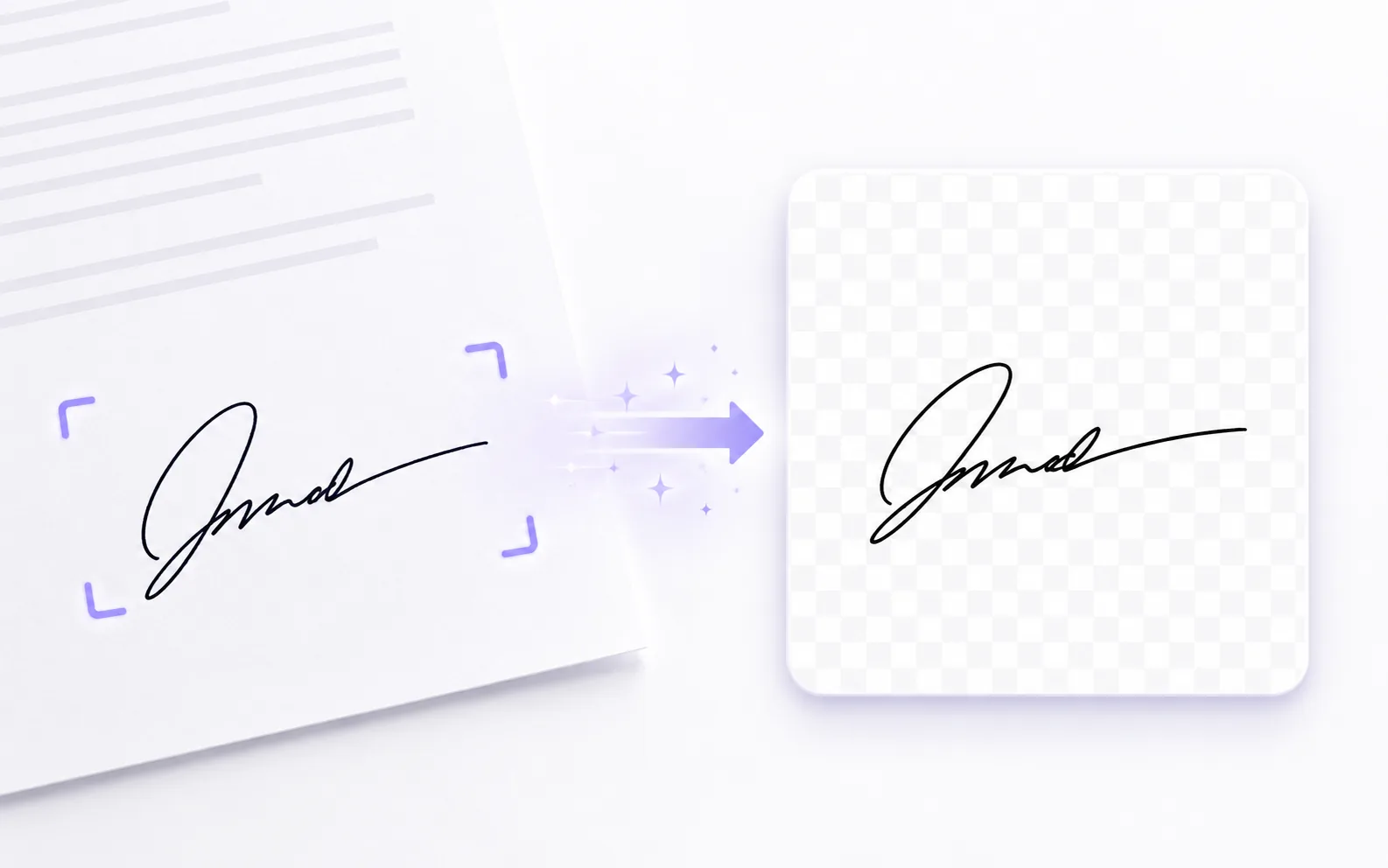
Image Utilities
Signature Extractor
Extract a handwritten signature into a clean transparent PNG.
Explore tool
Photo Editing
Image Enhancer
Sharpen blurry or low-quality photos while preserving the original scene.
Explore tool
Image Utilities
Image to PDF
Combine JPG, PNG, and WebP images into a single PDF.
Explore tool
Photo Editing
Remove Background
Cut out a subject and create a clean transparent result.
Explore tool