Image Utilities
Signature Extractor
Turn a photo of your handwritten signature into a reusable transparent image.
Available on Pixredi
Examples
A few looks to show what this tool can do.
What you can do
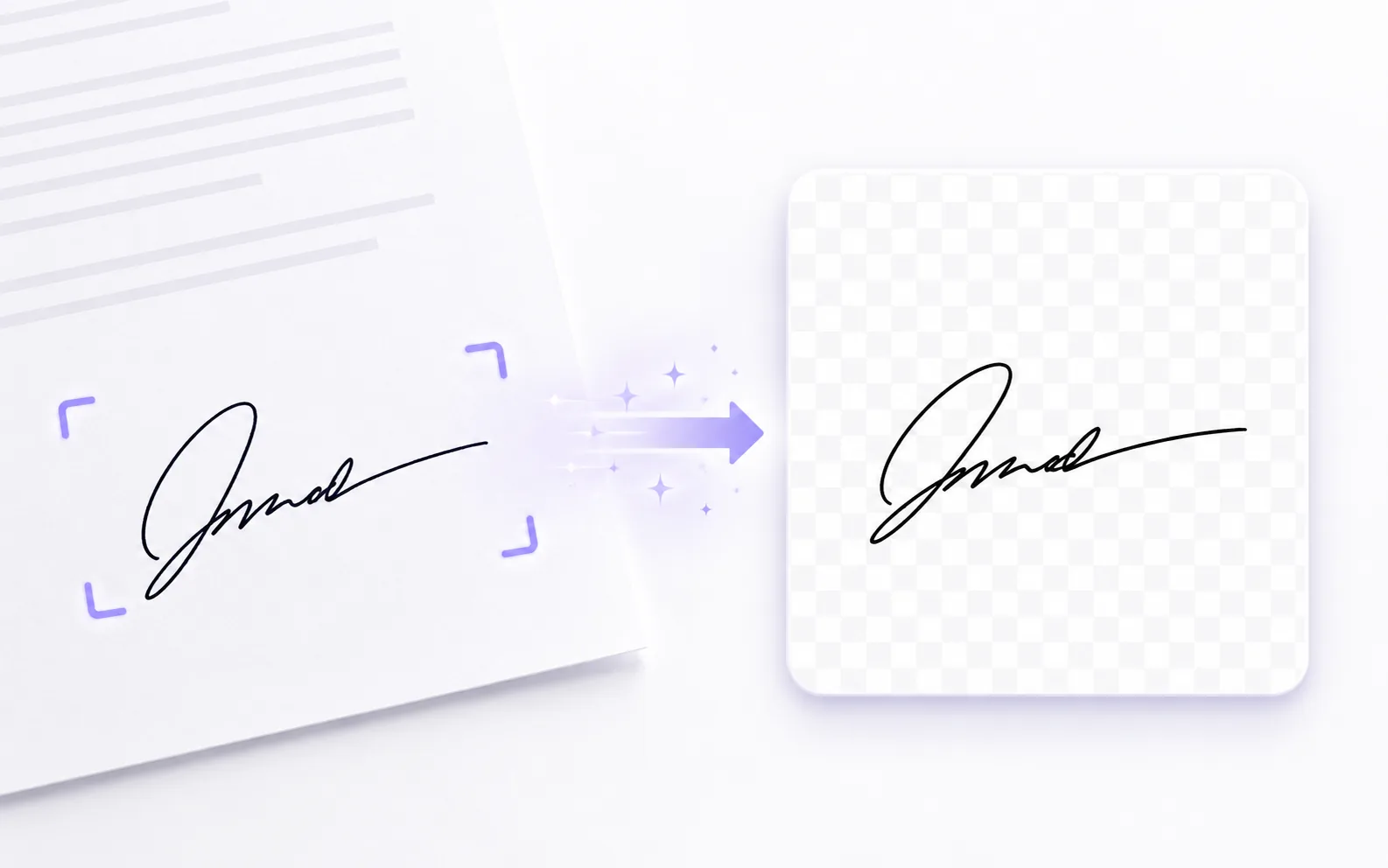
Signature Extractor removes the paper background from a photo of your handwritten signature and downloads it as a transparent PNG.
It is useful for documents, contracts, forms, presentations, and email signatures. The image is processed in your browser.
How it works
- 1
Upload your signature
Add a clear photo or scan of your handwritten signature.
- 2
Extract the signature
The paper background is removed and the signature stays clean.
- 3
Download a transparent PNG
Save the result for documents, forms, or email signatures.
Tips before you start
- Write clearly on plain paper
- Use good lighting and strong contrast
- Keep the pen darker than the paper
- Avoid heavy shadows across the signature
Ideas for Signature Extractor
- Adding a signature to contracts and forms
- Building a reusable email signature
- Inserting a signature into presentations
- Creating a clean digital signature asset
FAQ
Clear handwritten signatures on plain paper with good lighting work best.
Yes, the extracted signature keeps its original color by default.
No, the image is processed in your browser.
It is available on Pixredi.
Related AI tools

Privacy & Branding
Remove Image Metadata
Clear hidden location, camera, and other photo information before sharing.
Explore tool
Privacy & Branding
Add Watermark
Add text or logo watermarks to one image or a whole batch.
Explore tool
Image Utilities
Image Cropper
Crop photos to the right size and framing for any use.
Explore tool
Image Utilities
Document Scan Cleaner
Clean up scanned documents and document photos for better readability.
Explore tool