Image Utilities
Image to PDF
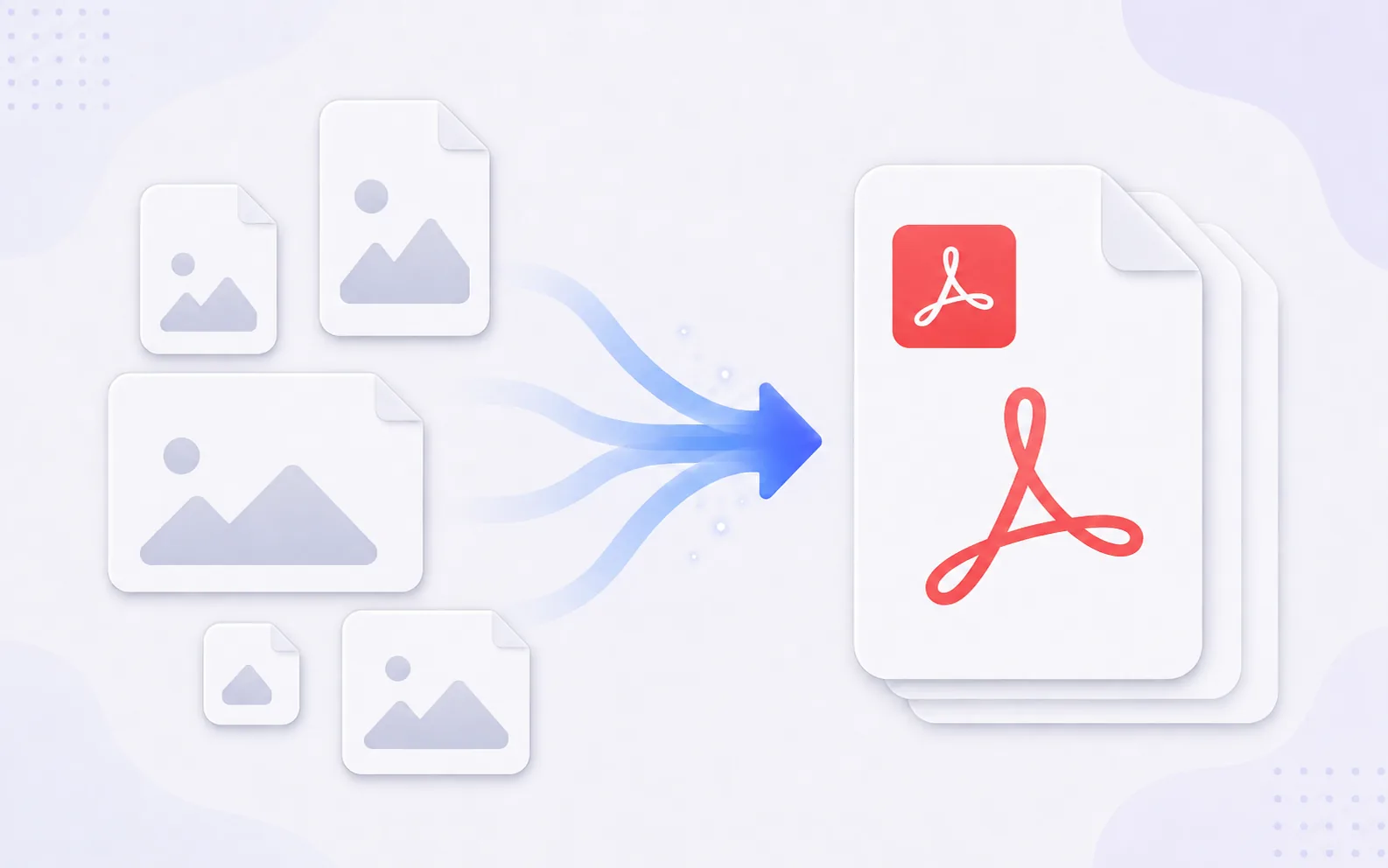
Turn one or more images into a PDF document with the page order and size you choose.
Available on Pixredi
Examples
A few looks to show what this tool can do.
What you can do
Image to PDF combines JPG, PNG, and WebP images into one PDF. It is useful for sharing photo sets, scanned documents, receipts, or presentation pages as a single file.
You can arrange the page order and choose a page size and orientation before downloading.
How it works
- 1
Upload your images
Add one or more JPG, PNG, or WebP images.
- 2
Arrange and customize
Reorder pages and choose a page size and orientation.
- 3
Download the PDF
Combine the images into one document and save it.
Tips before you start
- Use clear, high-resolution images for printed pages
- Check the order before you download
- Choose A4 or Letter when a printer expects that size
- Keep the originals in case you need to rebuild the PDF
Ideas for Image to PDF
- Combining scanned pages into one document
- Sending a photo set as a single file
- Creating a simple PDF portfolio
- Preparing receipts or forms for sharing
FAQ
JPG, PNG, and WebP images can be combined into one PDF.
Yes, you can arrange the images before creating the PDF.
Yes, options include fitting the image, A4, or Letter.
It is available on Pixredi.
Related AI tools
Image Utilities
PDF to Image
Convert PDF pages into JPG, PNG, or WebP images.
Explore tool
Image Utilities
Image Converter
Change images between common formats like PNG, JPG, WebP, and AVIF.
Explore tool
Image Utilities
Image Resizer
Resize images to exact dimensions, percentages, or social media presets.
Explore tool
Image Utilities
Image Compressor
Make image files smaller for faster sharing and uploading.
Explore tool