Image Utilities
PDF to Image
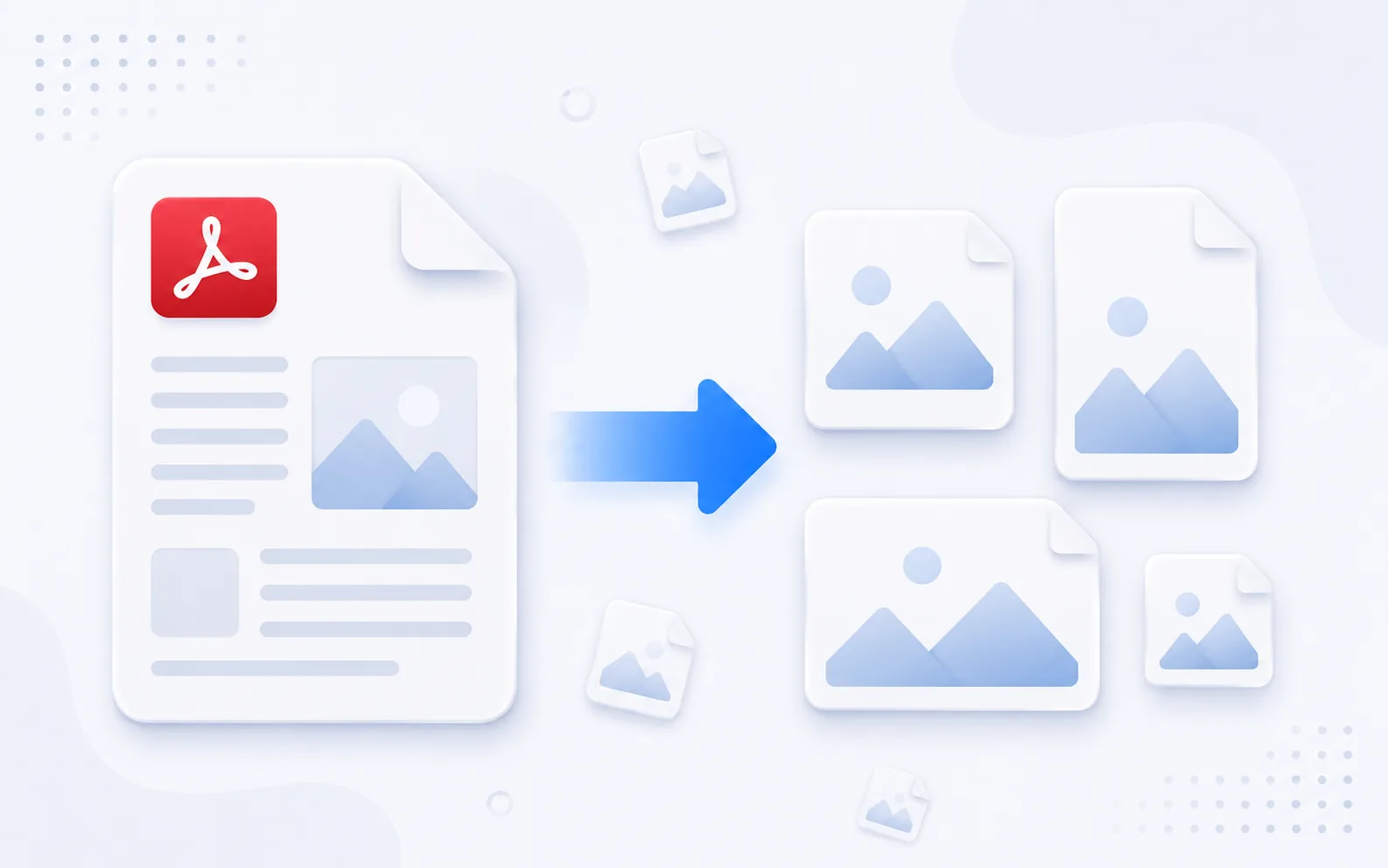
Turn PDF pages into individual images you can share, present, or publish.
Available on Pixredi
Examples
A few looks to show what this tool can do.
What you can do
PDF to Image converts the pages of a PDF into JPG, PNG, or WebP images. It is handy when you want to reuse a page in a design, share it separately, or publish it online.
You can convert the whole document or only the pages you need.
How it works
- 1
Upload your PDF
Choose the document you want to convert.
- 2
Choose your settings
Pick an output format, quality, and the pages you need.
- 3
Download your images
Save individual pages or download them together as a ZIP.
Tips before you start
- Choose PNG when you need the sharpest text or graphics
- Use JPG or WebP for smaller files
- Select only the pages you need to keep the output focused
- Check the layout at the size you plan to use
Ideas for PDF to Image
- Turning a PDF page into a shareable image
- Preparing document pages for a website
- Reusing a chart or table in a presentation
- Publishing pages on social media
FAQ
PDF pages can be converted to JPG, PNG, or WebP images.
Yes, you can choose the whole document or the specific pages you need.
Yes, the output can be downloaded together as a ZIP file.
It is available on Pixredi.
Related AI tools
Image Utilities
Image to PDF
Combine JPG, PNG, and WebP images into a single PDF.
Explore tool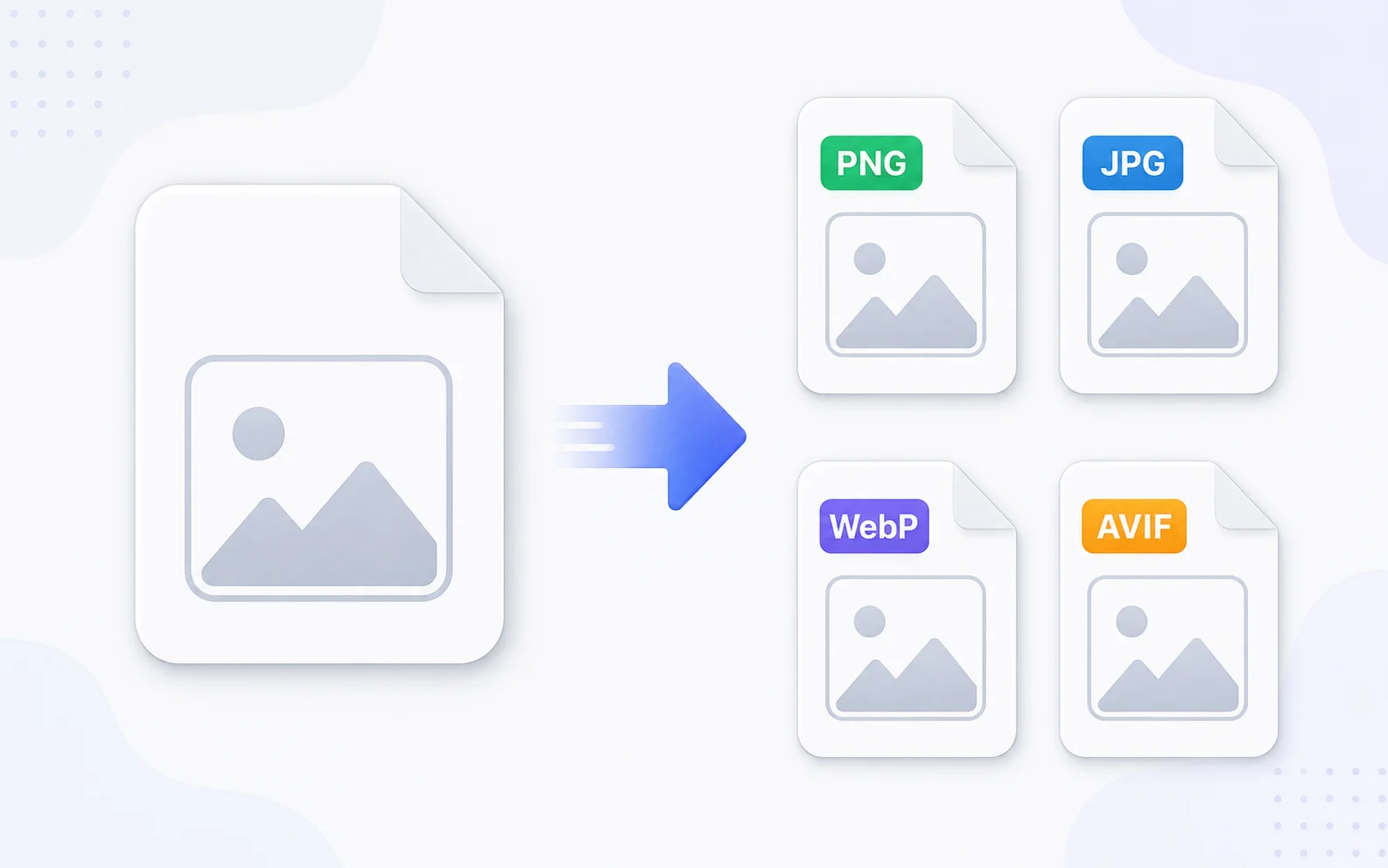
Image Utilities
Image Converter
Change images between common formats like PNG, JPG, WebP, and AVIF.
Explore tool
Image Utilities
Image Resizer
Resize images to exact dimensions, percentages, or social media presets.
Explore tool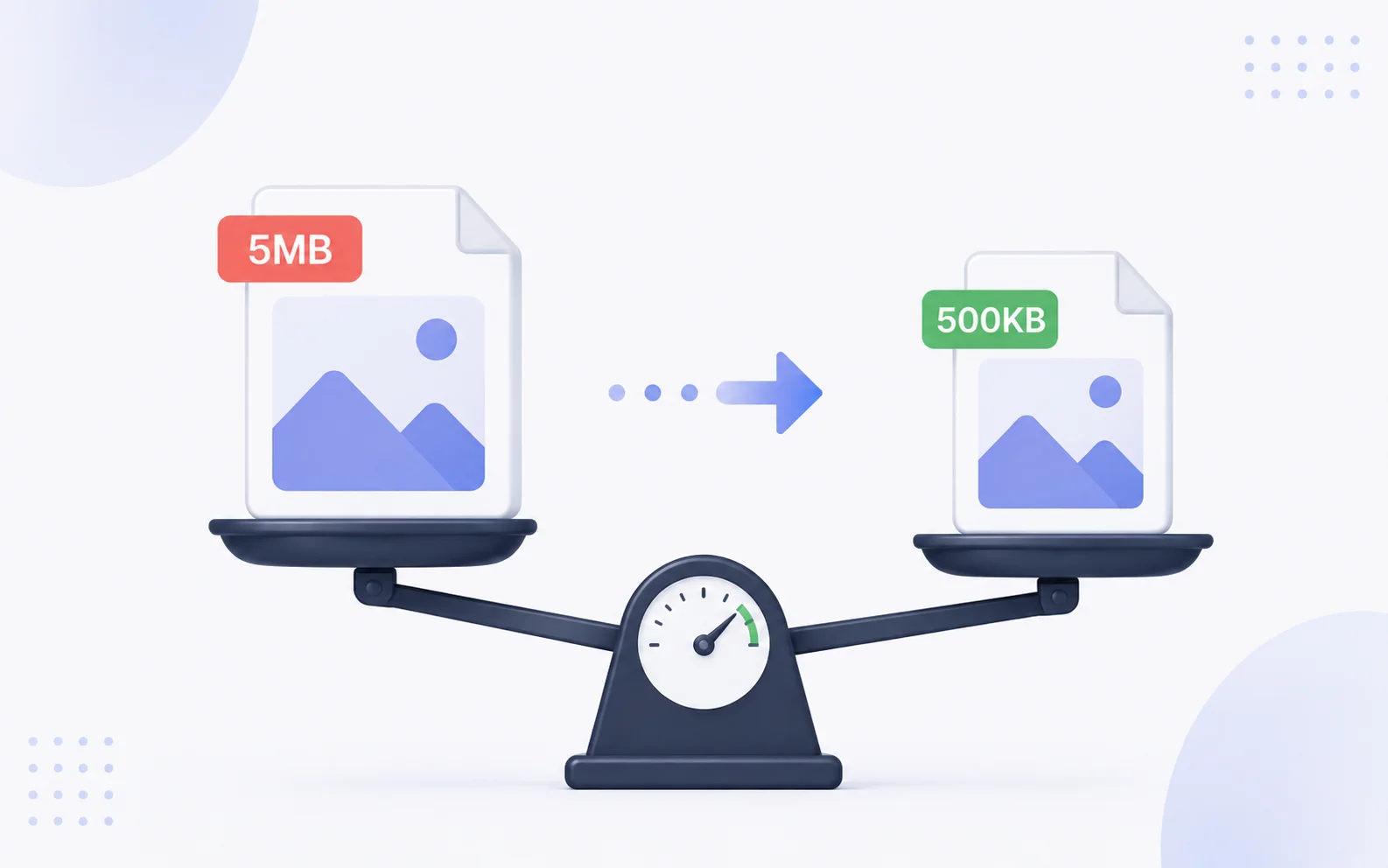
Image Utilities
Image Compressor
Make image files smaller for faster sharing and uploading.
Explore tool